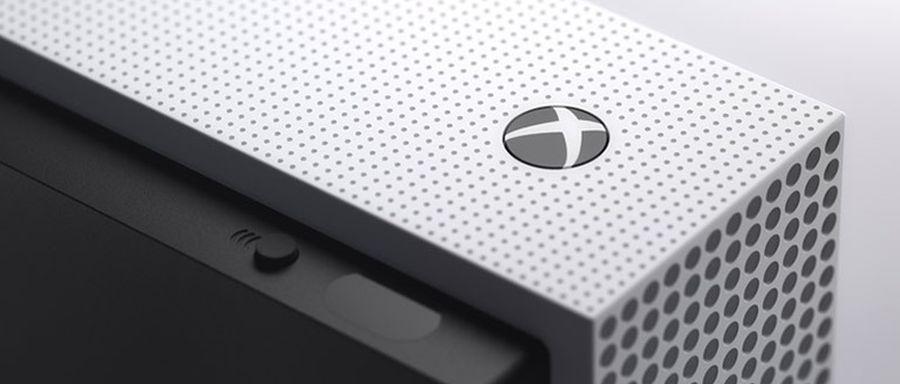
Microsoft has provided a fix for the Xbox One “black screen” issue.
News
Dmitry KrivovTranslated with AI from the Russian original.
Microsoft continues to improve the Xbox Series X|S and Xbox One, but the latest update for Xbox Insider program members caused an unexpected error.
Many players reported encountering the “black screen of death,” which occurred after starting the console. Fortunately, it is not so widespread, as it did not appear in the public version of the system.
The manufacturer addressed the issue and released a short guide on rolling back to the latest public version of the Xbox One system.
- Press and hold the Bind + Eject buttons for 10–15 seconds
- Once you hear two power-up chimes a few seconds apart, release the buttons
- A new menu will appear on the screen, in which you need to select “Troubleshoot” and then “Reset this Xbox, but keep games and apps”.
- After that, you need to sign in to your accounts again.
Engineers will likely focus primarily on the “black screen” in a future update.
Never miss our newsAdd this site to your preferred sources to see us more oftenAdd on Google