Black Screen, Crashes, and Broken Russian Localization in Europa Universalis 5 - Players Share Solutions to Some Problems
Translated with AI from the Russian original.
Modders are gradually starting to fix some elements of the game.
Europa Universalis 5 was recently released. Not everything went smoothly, and users have begun reporting various problems.
While some are "traditionally" complaining about optimization, some community members couldn't even properly launch Europa Universalis 5 - a black screen appears, and the game crashes.
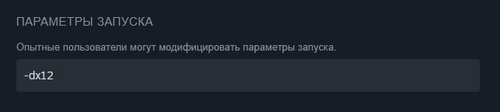
A simple solution helps many: in the Steam library, right-click on the EU5 game and select Properties -> General -> in the launch options, insert "-dx12" without quotes.
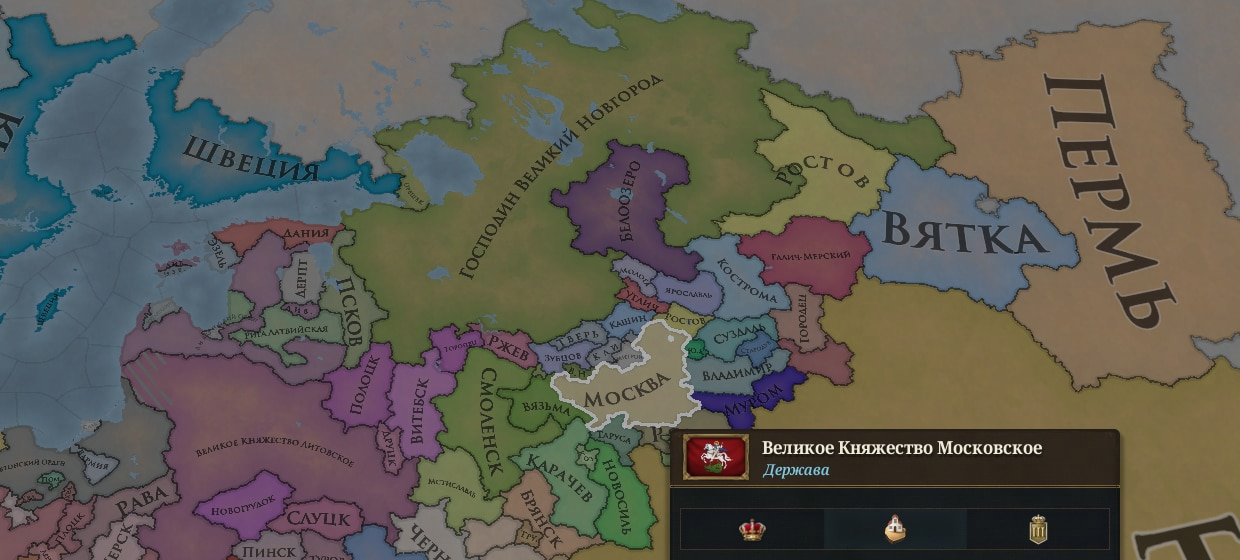
There are also problems with the Russian localization in Europa Universalis 5: players note not only the low quality, suspecting "AI translation"; part of the text may simply disappear.
The first modifications have already been released in the "Workshop Steam", including a project with the telling title "Localization Fix" - this solution is not ideal, but it generally returns part of the text (without a fan patch, empty spaces will be encountered in the interface).
Never miss our newsAdd this site to your preferred sources to see us more oftenAdd on Google