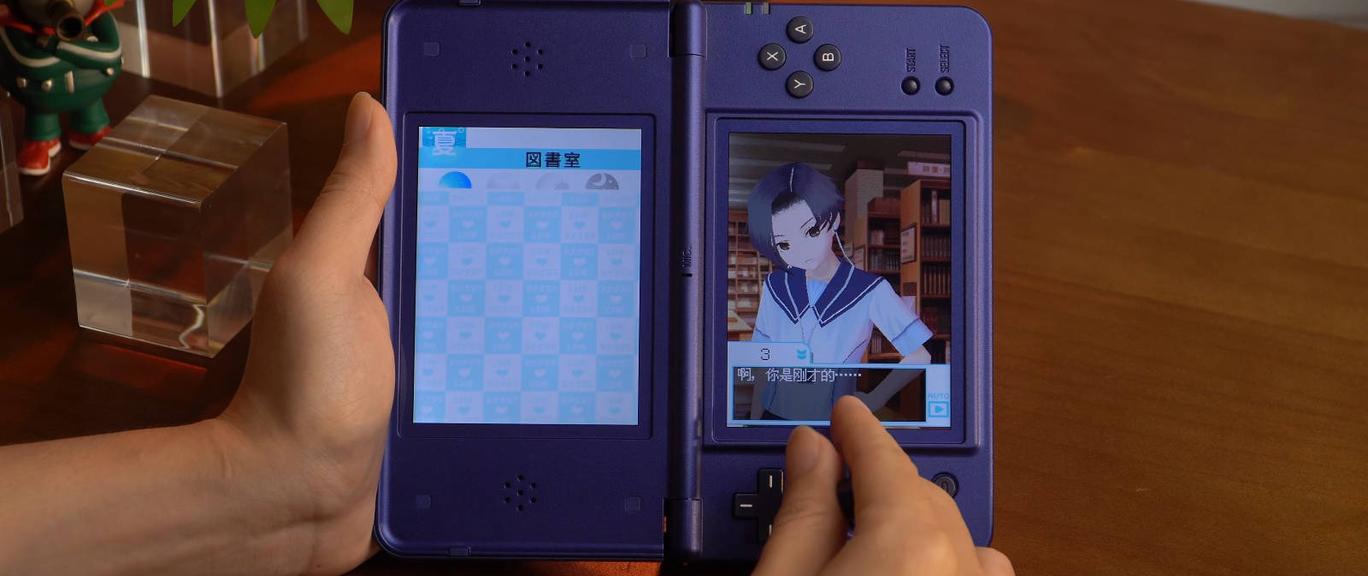
Anbernic has prepared a gift for owners of the dual-screen portable console RG DS Plus. They have updated their NNDDSS emulator to version 1.0.2.
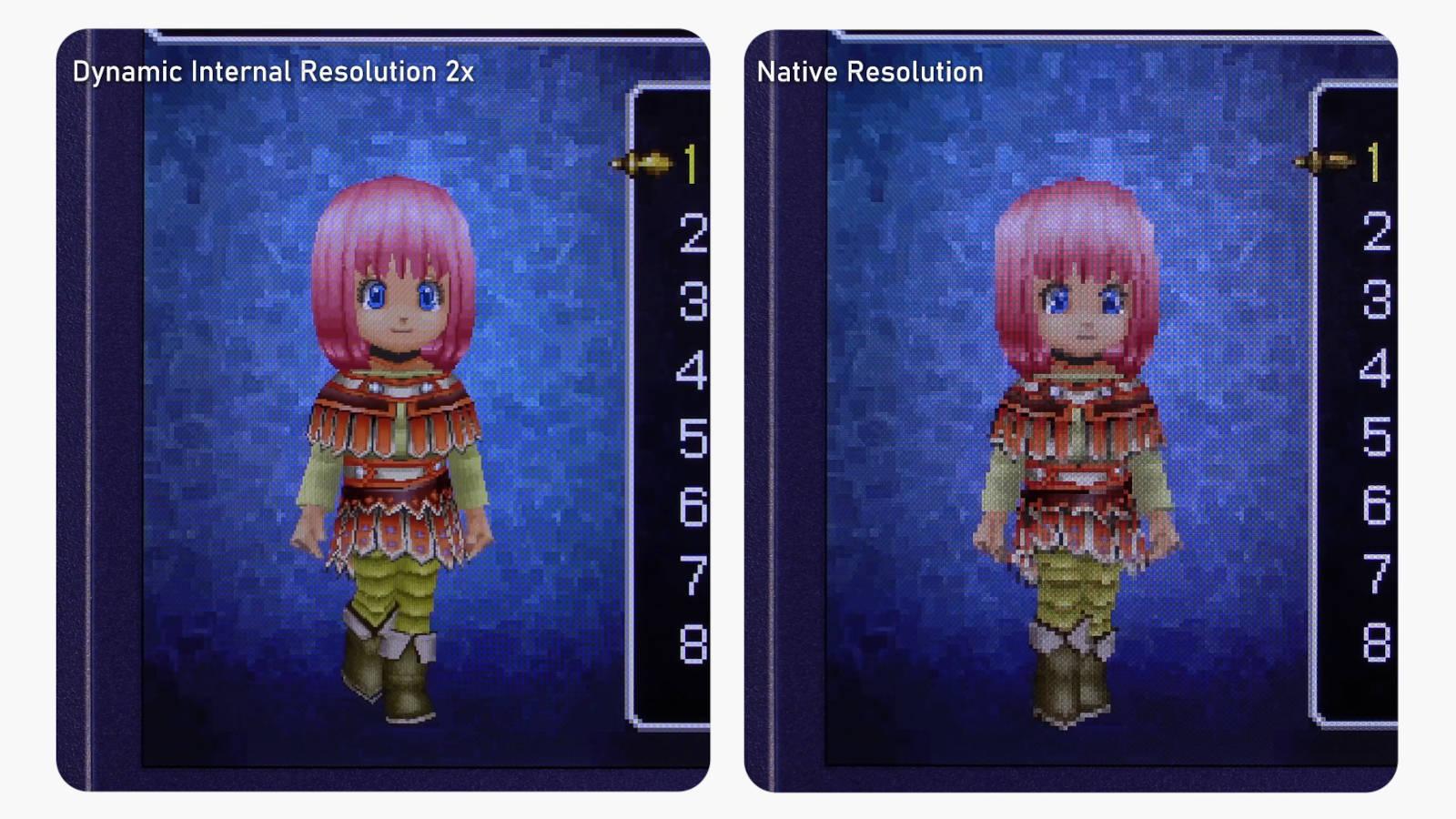
With the latest version of NNDDSS, a number of new features and changes have appeared, among which, apparently, there is now support for 2X resolution for Nintendo DS games. This was one of the most requested features since the release of the RG DS Plus.
Game performance and overall smoothness have been improved, dynamic adjustment of internal 3D resolution has been added, firmware language selection has been introduced, allowing the display language to be changed directly during gameplay, and new shaders have been added.
Update video from Anbernic's official YouTube channel
Developers have optimized save and load state functions, as well as the overall user interface. In addition, Anbernic has significantly simplified the installation of the update.
Gamers no longer need to completely reflash the stock Linux OS for the updated emulator. According to the video above, NNDDSS v1.0.2 can be installed on the RG DS Plus as follows: download the latest NNDDSS build, unpack it and transfer the files to a microSD card, go to the APP section on the RG DS Plus, select TF Card 2, find and select the emulator update file.
After the installation is complete, you will need to restart the RG DS Plus. To use resolution scaling, you need to launch any Nintendo DS game, open the emulator, press the Anbernic button in the lower left corner, and navigate to: Menu > Game Settings > Graphics.
Then you will have to go to the Resolution settings, change the scaling from 1X to 2X, and save the changes. Gamers hope that Anbernic will pre-install this version on all RG DS Plus consoles that will go on sale in the future. Otherwise, it could be a headache for those who don't know that the emulator needs to be updated to access the latest features.