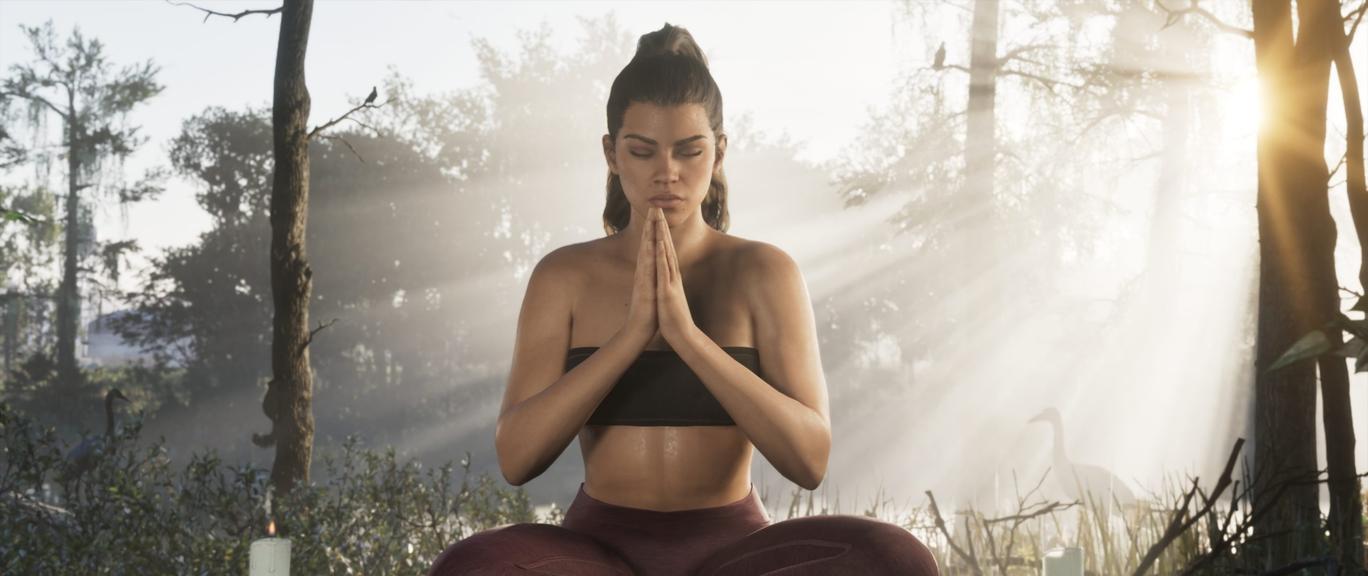
Despite the impressive world detail, lighting, and landscapes, GTA VI may look worse than players’ displays allow. Vincent Teoh, a professional display calibration specialist and creator of the HDTVTest channel, drew attention to the issue. He tested the HDR implementation and found that the in-game menu settings do not match the actual image brightness.
For example, if a TV supports 1,000 nits and a player sets this value in the peak brightness settings, the brightest areas of the image only reach about 600 nits. At the same time, GTA VI ignores the HDR settings configured at the system level on the PS5 and Xbox Series X|S.
Additional issues stem from the three calibration sliders. Lowering Paper White below 50 reduces the actual peak brightness, even though the test screen continues to display the previous value. If left at the default 50, mid-tones become overly bright, making some scenes look washed out.
Teoh suggested his own settings for TVs with a brightness of 1,000 nits and above: Maximum Brightness – 2,000 nits, Black Levels – 20, white level – 35. The expert explains the unusually high peak brightness value by the specific quirks of HDR calibration in GTA VI. He also recommends performing the setup in a darkened room. It is best to start the black level from zero, gradually increasing it until the test pattern becomes barely visible.