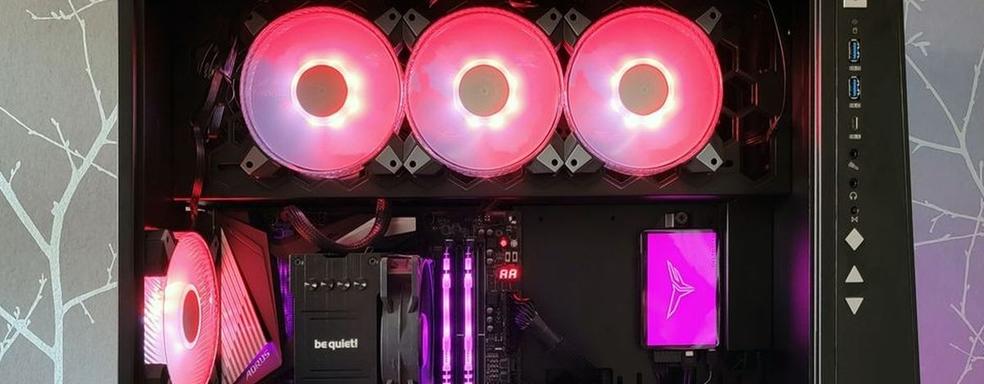
Windows 11 breaks RGB lighting, crashes games, and sends some players to the blue screen
Translated with AI from the Russian original.
The KB5121003 update causes a "blue screen of death" when launching online games due to a conflict between the low-level Inpoutx64.sys driver and RGB peripheral software.
The KB5121003 update for Windows 11 causes a “blue screen of death” for some players using RGB peripherals due to a failure of the Inpoutx64.sys system driver.
For a reason not yet fully understood, the low-level Inpoutx64.sys driver, through which third-party programs interact with the motherboard, cooling, and lighting controllers, fails in certain situations. The system displays a blue screen of death with the message “EXCEPTION_ACCESS_VIOLATION”, after which only a reboot remains.
The problem occurs when playing online games like Arc Raiders, Marvel Tokon: Fighting Souls and The Finals simultaneously with the use of RGB peripherals.
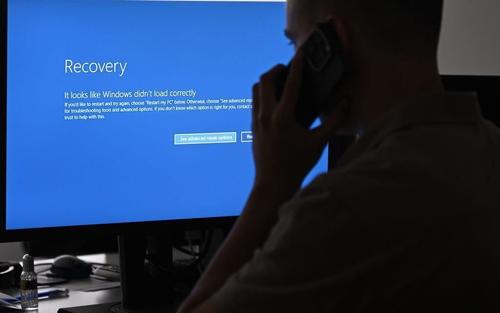
Some accessories use drivers with names similar to the system's inpoutx64.sys. After installing KB5121003, Windows 11 may confuse them, leading to erroneous memory operations and BSOD.
A temporary solution is to open HKEY_LOCAL_MACHINE\SYSTEM\CurrentControlSet\Services\inpoutx64 in the registry and set the Start parameter to 4. This will disable Inpoutx64.sys, which will cause some hardware control functions to stop working.
Never miss our newsAdd this site to your preferred sources to see us more oftenAdd on Google