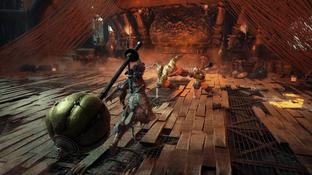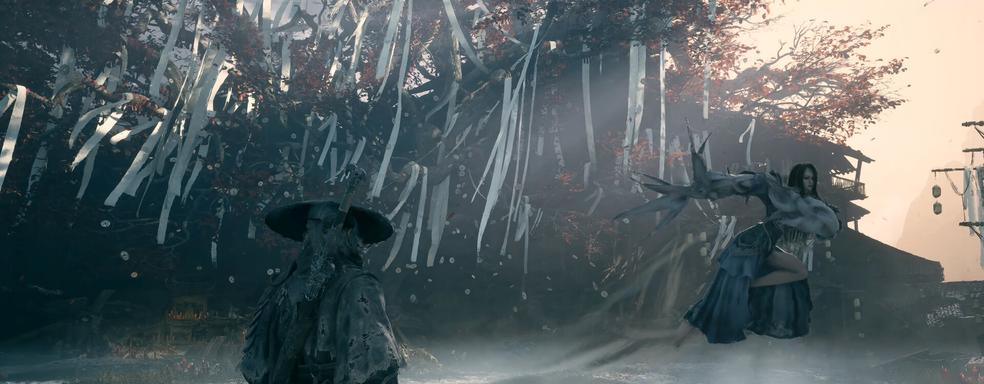
Why does the image in Phantom Blade Zero look so blurry? S-Game’s graphical trick in performance analysis.
Translated with AI from the Russian original.
Phantom Blade Zero deliberately reduces the default display resolution, which makes the picture look blurry.
Content creator Daniel Owen looked into the technical side of the Unreal Engine 5 game. Despite praise directed at the PS5 version for its impressive graphics and stable 60 FPS, PC players had questions regarding image quality.
When selecting 1440p resolution, Phantom Blade Zero sets the Super Resolution Output Scale setting to 85% by default, effectively reducing the internal render resolution. On a PC with an RTX 3060, Owen achieved around 70 FPS using DLSS Performance at 1440p scaled to 100%. With DLSS Quality, performance hovered around 60 FPS, while the picture became noticeably sharper.
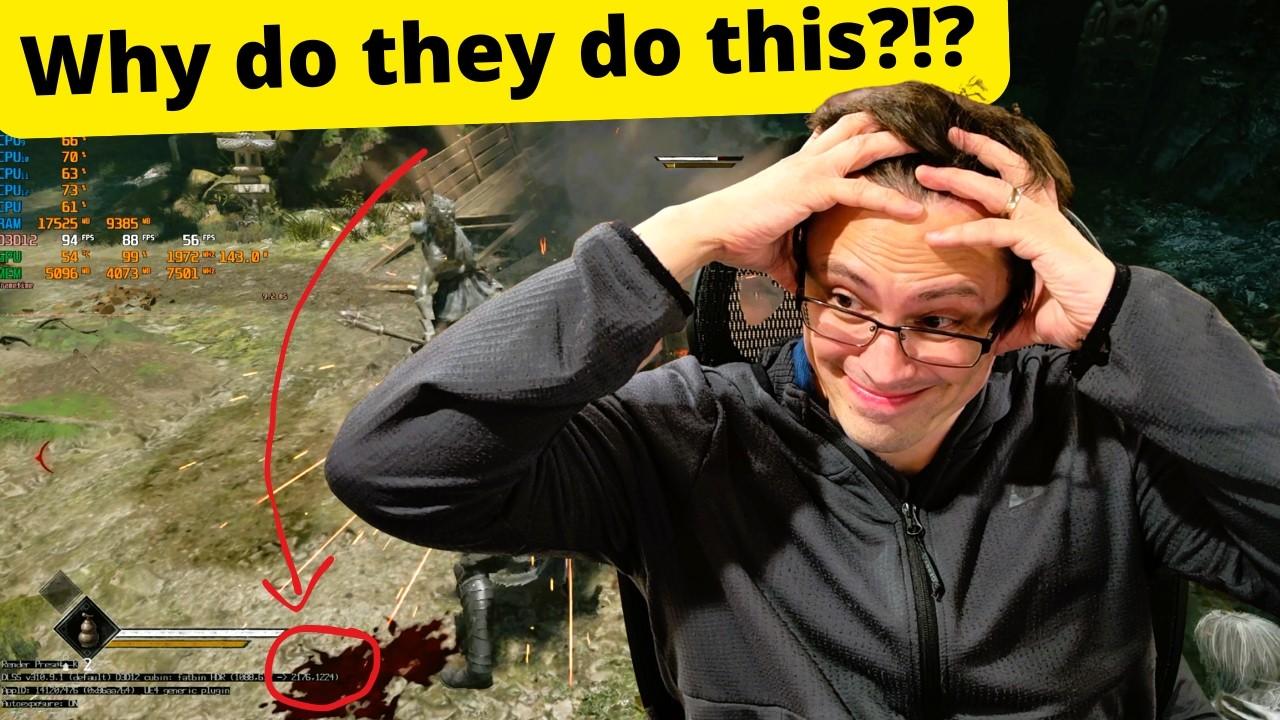
All tests were conducted with ray tracing disabled: the developers implemented a high-quality static lighting system.
If I set it to 1440p, the game does not render at 1440p by default. […] In my opinion, before disabling this option, the image was excessively blurry.
Never miss our newsAdd this site to your preferred sources to see us more oftenAdd on Google