
“Looks terrible”: Valve updates Steam Community Market and adds fee settings — not everyone appreciates the new interface
Translated with AI from the Russian original.
Questions have arisen for UI designers.
In November, Valve officially released a major update to the Steam Community Market, which had previously been tested by players. The main page and many other user interface elements have been redesigned.
The Steam Community Market main page will load faster and displays the most relevant items from games found on the player’s account. There is now a “Trending” section where users can see what’s new in the games they play.
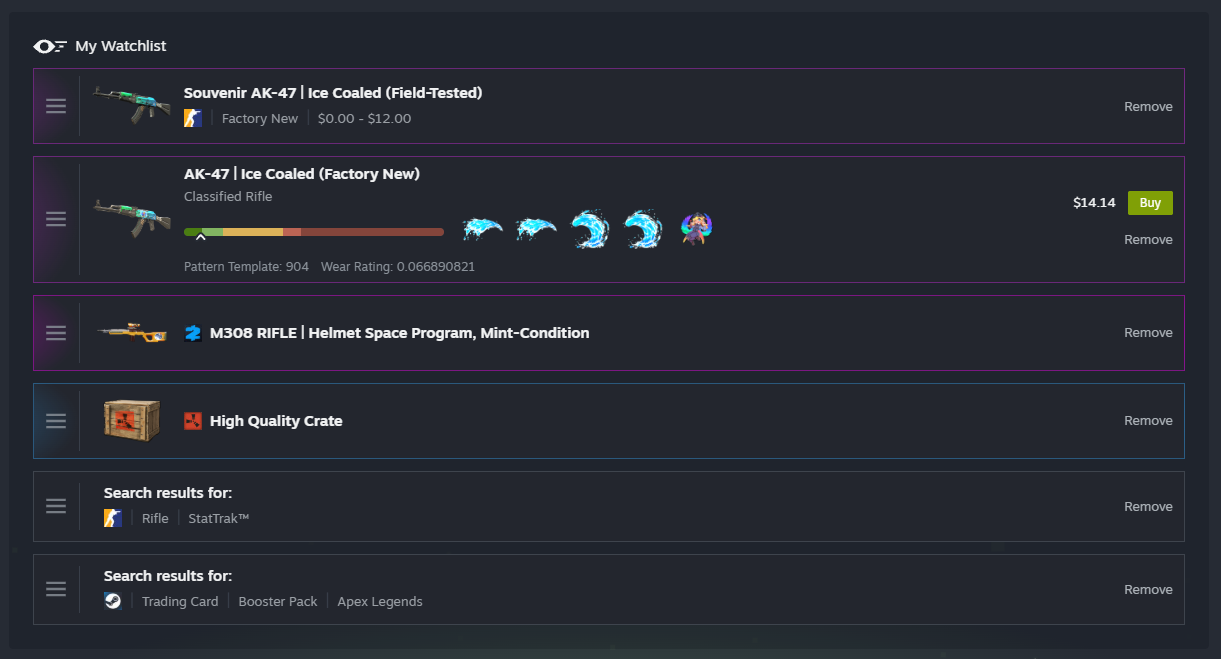
A “watchlist” has been added—it will allow users to save individual sell listings, items of the same type with applied filters, and search queries with filters and entered text.
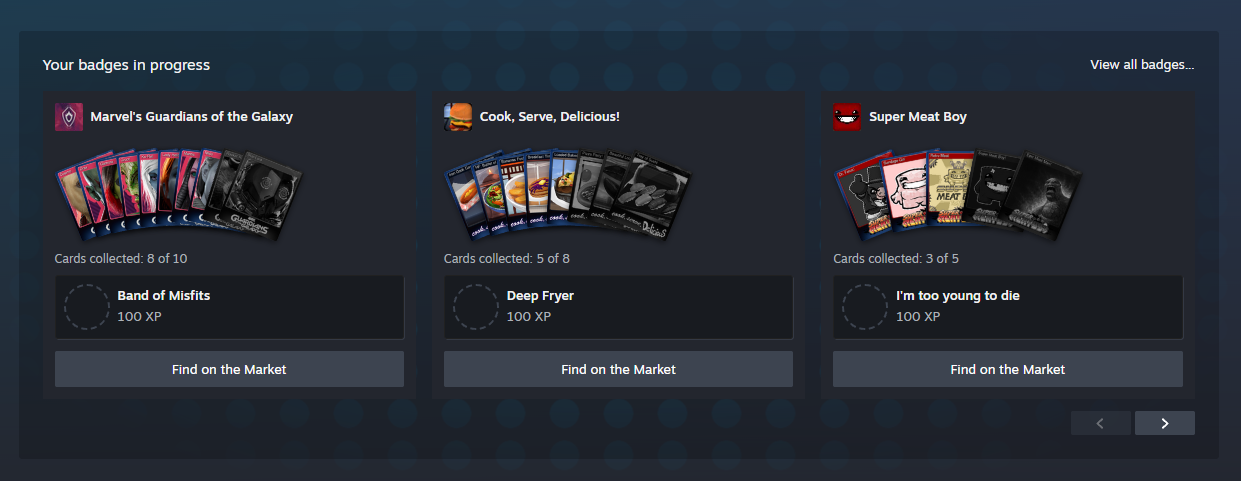
A new section has appeared featuring Steam Community items (trading cards, emoticons, and profile backgrounds) from games the user plays. If an account has incomplete badges, they will be displayed there.
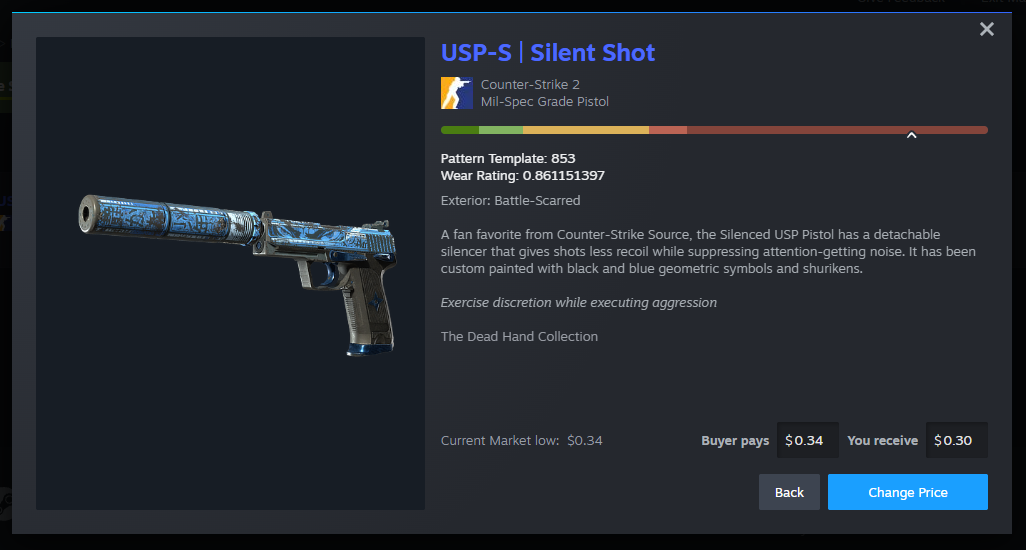
Players will be able to change the price on an active sell listing.
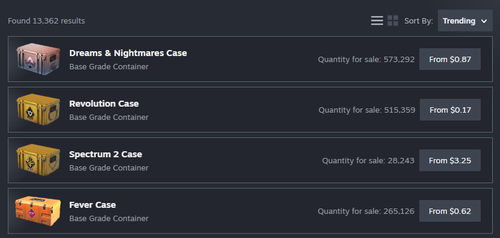
Now search results, as well as buy and sell listings, can be viewed not only as a grid, but also as a list.
In addition, Valve explains, users can now configure the buyer fee percentage for items on the Steam Community Market, as well as set a maximum seller fee.
Mobile confirmations have also been simplified:
Buying or selling items through the Steam Mobile App? If you use the Steam Guard Mobile Authenticator on the same device, you can now confirm the action right away. No more leaving the Market to visit the confirmations page. Buying and selling items in the mobile app should become much more convenient.
Early reviews of the user interface are “mixed”: some players think it looks “just terrible” and that placing orders now takes them more time.
Never miss our newsAdd this site to your preferred sources to see us more oftenAdd on Google