Translated with AI from the Russian original.
The Asus TUF Gaming F15 (2022) laptop offers a discrete GeForce RTX 3060 Laptop GPU with increased power, which outpaces lower-tier GeForce RTX 3070 Laptop solutions in games. Its performance is ample for gaming at maximum graphics settings.
We got our hands on the 2022 Asus TUF Gaming F15, which uses last year's GeForce RTX 30-series graphics cards, but the processors are brand new — 12th-generation Intel Core (Alder Lake). This is an entry-level gaming solution, but a fully fledged gaming one, featuring a boosted-power discrete GeForce RTX 3060 Laptop GPU.
Along with the laptop, aside from paper documentation and a TUF series flyer, only a 240W power adapter is included.
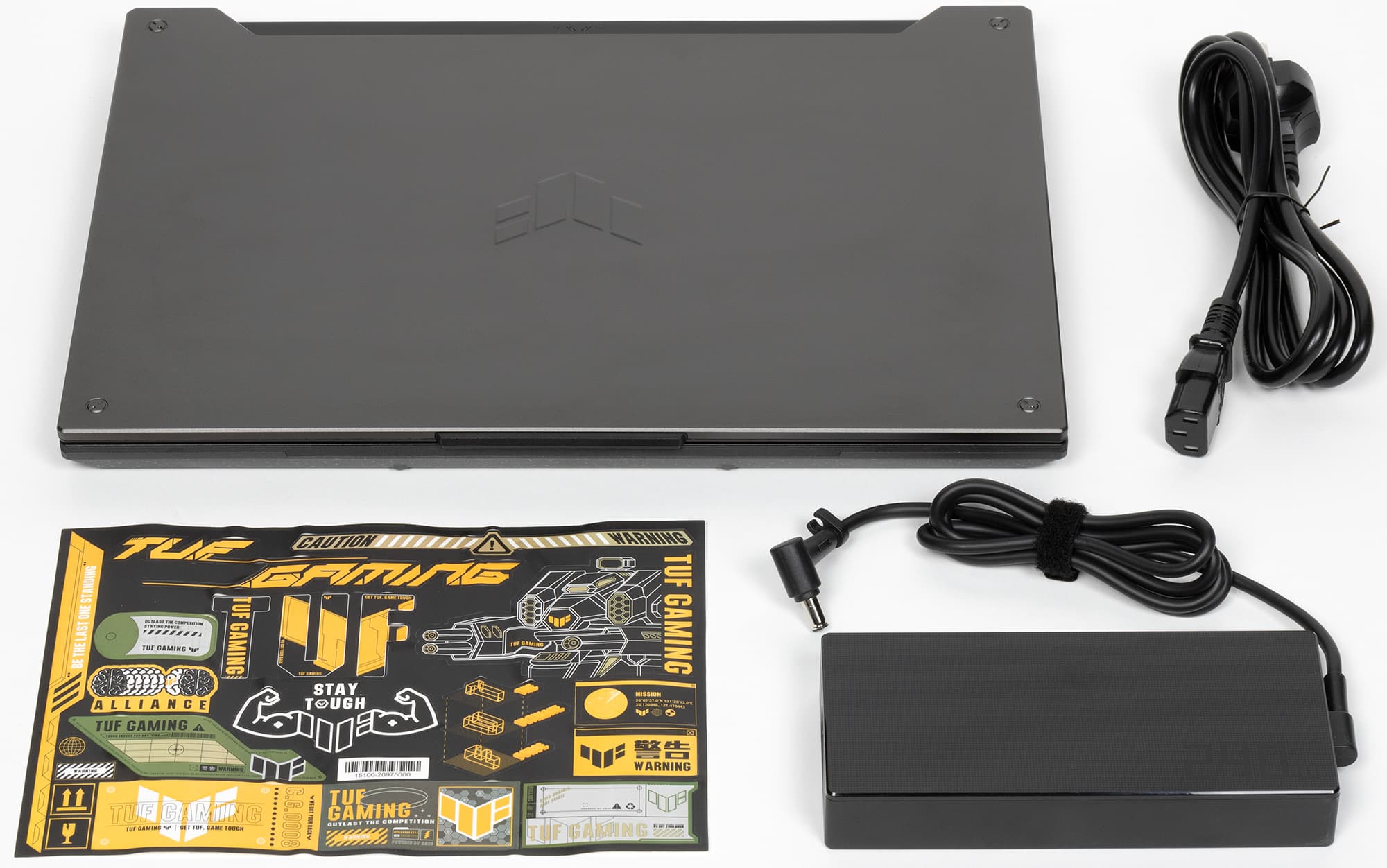
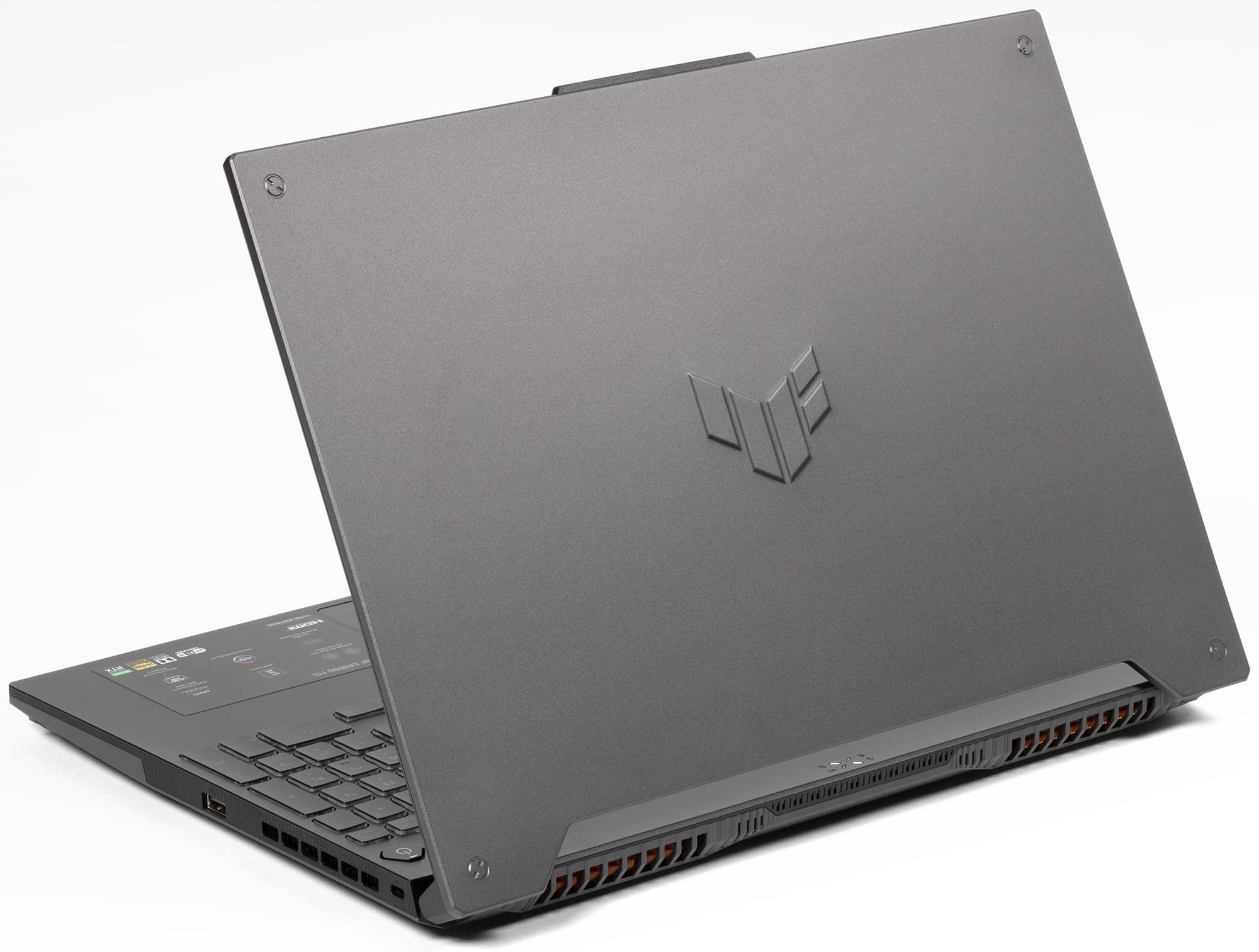
The appearance of TUF Gaming series laptops is distinctive. Angular lines, a rugged and utilitarian aesthetic, faux screw heads, an embossed TUF logo on the lid, and a trapezoidal cutout at the base of the lid (which allows status LEDs to remain visible even when the laptop is closed). The laptop is by no means compact or lightweight, but the screen bezels are slim, the thickness isn’t excessive (27 mm, or 24 mm excluding the feet), and the weight barely exceeds 2 kg.
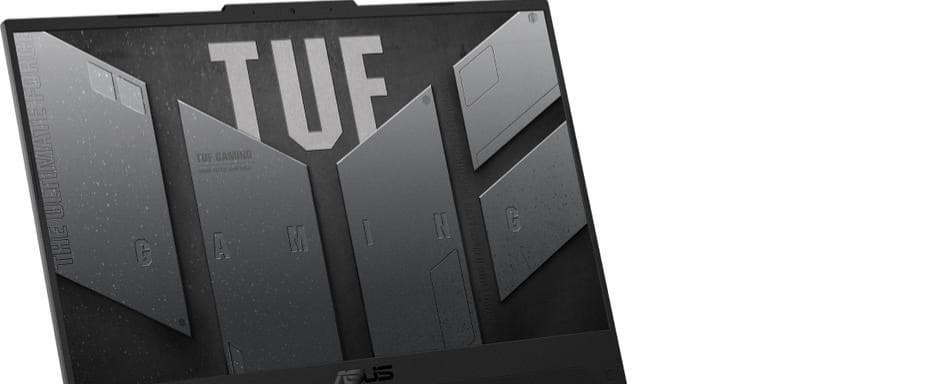
A lip at the top of the screen bezel houses a webcam with an indicator LED and microphones. This lip makes it easy to grasp the lid when opening it. The webcam's recording quality is standard (720p @30 fps) — quite mediocre.
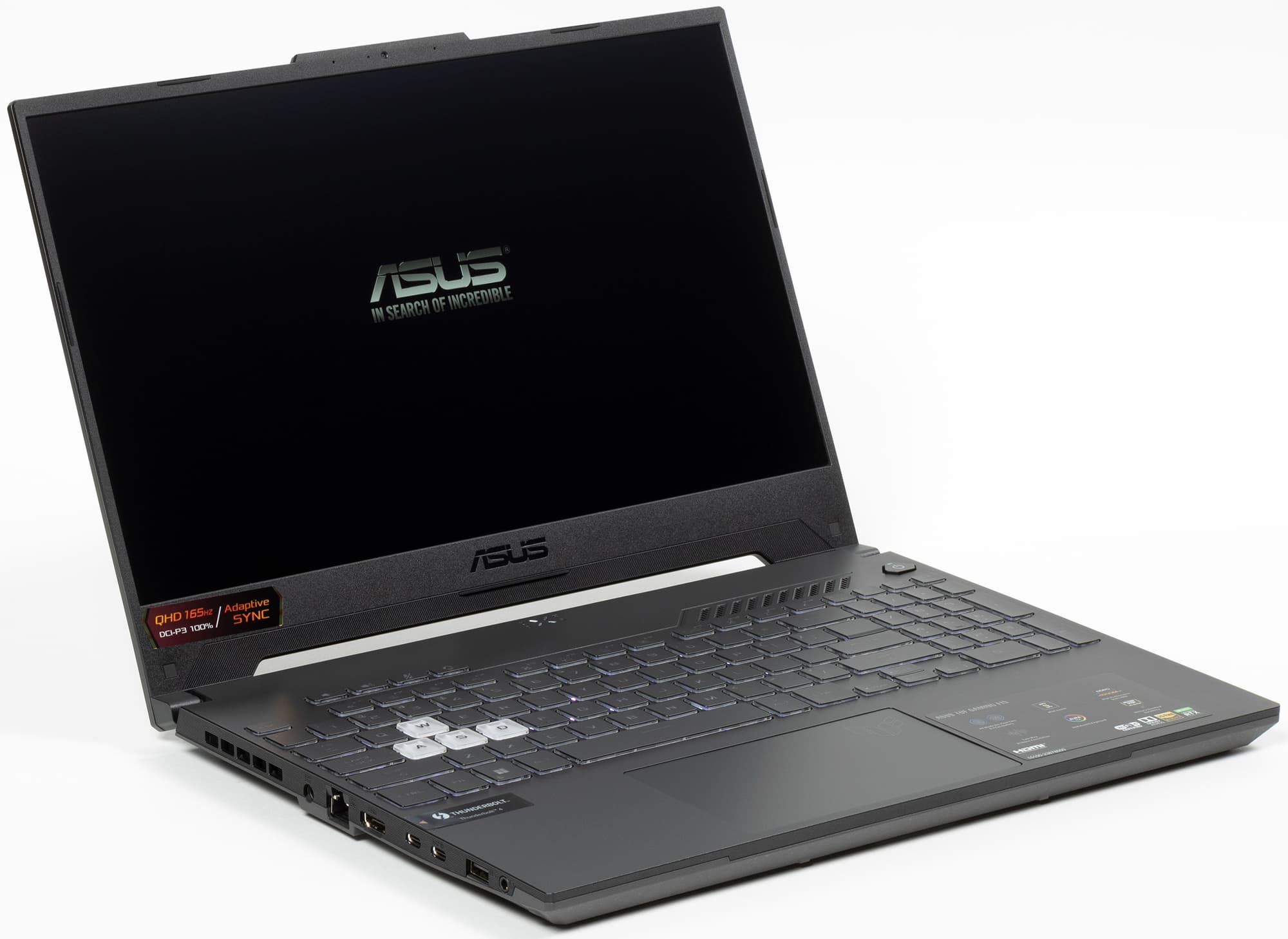
The laptop utilizes a 15.6-inch IPS display with a WQHD resolution (2560×1440). Its brightness is lower than usual at just 265 nits, so you won’t be able to get much work done under direct sunlight. The contrast ratio (1000:1) is typical. However, the panel is fast, easily keeping up with the 165 Hz refresh rate, which reasonably places this laptop in the gaming category in terms of screen characteristics. At the same time, the panel covers nearly 100% of the DCI-P3 color gamut, making the laptop suitable for professional graphics work as well.
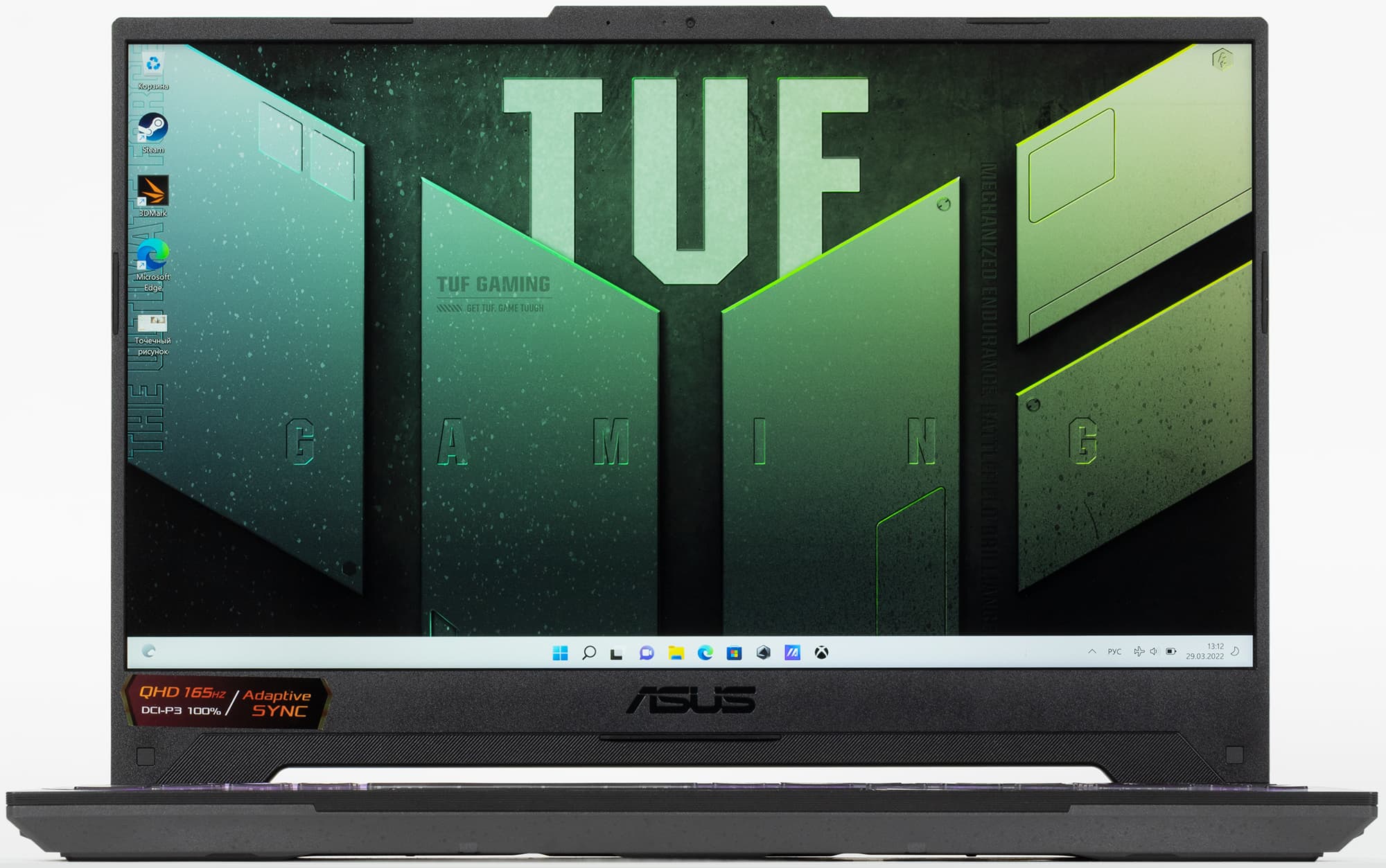
The sides of the chassis taper at the bottom, making the laptop easy to pick up from a desk. The lid opens and tilts back easily with one hand without needing to hold down the base. The maximum opening angle is 135°, during which it does not touch the desk and will not get scuffed.

There are no interface ports on either the front or the back of the chassis: the front is completely bare, while the rear houses only exhaust vents. There are also vents along the rear sides, pushing all ports closer to the user (a layout most will agree is convenient).

The right side features only a single USB3 Gen1 (Type-A) port and a Kensington lock slot, which is rare to see on gaming laptops.

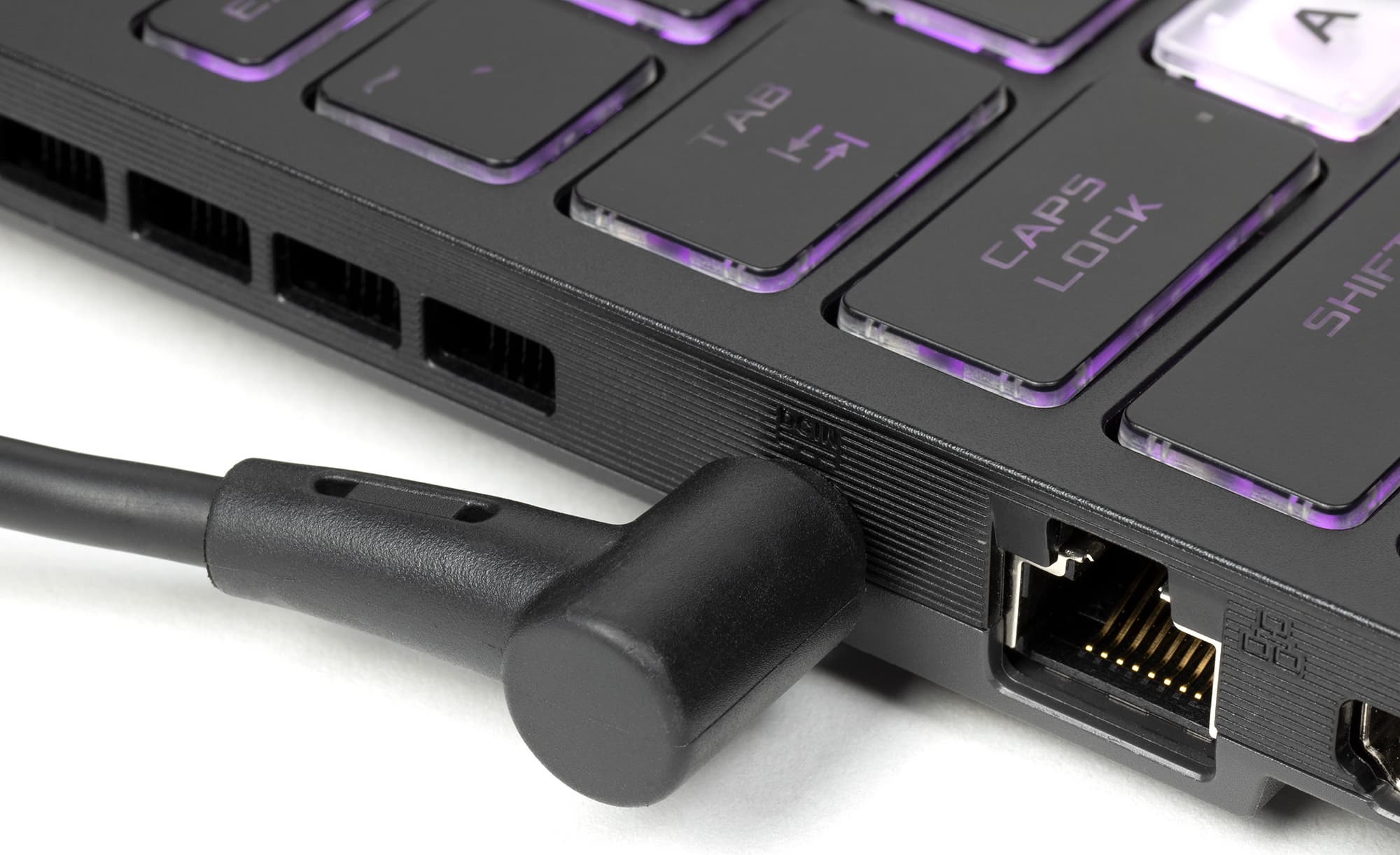
The left side houses the proprietary power jack (awkward to plug in by feel), an RJ-45 Ethernet jack without a drop-jaw hinge, an HDMI 2.0b video output, two USB Type-C ports, another USB3 Gen1 (Type-A), and a combo audio mini-jack (for headsets). Of the two USB Type-C ports, the one further from the user is actually a Thunderbolt 4 port supporting DisplayPort 1.4 output, while the one closer to the front edge is a full-fledged USB3 Gen2 port that also serves as a DisplayPort 1.4 output and supports G-Sync. Charging via USB Type-C ports is not supported.
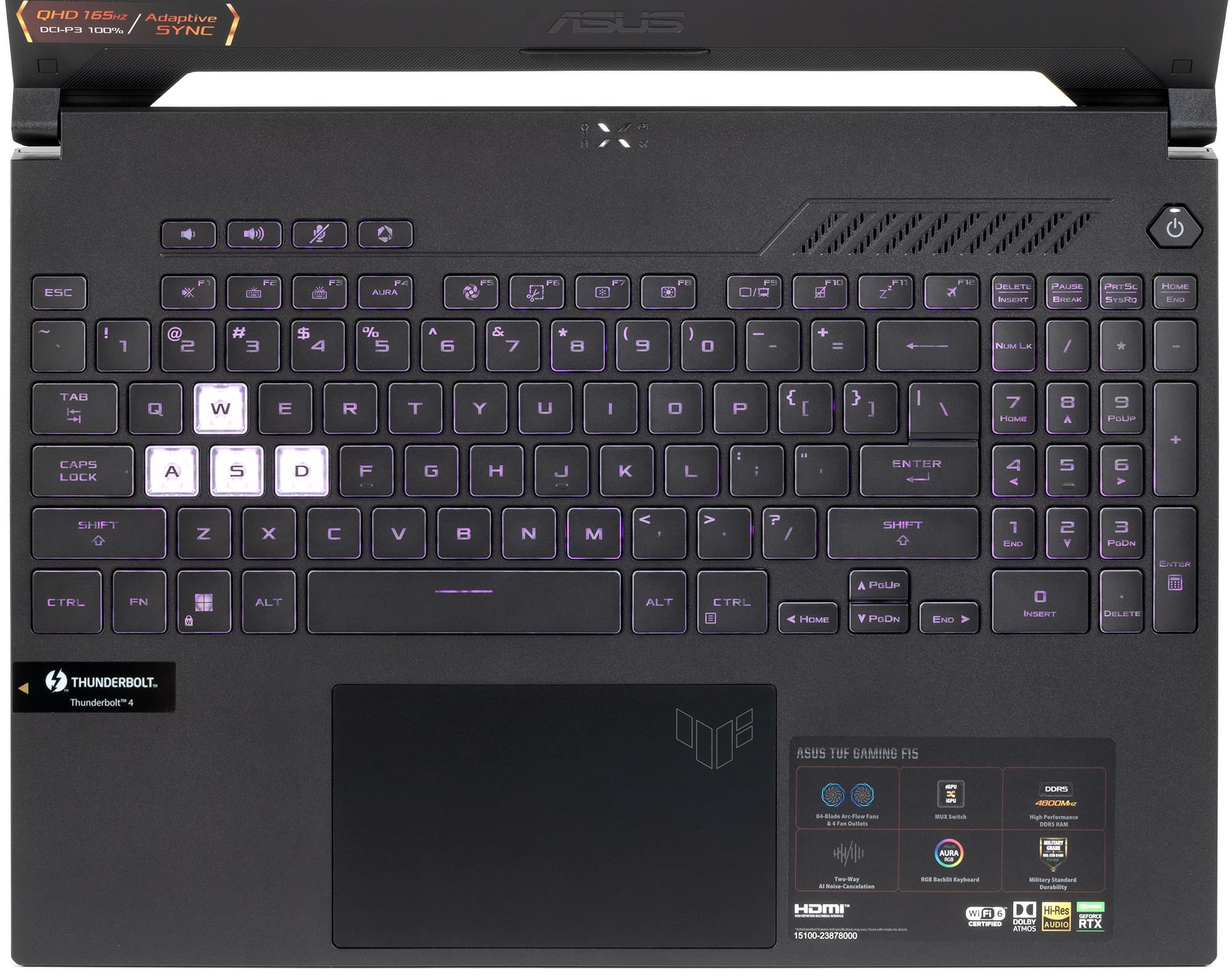
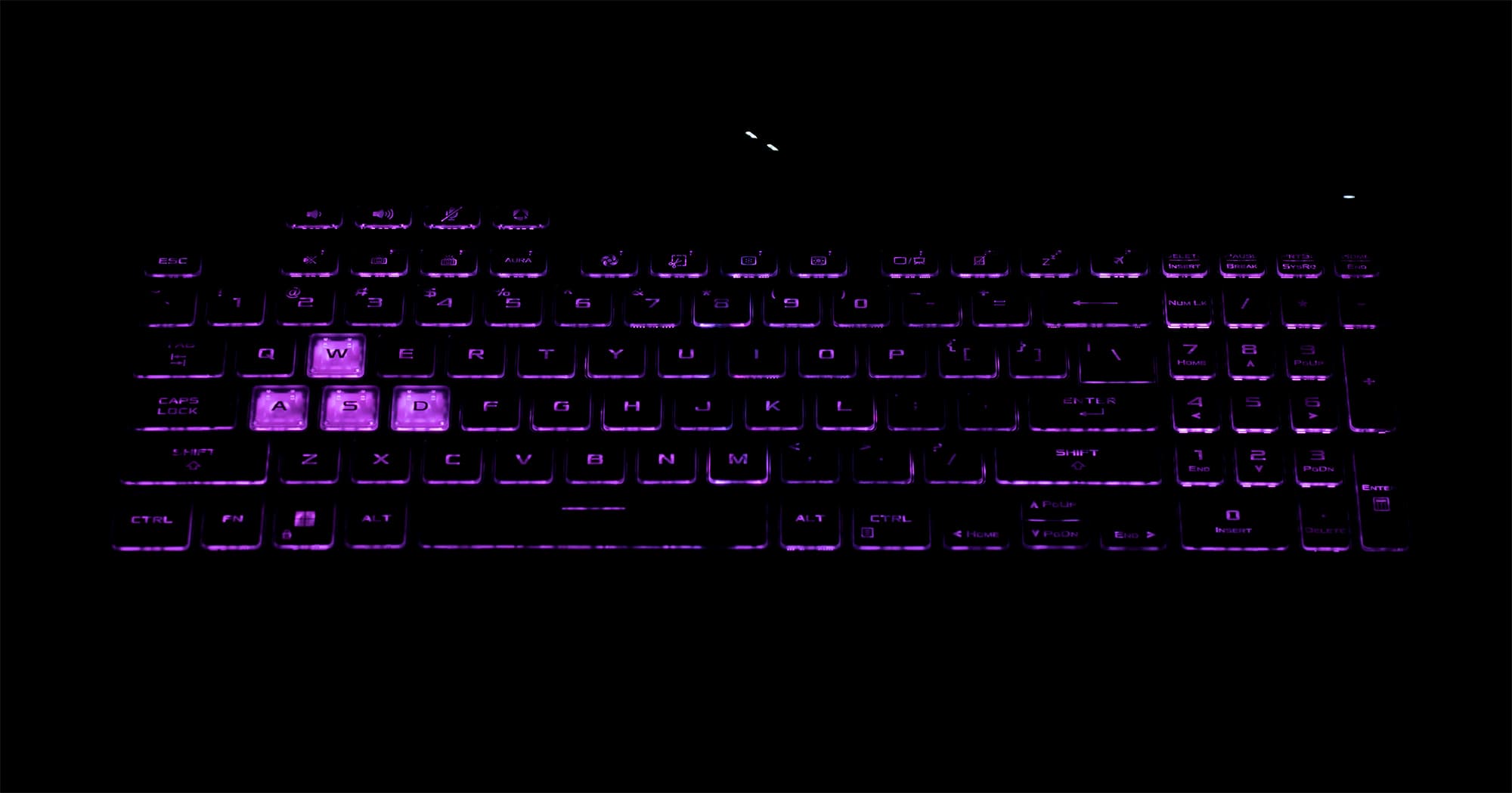
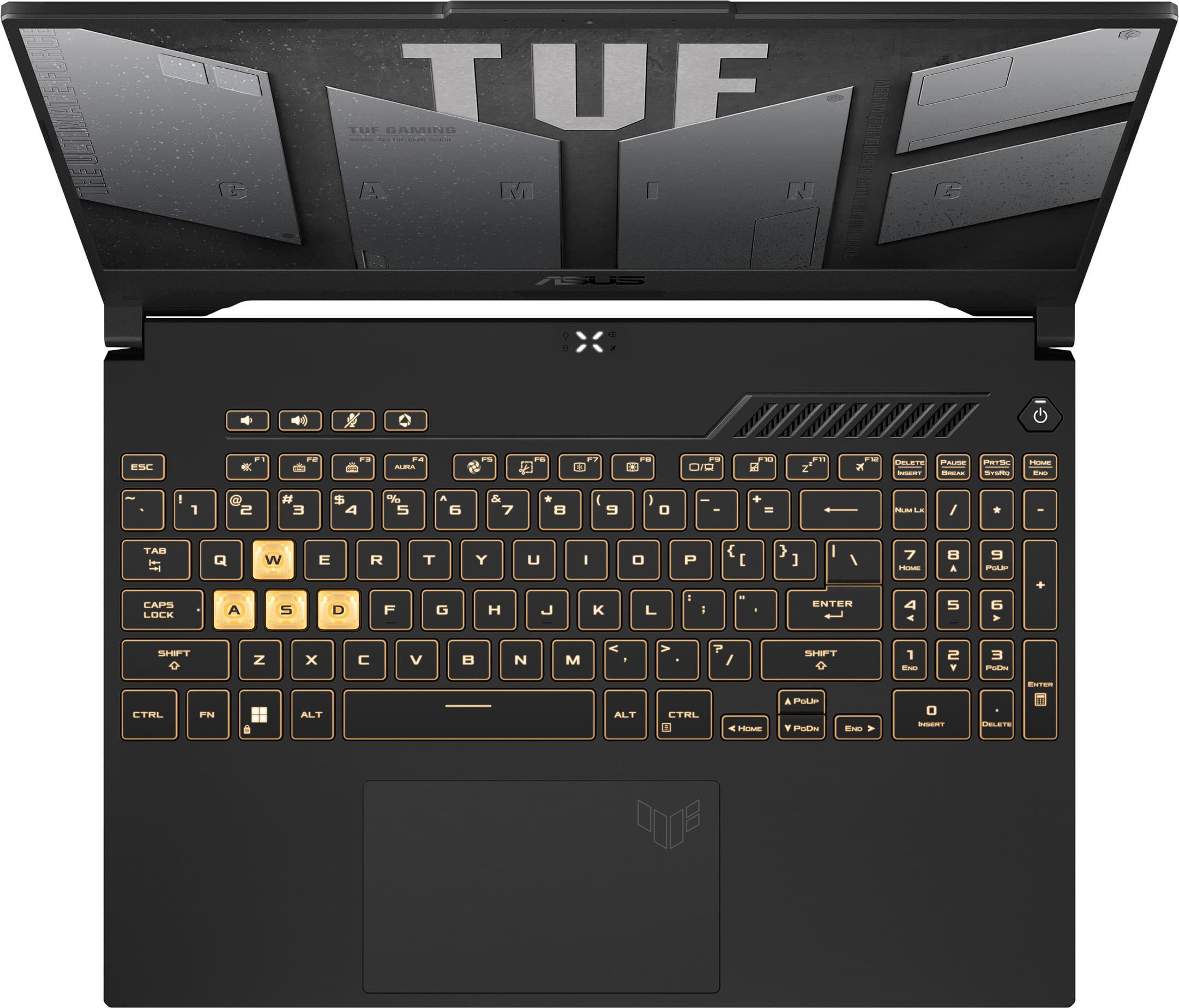
The laptop’s palm rest is made of standard smudge-resistant black plastic. Stretching across almost the entire width is the keyboard, which manages to retain a numpad even in a 15-inch model. It features a three-level RGB backlight; brightness and configured modes (effects) can be cycled quickly straight from the keyboard. Modes are adjusted in the proprietary Armoury Crate utility, but the entire keyboard is a single zone, meaning while you can pick any color, it applies to all keys at once. The semi-transparent “gaming” WASD keys stand out visually, though they feel identical to the rest.
In front of the keyboard sits a large, slightly recessed clickpad with an integrated physical click mechanism. The click action is consistent across almost the entire surface. All modern gestures and taps are supported, including window scrolling, opening the context menu, desktop switching, and minimizing/maximizing windows using two, three, or four fingers, with plenty of room for horizontal four-finger gestures.
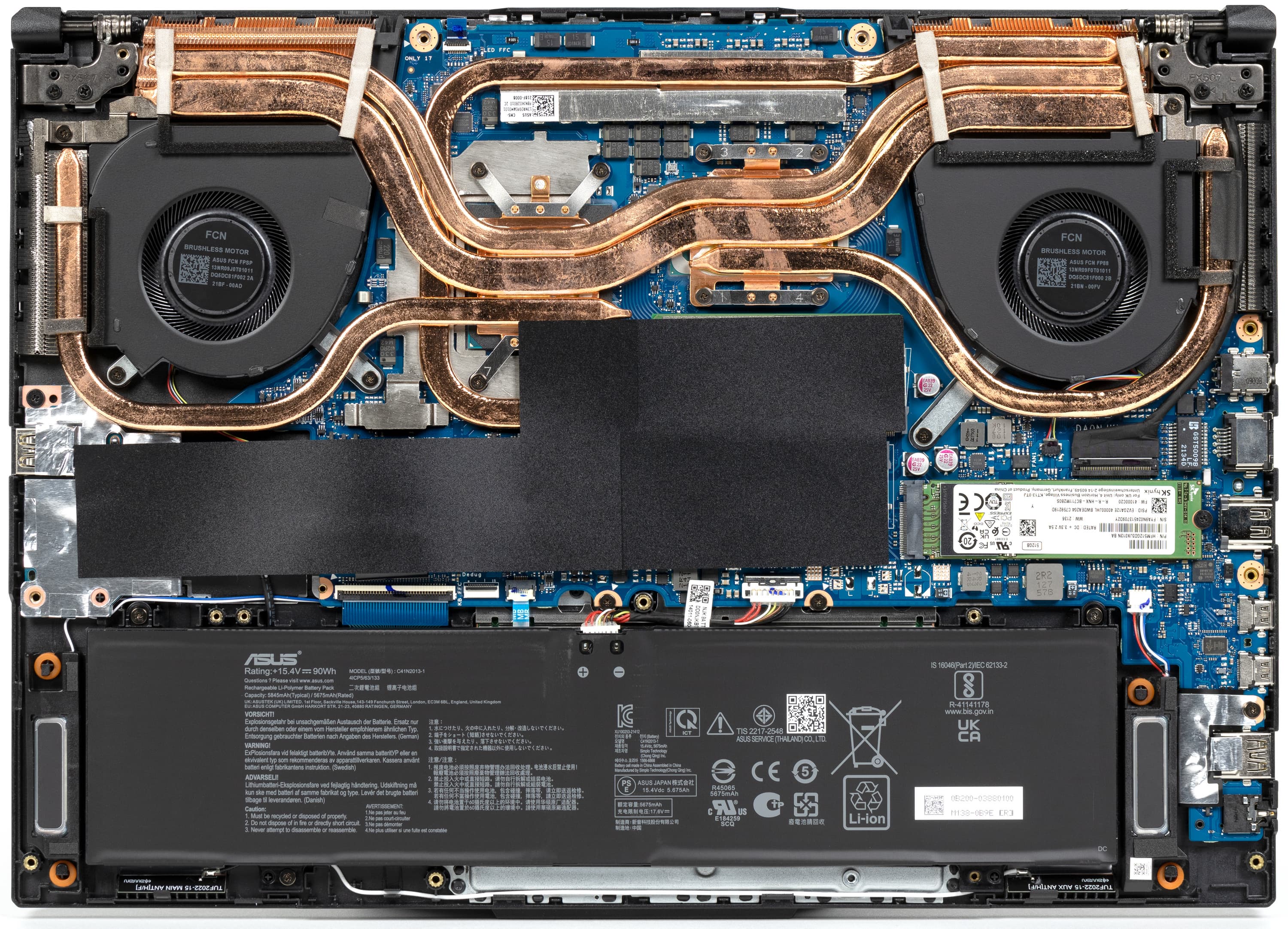
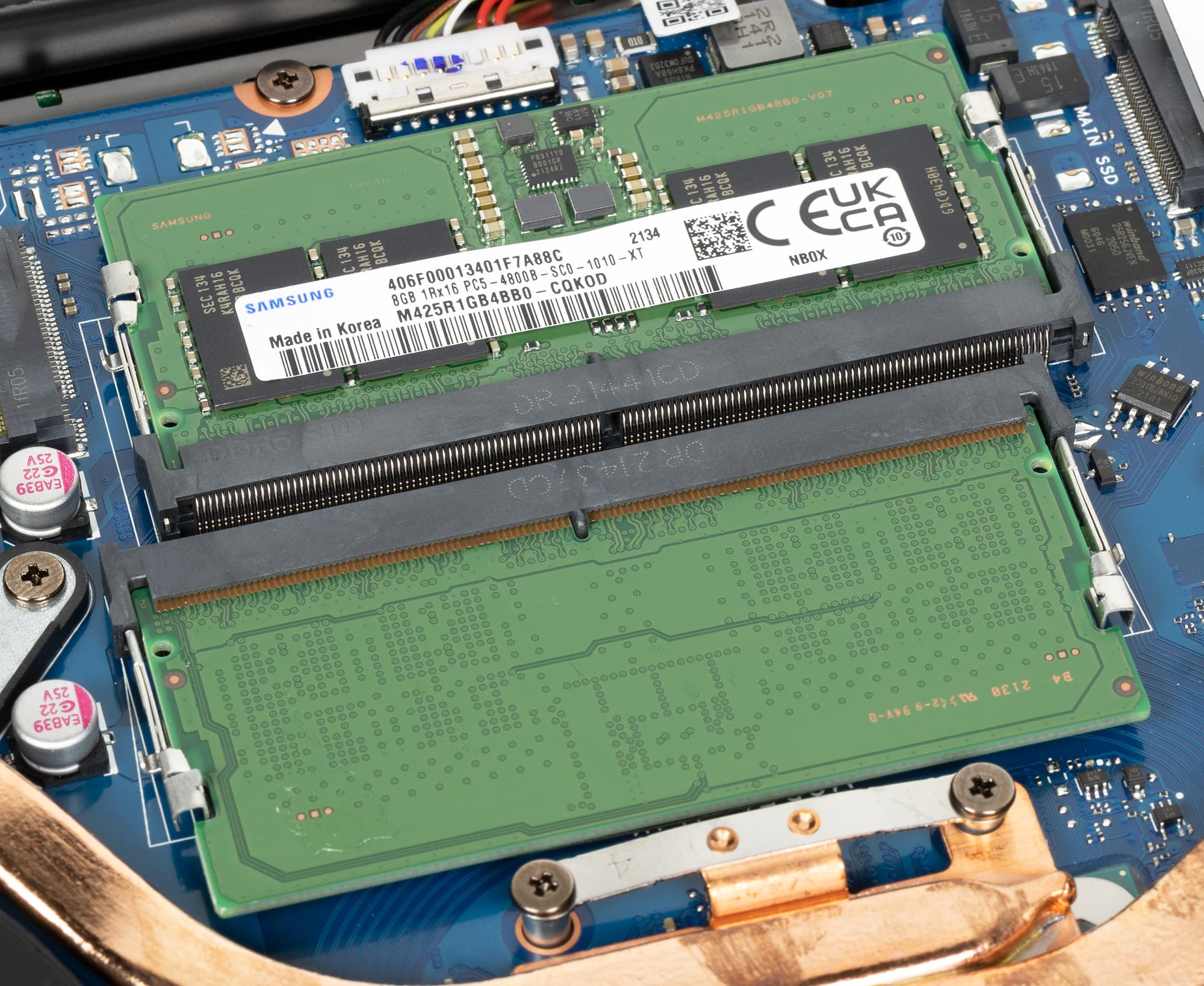
Removing the bottom panel grants access to the cooling fans, battery, SSDs in two M.2 slots, the wireless module (located under one of the SSDs), and two memory modules in SO-DIMM slots.
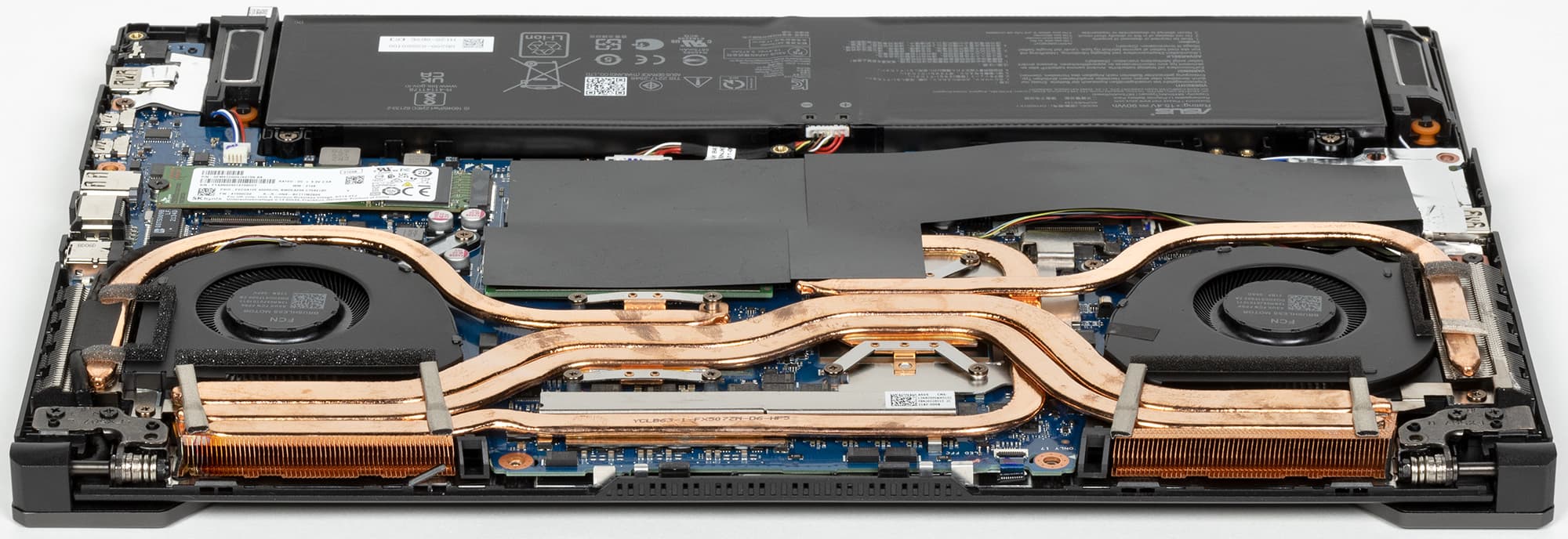
The cooling system is substantial: two hot chips (CPU and GPU), along with their power delivery components, are covered by five heat pipes directing heat to four heatsinks with two fans. Both fans operate continuously, essentially functioning as a unified cooling solution. At idle, the fans still spin, but they are whisper quiet. Heated air is vented out the back and to the sides; hot air blows noticeably onto your mouse hand when the laptop is under load. The rear portion of the chassis also gets very hot, though the screen remains unharmed in this case.
Under peak load with the discrete GPU active, the cooling system gets quite loud (up to 50 dBA), but that is typical and unavoidable for gaming laptops. However, under CPU-only workloads, when working rather than gaming, noise levels barely exceeded 30 dBA, which is very comfortable, ranking this laptop among the best gaming models in this metric. Meanwhile, the cooling solution prevents both the CPU and GPU from overheating, allowing them to operate at their maximum specified ratings.
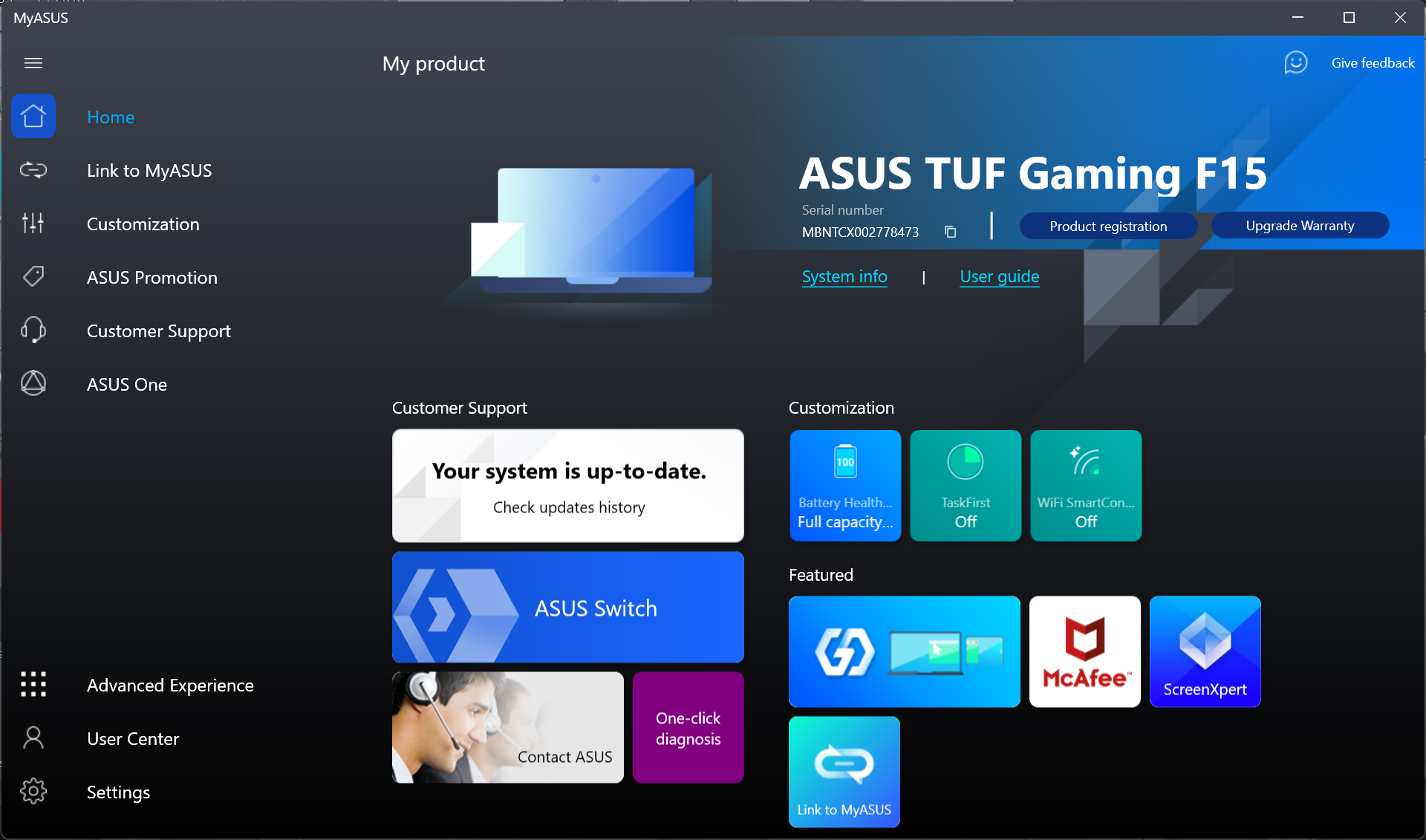
The laptop comes with Windows 11 or without any OS at all. Among the proprietary utilities, MyAsus and Armoury Crate stand out. MyAsus is a hub for system details, diagnostic tools, technical support contacts, FAQs, and more. It also allows you to track updates for drivers and proprietary software.
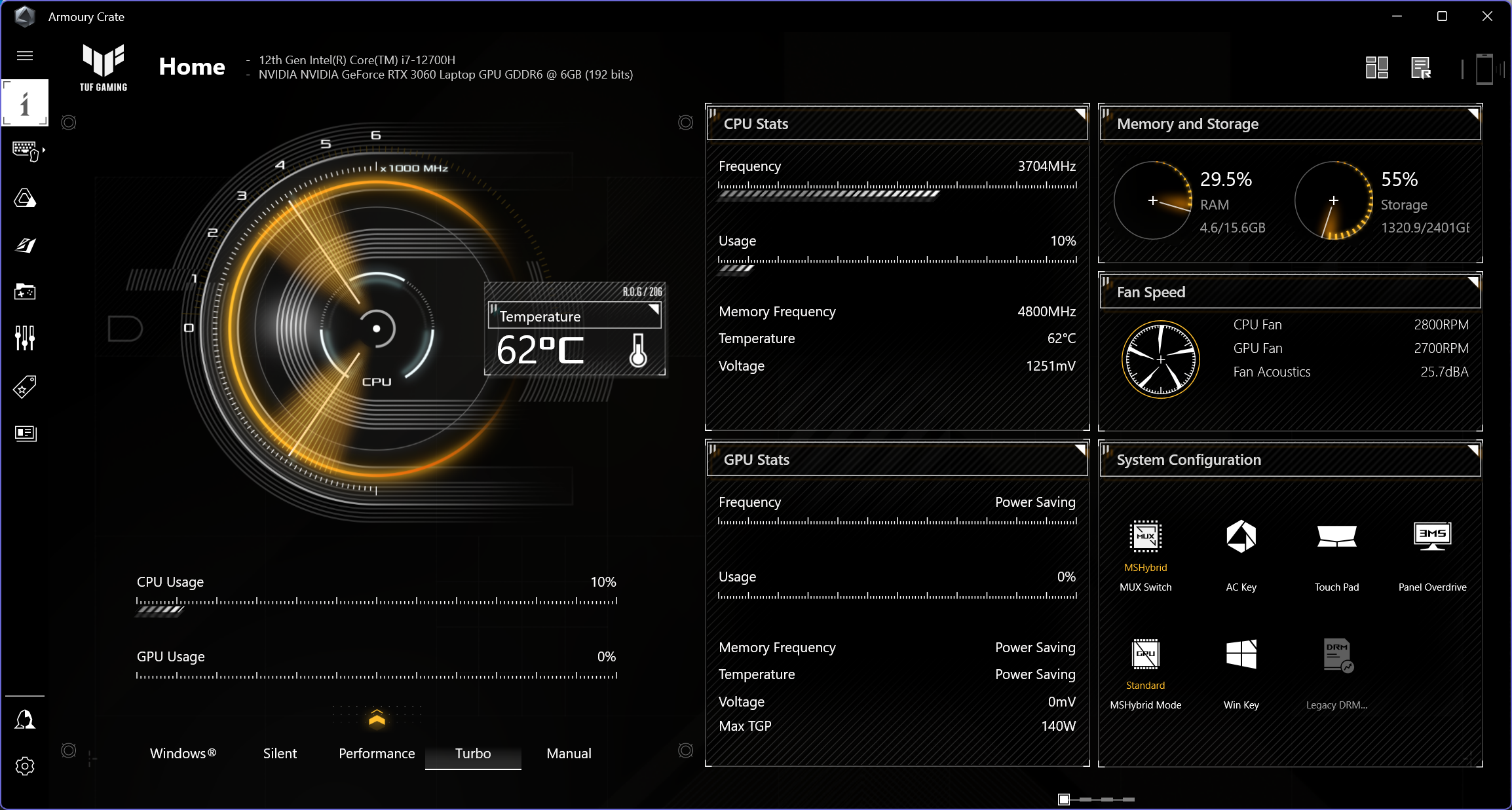
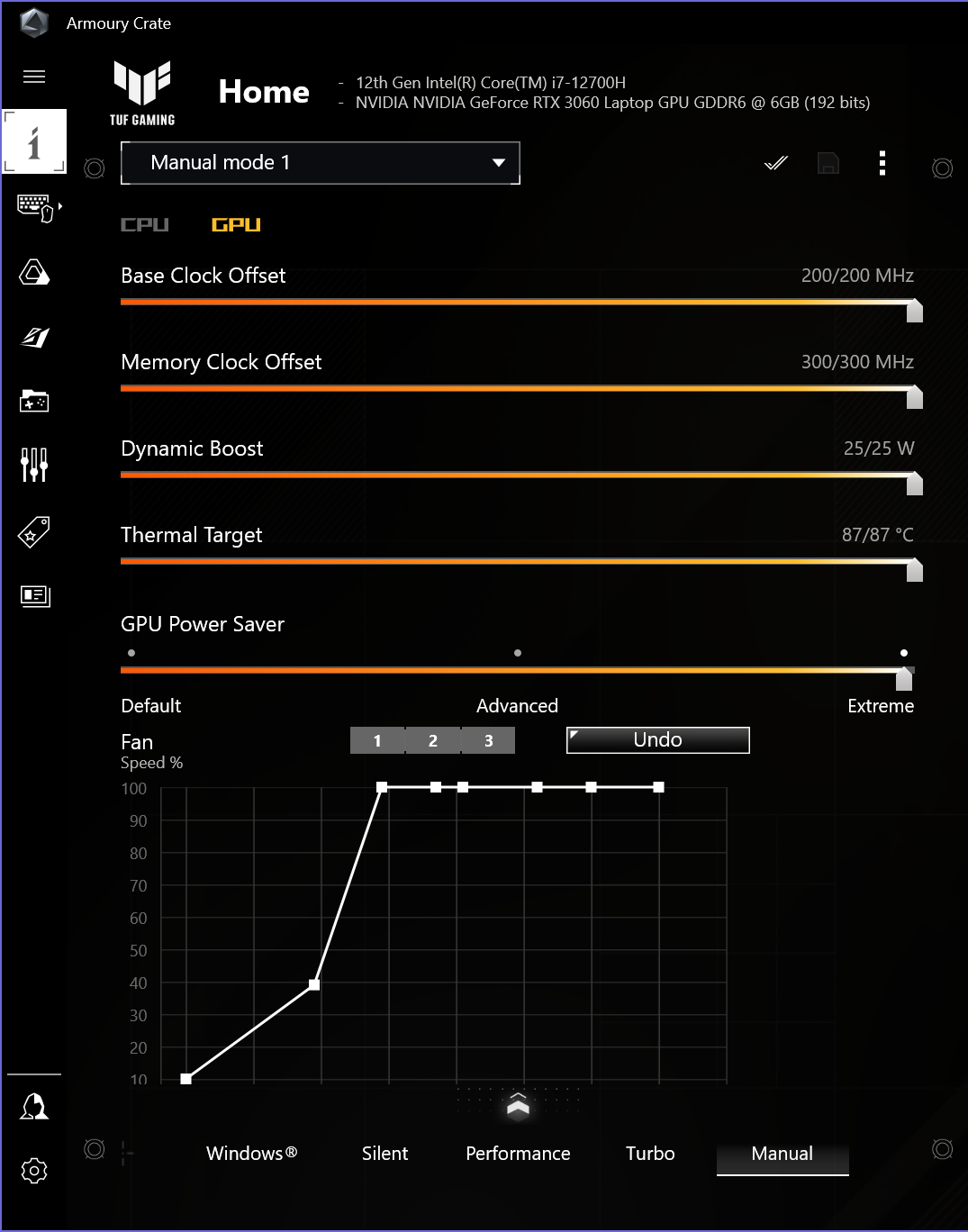
The Armoury Crate utility handles hardware configuration. Its main function is switching between operating profiles that determine laptop performance and noise. You can quickly cycle through profiles straight from the keyboard. It offers options to define fan curves based on temperature separately for the CPU and GPU coolers, manually limit the two CPU power levels (PL1 and PL2), and configure GPU frequencies and power limits (there is no headroom left to overclock it further, but you can dial back its power draw).
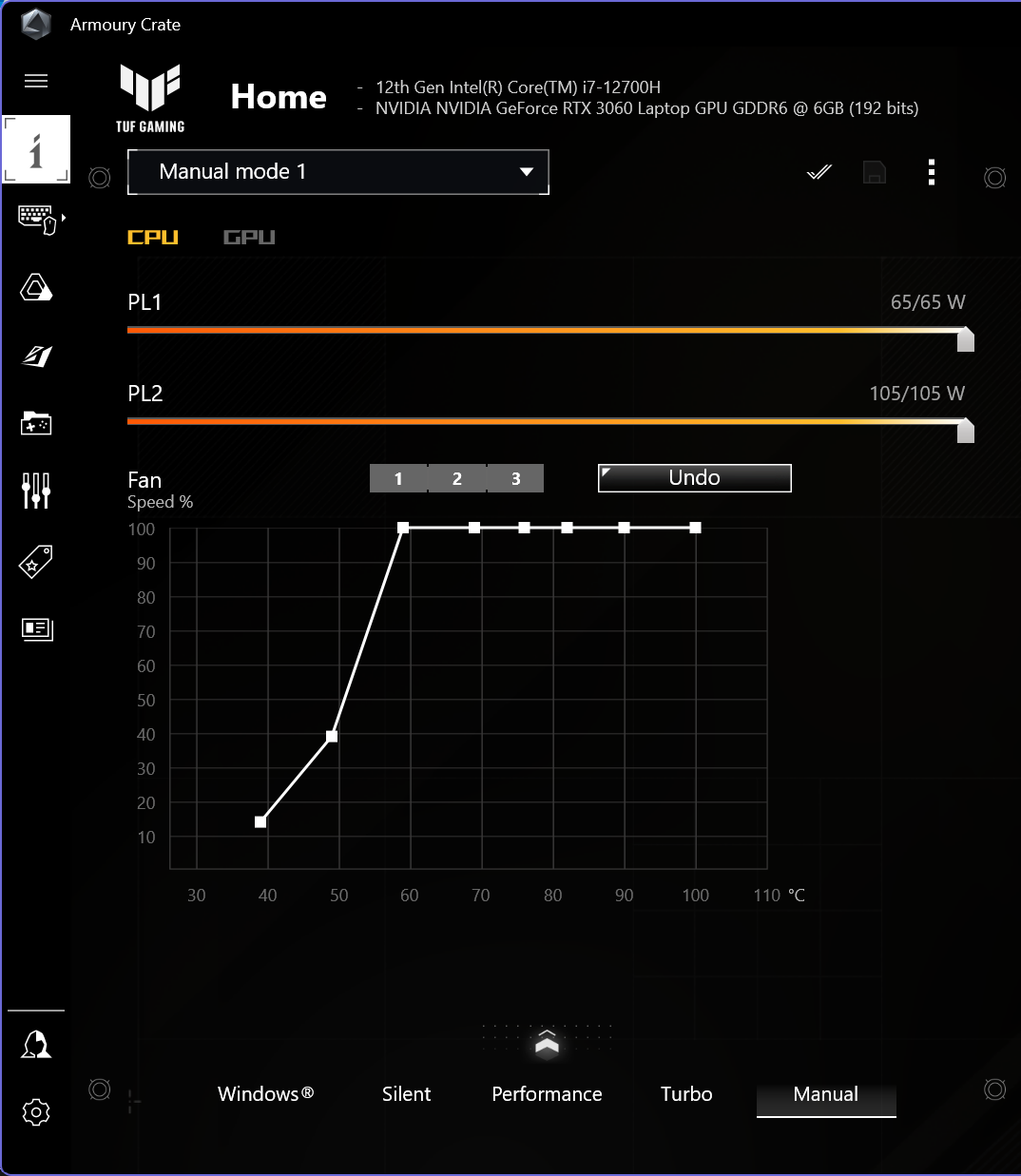
This is the first laptop we have tested featuring an Intel Alder Lake processor with a hybrid core architecture. The Core i7-12700H features 6 Performance cores and 8 Efficient cores. The maximum short-term power consumption figure of 115 W is impressive, while the typical (long-term) TDP remains unchanged from previous generations at 45 W. In the tested laptop, the processor ran precisely at its rated power limits.
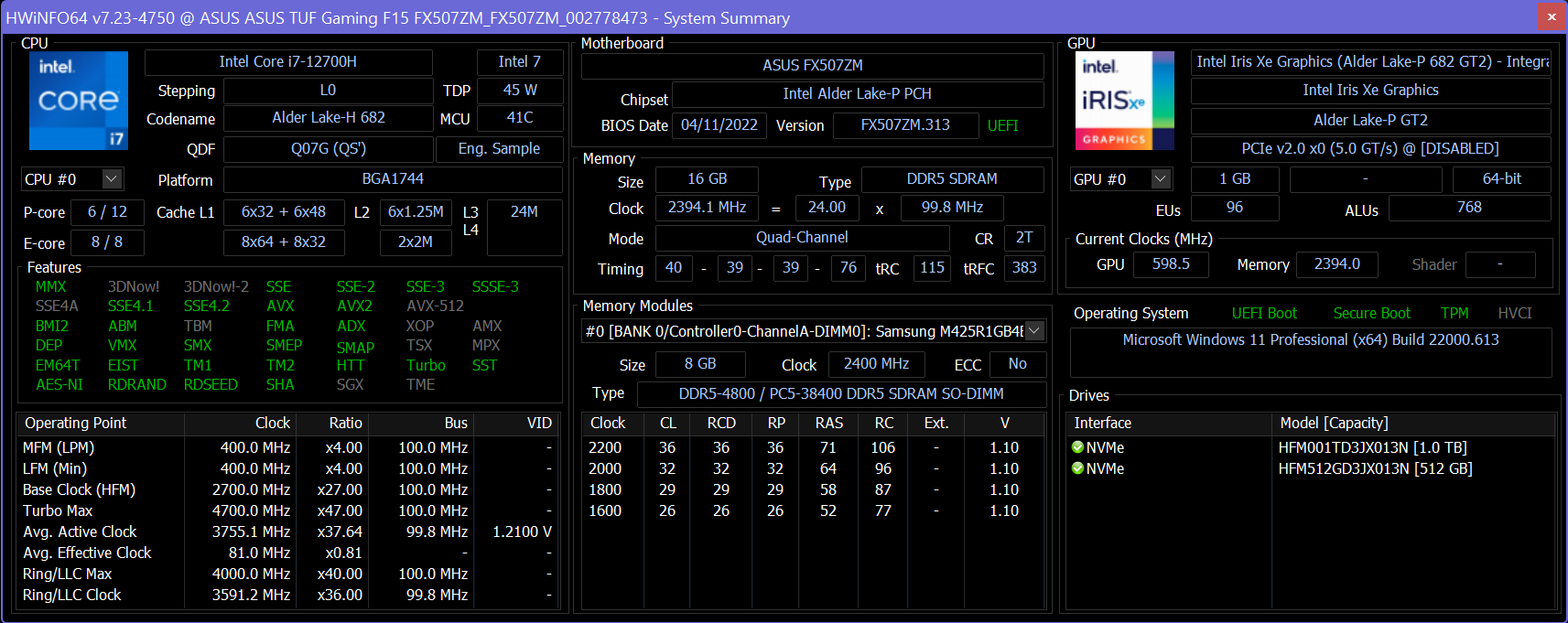
New mobile Intel processors support a choice of DDR4 or DDR5, as well as laptop-focused LPDDR4x and LPDDR5 variants. In this case, next-generation memory with a fairly high clock speed (DDR5-4800) is used, yielding higher read and write speeds than last year’s laptops, while latency remains roughly at the previous level. The memory modules populate both SO-DIMM slots on the board, but they can at least be upgraded with higher-capacity modules if the need arises.
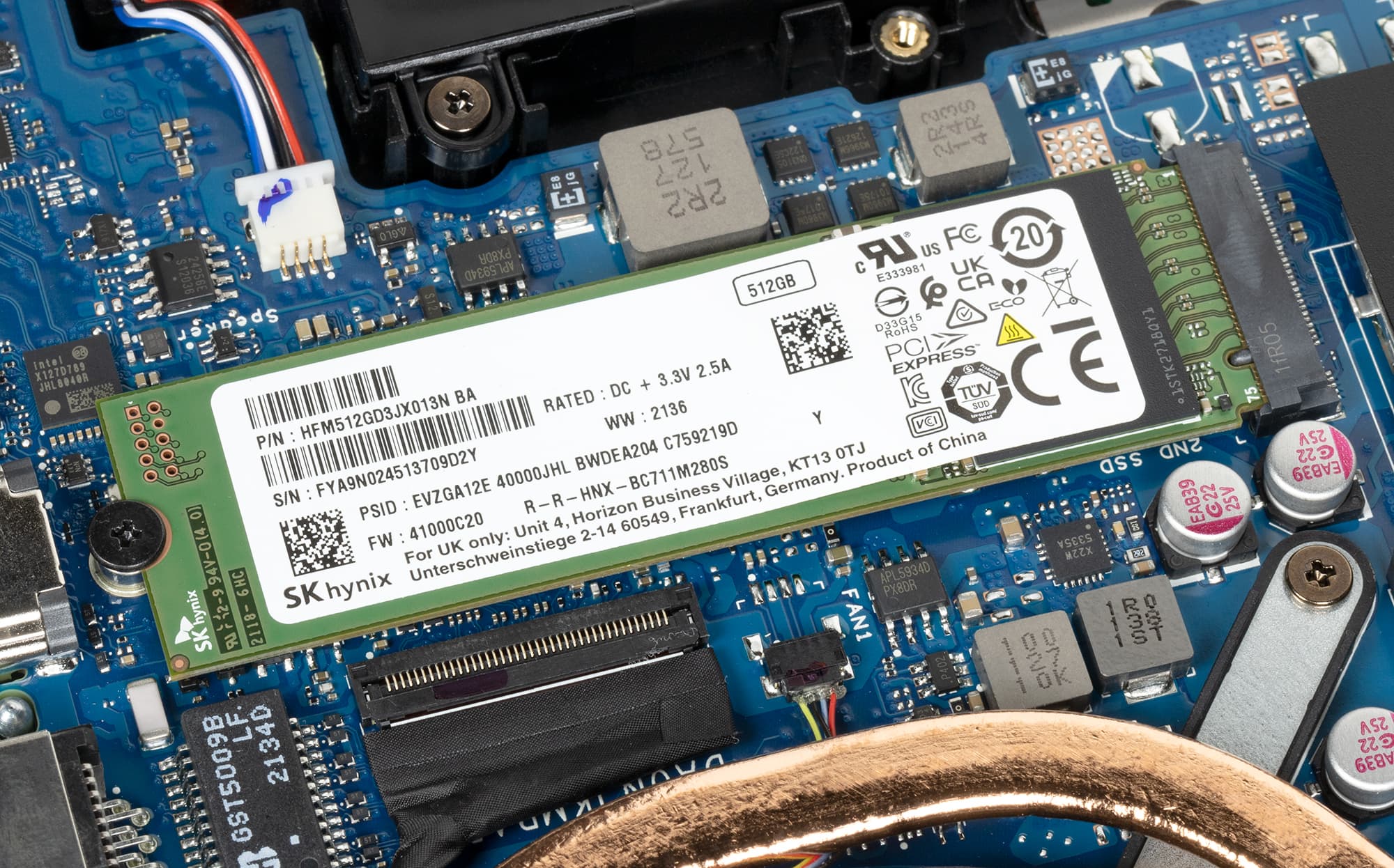
The motherboard features two M.2 slots; out of the box, one will hold a 1 TB or 512 GB SK Hynix SSD, while the second is available for the user to install another SSD. The SK Hynix drives used here prove to be very fast in real-world scenarios.
In real-world application benchmarks, the new Core i7-12700H ($457) performed remarkably well, trailing the previous-generation higher-tier Core i9-11900H ($546) by just a single symbolic point in the overall score while beating the comparable Core i7-11800H ($395) by 16 points (6%). Thus, if you previously targeted Core i7 models when shopping for a laptop, you can safely choose a Core i7 model now too — it will even be slightly faster for the same money and, crucially, without any unexpected performance dips.
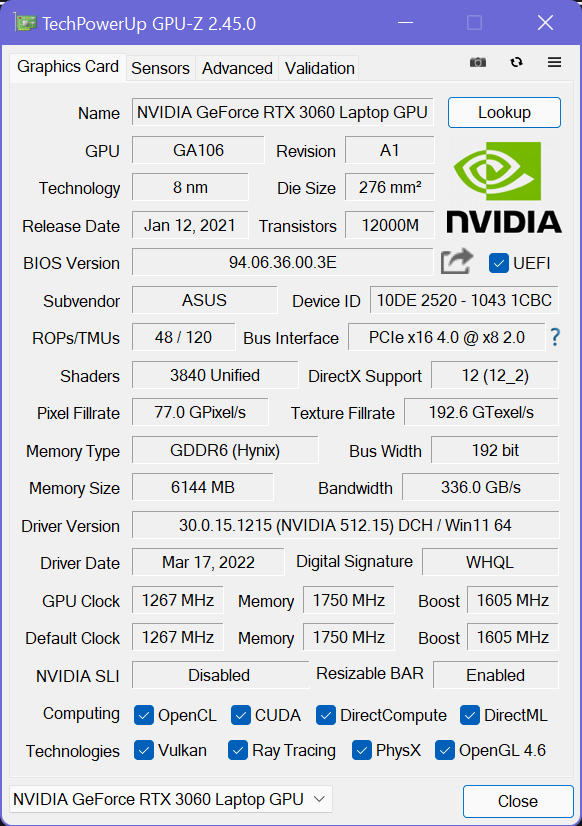
Pairing a GeForce RTX 3060 with a 2560×1440 display resolution initially seemed questionable to us, given that the capabilities of this GPU are well documented. However, it operates here with a dynamic boost of an impressive 25 W: the laptop manufacturer went well beyond Nvidia's standard specifications (115 W) and advertises an elevated 140 W power target. As stress testing demonstrated, that power is utilized down to the last watt.
| Game (maximum quality) | Asus TUF Gaming F15 (2022) (GeForce RTX 3060 Laptop, 140 W) 2560×1440 | Asus TUF Gaming F15 (2022) (GeForce RTX 3060 Laptop, 140 W) 1920×1080 | MSI Katana GF66 11UG (GeForce RTX 3070 Laptop, 85 W) 1920×1080 |
|---|---|---|---|
| World of Tanks | 132/87 | 206/133 | 199/127 |
| World of Tanks (RT) | 91/60 | 141/94 | 138/93 |
| Far Cry 5 | 96/87 | 124/102 | 119/96 |
| Tom Clancy’s Ghost Recon Wildlands | 51/44 | 65/55 | 63/56 |
| Metro: Exodus | 53/31 | 66/36 | 60/32 |
| Metro: Exodus (RT) | 37/23 | 52/29 | 49/29 |
| World War Z | 116/101 | 174/148 | 157/135 |
| Deus Ex: Mankind Divided | 64/52 | 89/67 | 82/67 |
| F1 2018 | 116/100 | 151/128 | 135/113 |
| Strange Brigade | 129/42 | 171/47 | 161/66 |
| Assassin’s Creed Odyssey | 58/25 | 71/29 | 67/40 |
| Borderlands 3 | 48 | 75 | 70 |
| Gears 5 | 79/65 | 107/84 | 99/78 |
| Total War Saga: Troy | 51/40 | 73/57 | 67/54 |
| Horizon Zero Dawn | 81/46 | 91/50 | 88/48 |
| Normalized average fps across all games | 107.0 | 100.0 |
The bottom line is that the laptop's performance is almost always sufficient for comfortable gaming at maximum graphics settings at the native display resolution — at least without ray tracing enabled. In some cases, you might still need to drop either the resolution or the graphics quality by one notch, but visually, especially on a 15-inch screen, that difference will be unnoticeable.
The comparison MSI laptop features a higher-tier discrete GPU, the GeForce RTX 3070 Laptop, but one that is power-constrained to just 85 W. In real-world benchmarks, it is the Asus laptop that comes out ahead, albeit by a slim 7% margin.
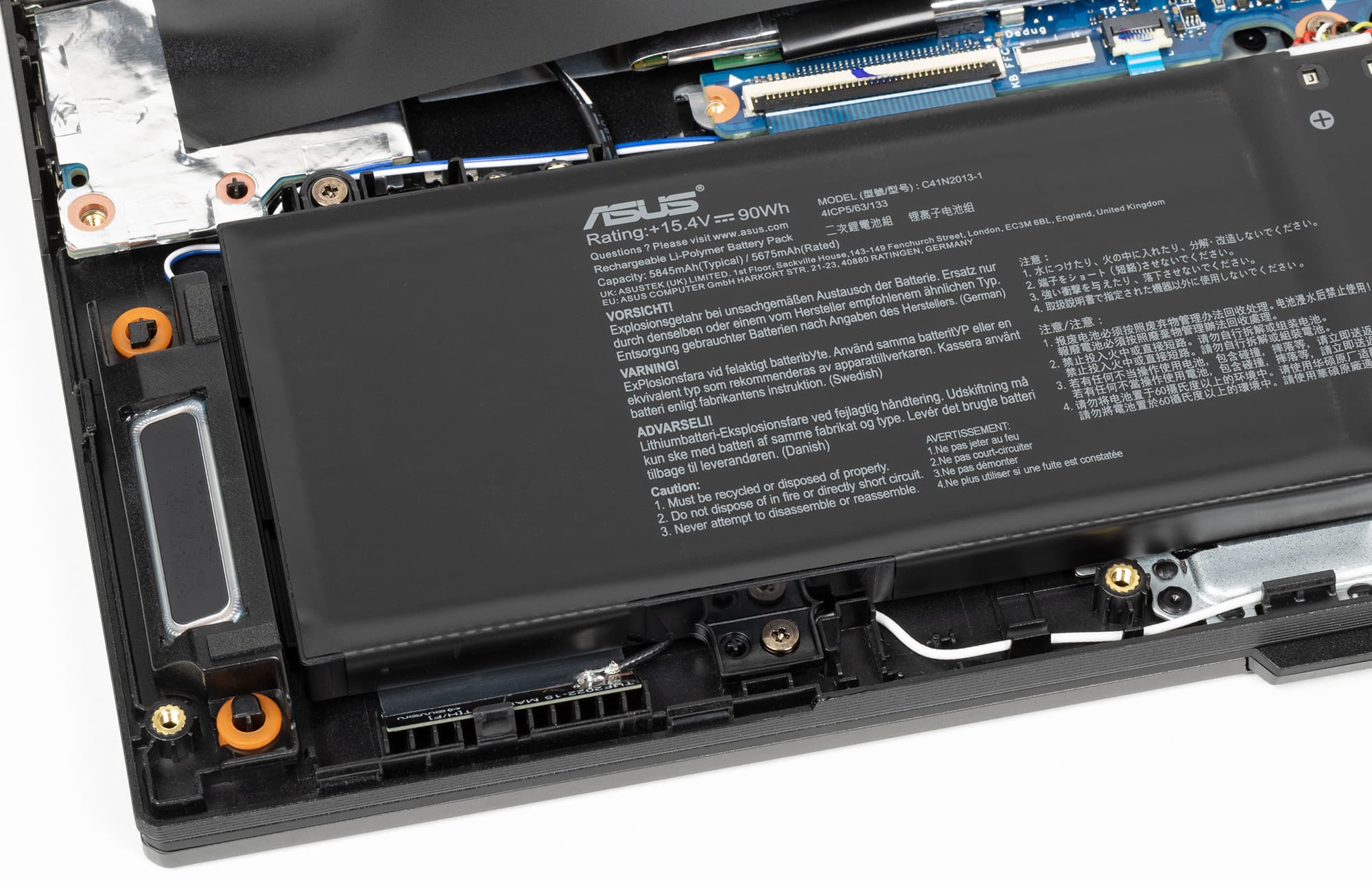
Like many modern gaming laptops, this model houses a very substantial 90 Wh battery. However, battery life even during text processing and video playback is not particularly impressive when compared to office laptops without discrete graphics (6 and 4 hours, respectively). As for gaming away from an outlet, it is hardly worth considering: you can expect at most one hour, and that is with throttling GPU performance.
A full battery charge with the included adapter takes slightly over an hour and a half, with the battery steadily charging up to 70% in the first 40 minutes, and reaching 90% in an hour.
Diagnosis
The laptop did not disappoint and was thoroughly impressive overall: a practical, reasonably heavy and sized chassis, a solid 2560×1440 IPS screen with an expanded color gamut and a high refresh rate (though not particularly bright), an indisputably powerful CPU, a sufficient amount of expandable RAM, a fast SSD with room for a second one, and a modern array of plenty of ports. Noise levels under maximum gaming load are predictably high, but when only the CPU is stressed, noise remains moderate — a pleasant surprise. The laptop’s cooling system is thoroughly adequate.
As for the price of the TUF Gaming F15 (2022), Asus lists 166 thousand rubles for the base configuration.
Never miss our newsAdd this site to your preferred sources to see us more oftenAdd on Google