Zalman ZM-K700M Mechanical Keyboard
Translated with AI from the Russian original.
A gaming keyboard with a classic form factor and a reasonable price. If you don't need advanced macro management capabilities and full-color backlighting, then the Zalman ZM-K700M should be on your shopping list.
The Zalman gaming peripheral lineup was recently updated with the ZM-K700M keyboard, aimed at a wide audience of gamers. There are quite a few differences from the younger ZM-K600M keyboard in the lineup, so it's worth discussing them in detail.
Specifications:
- Keyboard type: mechanical
- Switch type: Cherry MX Red
- Number of keys: 112
- Multimedia keys: yes
- Additional keys: 9
- Polling rate: 1000 Hz
- Connection type: wired
- Interface: USB / PS/2
- Cable length: 1.7 m
- Weight: 1230 grams
- Dimensions: 475×145×45 mm
- Recommended retail price: 140 USD
- Manufacturer's website
Package Contents
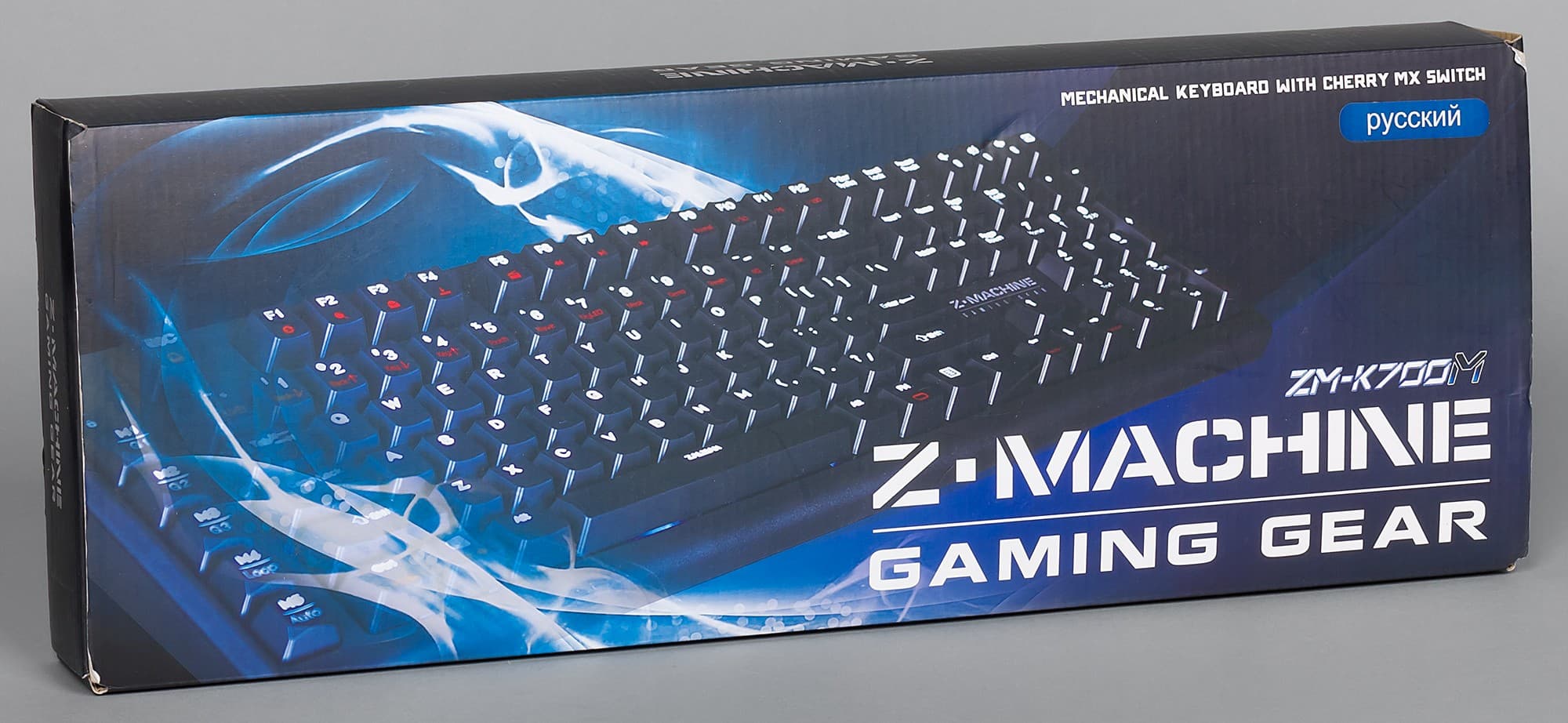
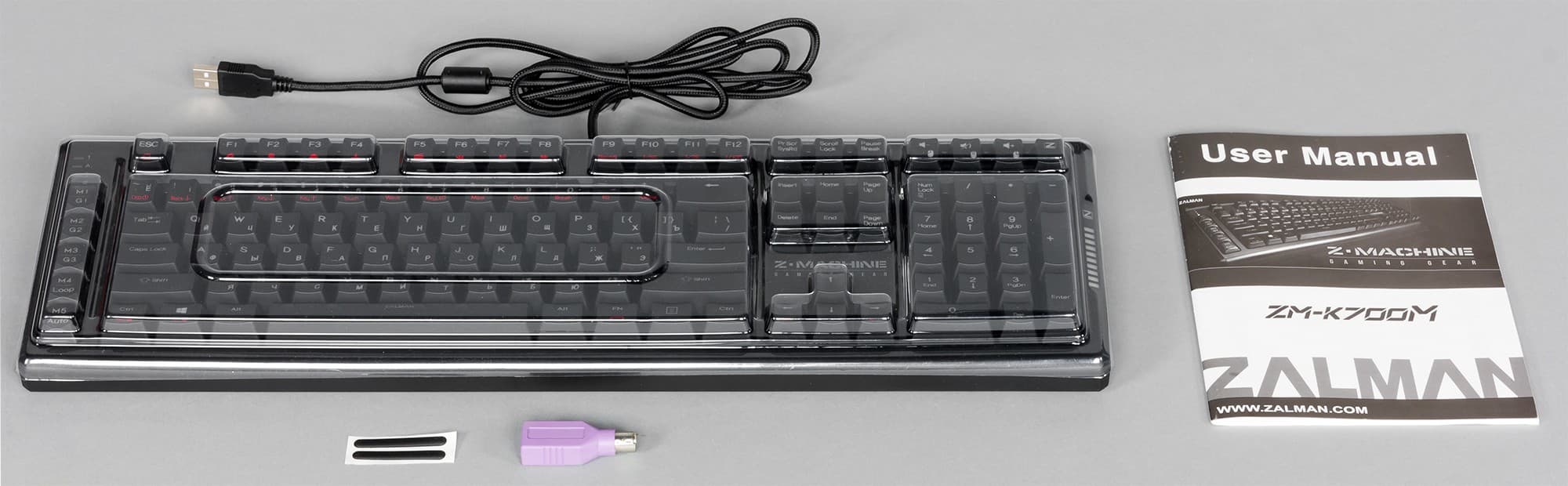
The Zalman ZM-K706 keyboard comes in a typical cardboard box, designed in black and blue tones. On the bottom of the package, brief information about the keyboard's key features is provided in small print in 10 languages, including Russian. Inside the box, the keyboard is covered with a transparent blister.
The package includes:
- Zalman ZM-K700M keyboard;
- user manual;
- USB to PS/2 adapter;
- two spare support feet.
Design, Backlighting, and Macro Recording
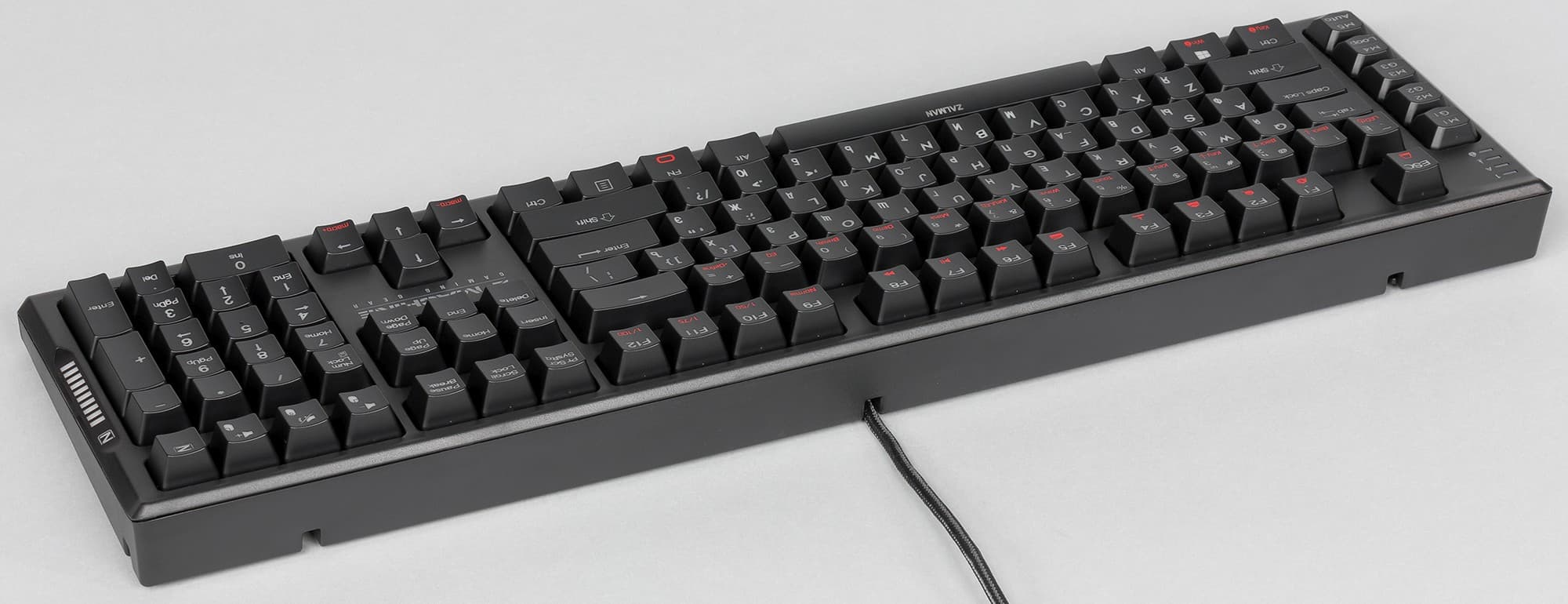
The design of the Zalman ZM-K700M can be described as strictly classic. Nothing interferes or distracts; everything is strict and functional. To the left of the keyboard are five separate macro keys, which can be used to create macros and save desired combinations. To do this, select the desired key and press the FN+MK (MacroKey) key combination. After that, in the upper right corner, the key with the Z symbol will become the macro recording indicator. The maximum macro length is 140 characters, and the duration is no more than 65 seconds. To finish recording, press the FN key again. All your macro settings, etc., will be saved directly in the keyboard. So, when connecting to another PC, all settings will remain. This is convenient if you need to use familiar macro sets not on the keyboard owner's computer (for example, at a cyber tournament).
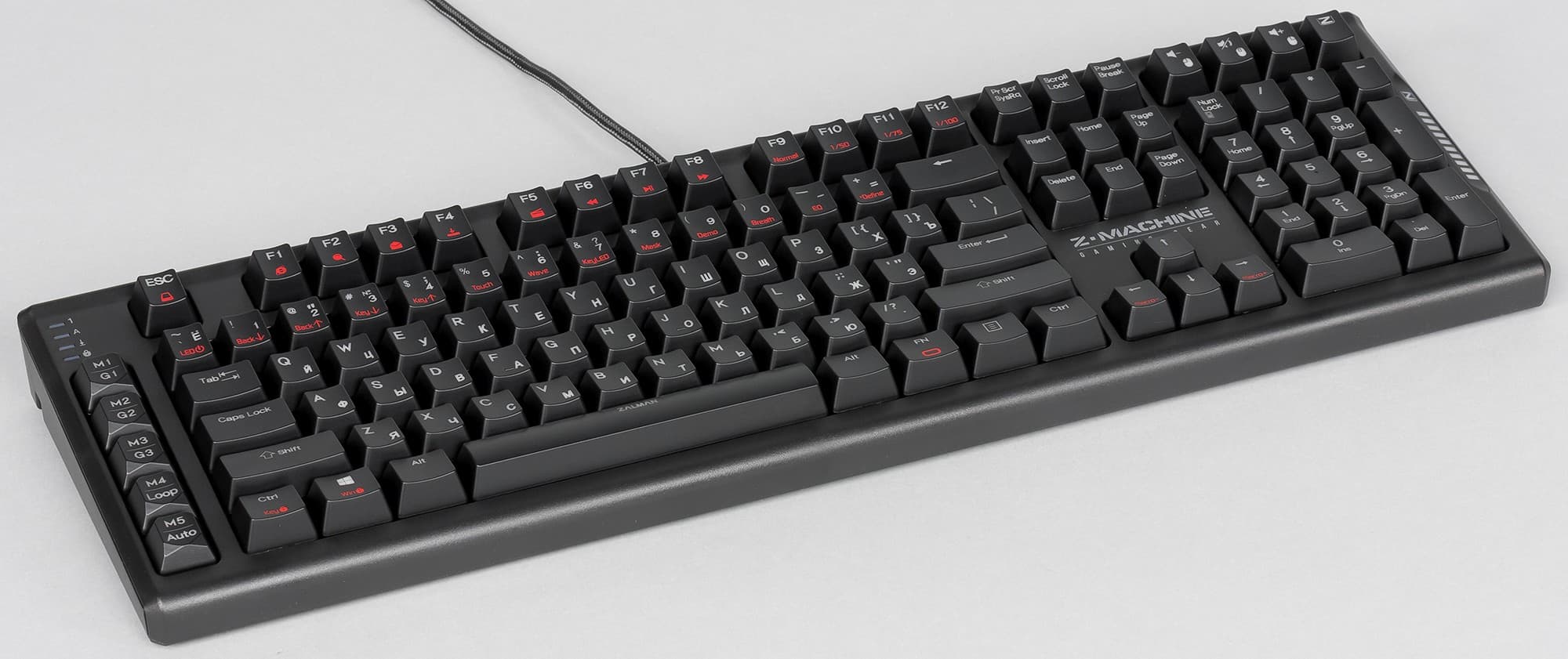
The keyboard has two conditional operating states: standard mode and Z-mode. In the second mode, macro keys activate special features: for example, the M5 key will execute a macro sequentially, and M4 — cyclically.
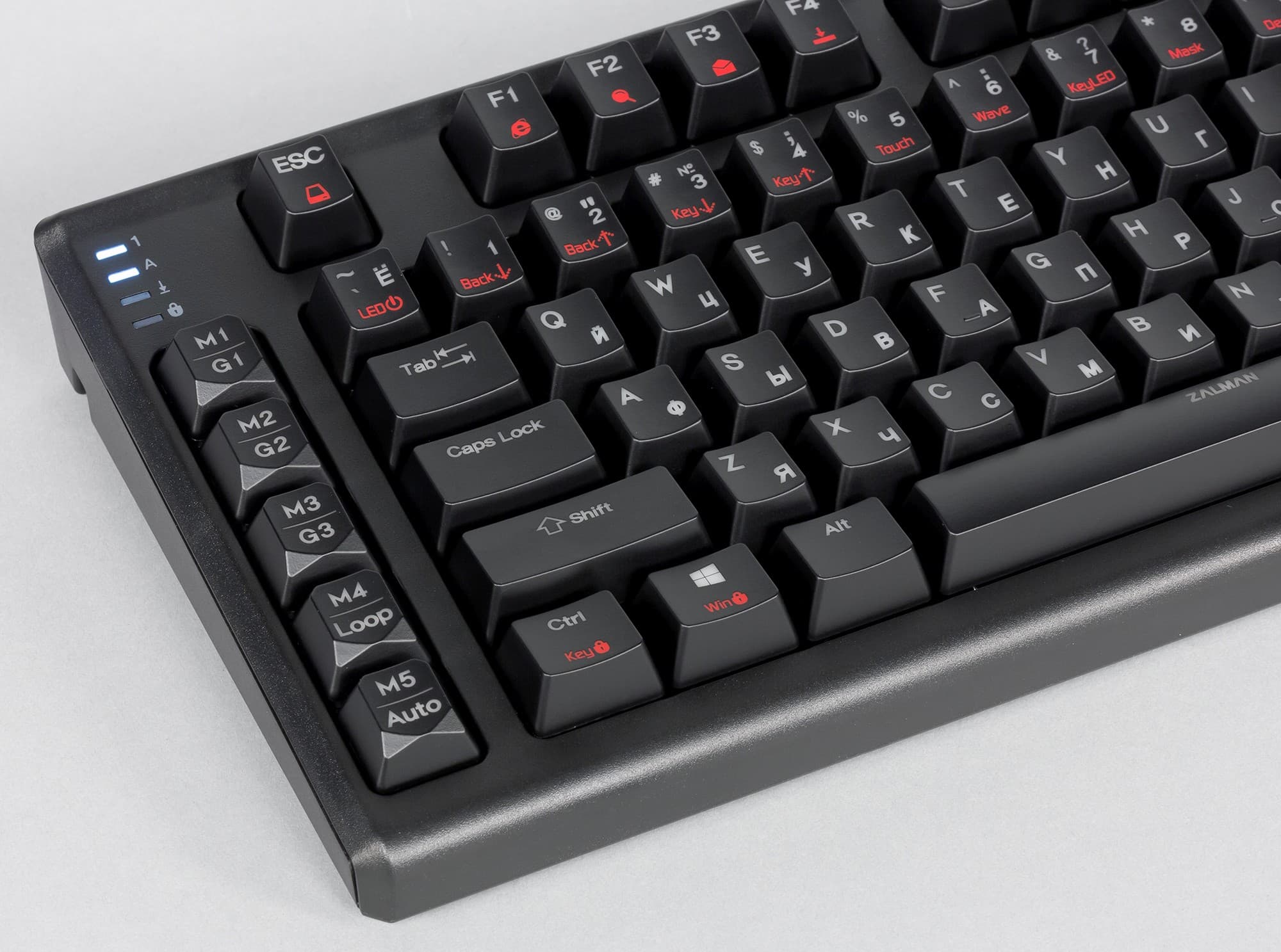
In the upper left corner are indicators: NumLock, CapsLock, ScrollLock, WinLock. All keys have a small cylindrical indentation for fingertips without a bevel in any direction. The entire keyboard is made of black plastic. The Enter key is single-height. Above the arrow keys on the right side is the Zalman logo — Z-Machine Gaming Gear. The symbols on the keys are laser engraved. Cyrillic symbols are slightly smaller than Latin ones and are offset to the lower right corner. The font is easily readable.
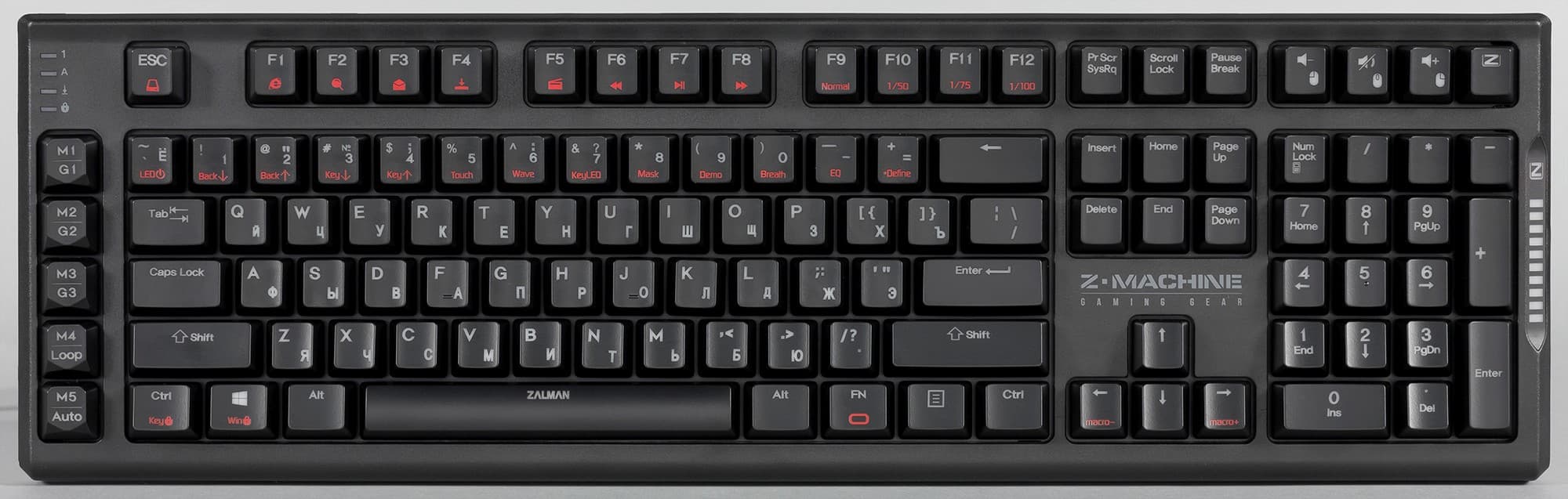
Some keys acquire additional functions when combined with the FN modifier: for example, FN + 1 launches the browser, FN + F3 launches the email client, FN + ~ turns on the LED backlight, FN + 6 turns on the “wave” backlight mode, etc. All alternative functions are marked in red and are intuitive. Some key combinations have several function options activated by repeated pressing, for example, the “wave” backlight can have five types.
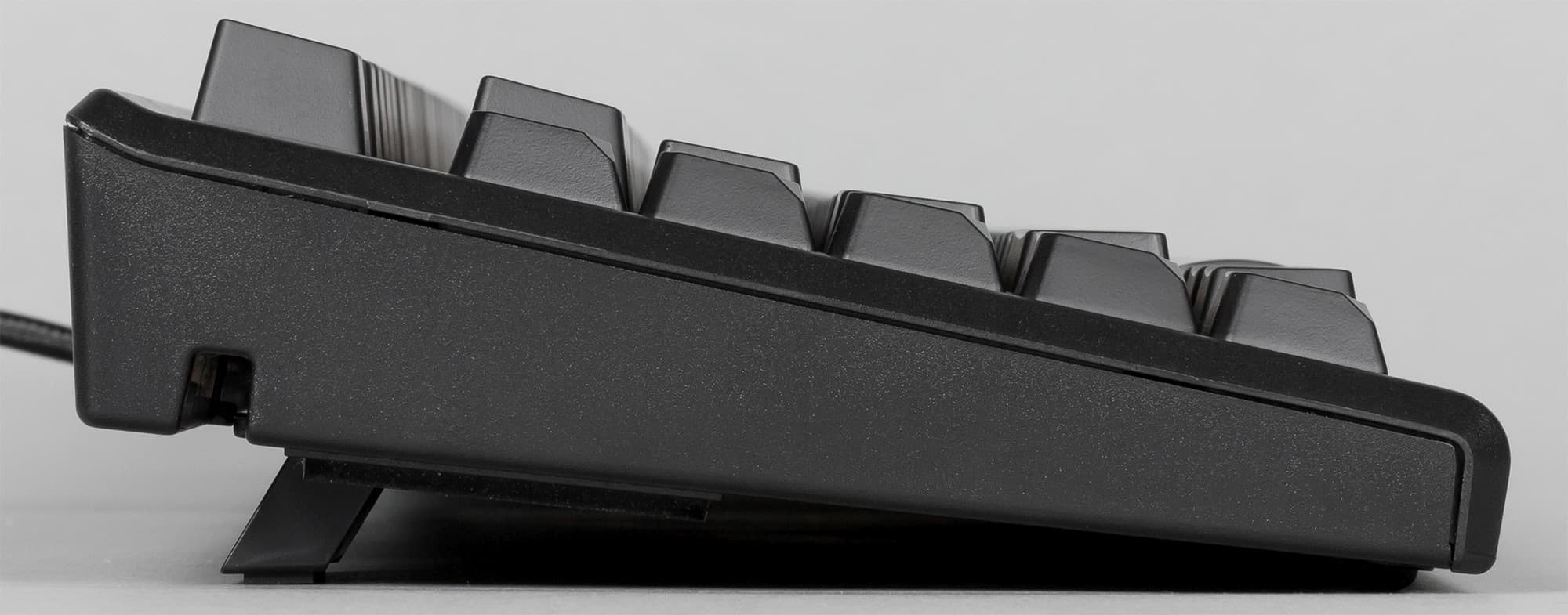
Note that the key height is 15 mm, the actuation travel is — 2 mm, and the full travel when pressed is — 4.5 mm.
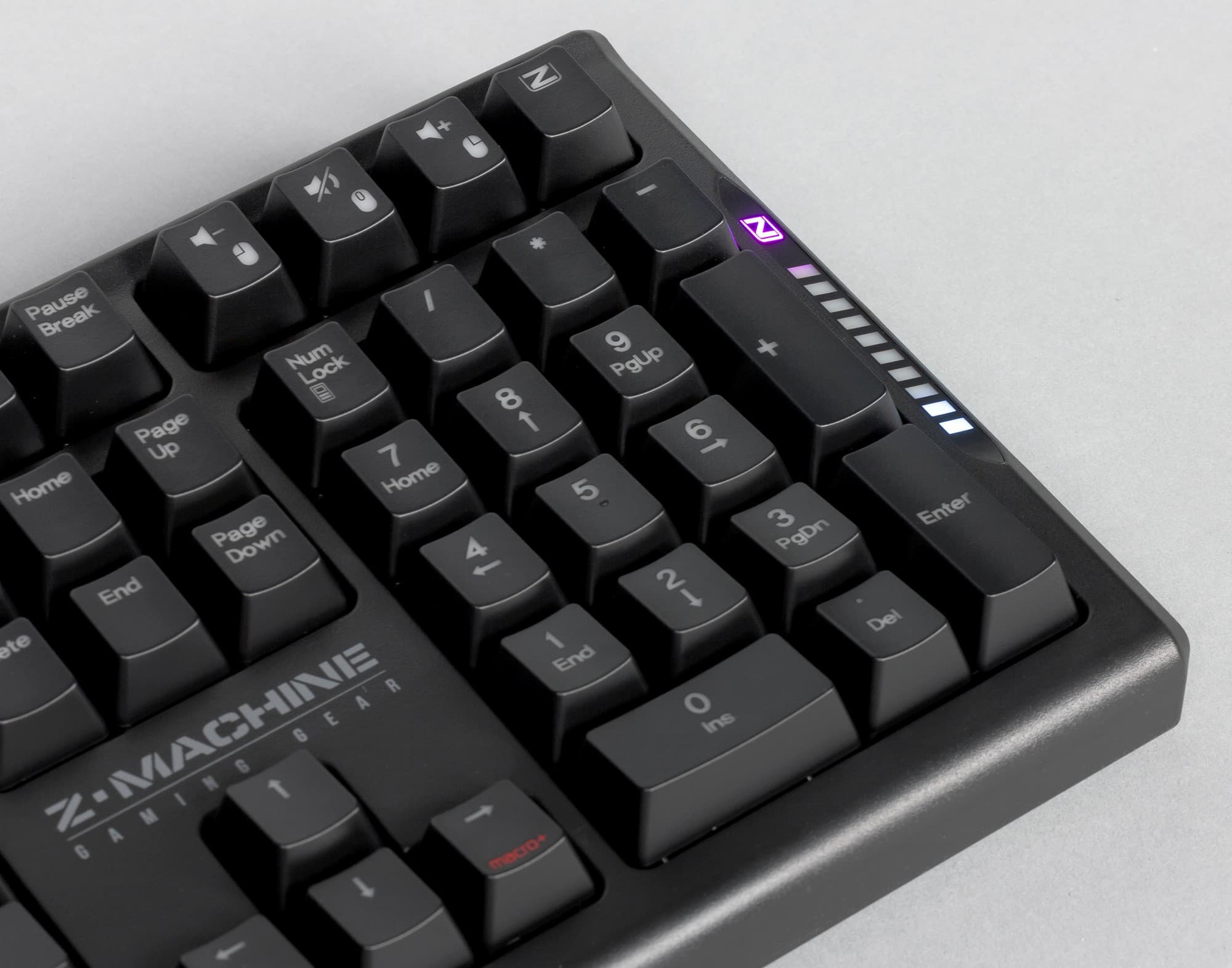
On the right edge of the keyboard is an LED indicator Z, which, when more than six keys are pressed quickly, fills up and shows your typing speed rating on a ten-point scale. The LED under the letter Z above the indicator in standard keyboard operation mode “breathes,” changing colors.
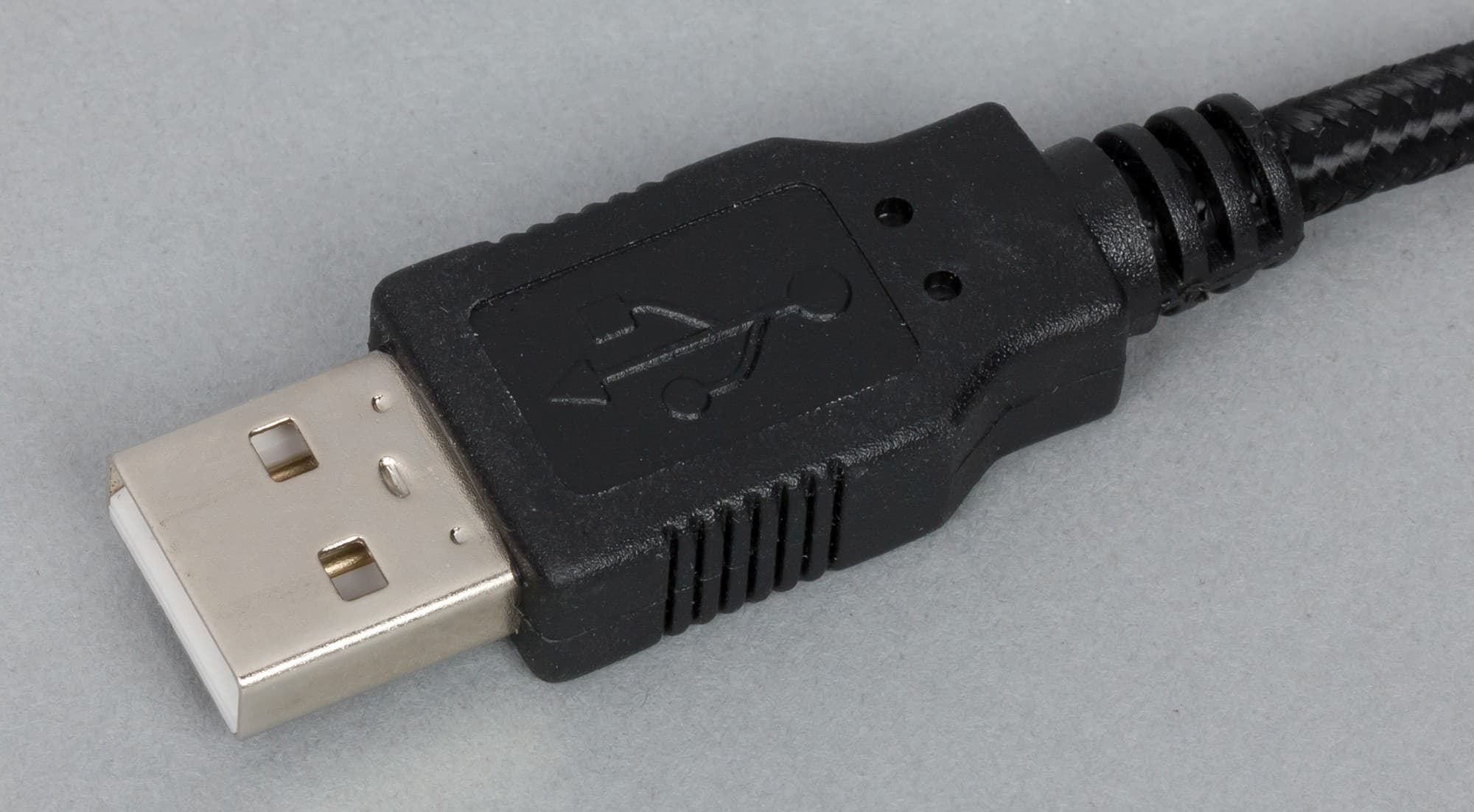
The keyboard cable is protected by a rigid textile covering that prevents fraying and bending. The plug itself has a standard appearance.
In the upper right corner of the keyboard are four unique keys. The first three are responsible for controlling the sound volume level, and the key with the letter Z switches the keyboard's operating mode.
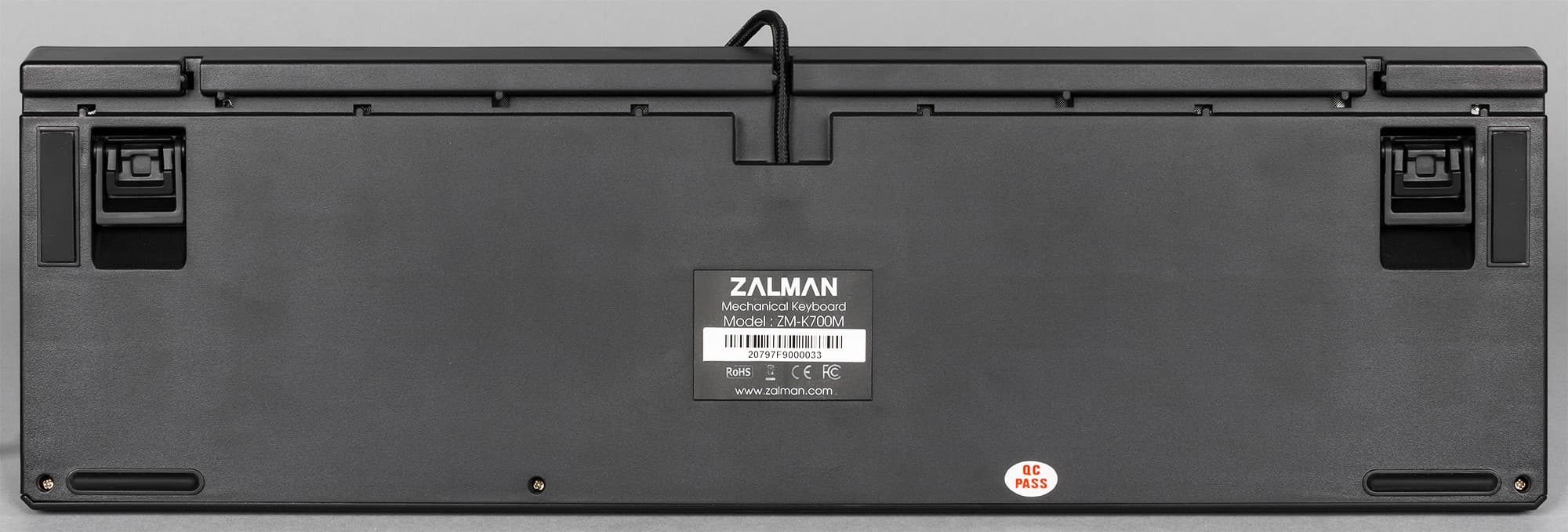
On the bottom of the keyboard, at the front, there is a channel where the interface cable can be routed and exited from a convenient side for rational organization of desk space. Foldable plastic feet help raise the keyboard above the desk surface and change the tilt angle. Four rubberized feet at the corners prevent the keyboard from sliding on the surface.
The Zalman ZM-K700M keyboard is equipped with a fast repeat function for entered characters with acceleration of 50, 75, and 100 times. The younger model in the lineup, the ZM-K600S, has similar capabilities. In the review of the Zalman ZM-K600S keyboard, we discussed in detail why this functionality is needed. In China, Starcraft II championships are very popular, and there, for example, when you have already developed your economy and have 10 factories producing siege tanks idle, when you assign all factories an order to produce combat units, the task is distributed among all 10 factories. Each factory has a production queue, and thus, for example, each factory gets five commands. Multiply and you get 50 commands with the mouse or keyboard key. And the faster you give commands, the more time you will have left for manipulating workers or the economy. In the Zalman ZM-K600S review, you can see a video illustrating the process.
The Zalman ZM-K700M keyboard does not require the installation of proprietary software to operate.
The backlight in the Zalman ZM-K700M keyboard has only one color and several operating modes: touch, wave (five variants), static key backlight, mask, demo, breathing, and equalizer.
The keyboard uses Cherry MX Red mechanical switches. A feature of these switches is that the backlight LED is offset from the center upwards, so Cyrillic symbols are dimly lit. Note that the packaging mentions the possibility of using Cherry MX Blue mechanical switches in the keyboard, but there are no markings on the box indicating which switches are used.
Practice
Using the Zalman ZM-K700M keyboard, we played games such as Dead by Daylight, Rust, CS: GO, Chivalry: Medieval Warfare, Dota 2, Smite, World of Tanks, Warframe, Doom, Rainbow Six: Siege, The Witcher 3: Wild Hunt. Overall, the keyboard caused no discomfort in any of the games across all listed genres. The sensations when pressing the keys were as expected. The Cherry MX Red switches used are specifically designed for gaming. When pressing a key, the user feels no slight resistance and hears no additional sound. The actuation force required is minimal — 45 cN, and the free travel before actuation is — 2 mm.

The Zalman ZM-K700M keyboard is suitable for a wide range of gamers, but with the caveat that flexible macro management capabilities are not required. After all, only with proprietary software can the greatest flexibility and, most importantly, visualization of settings be ensured. On the other hand, most users will find the macro management capabilities built into the ZM-K700M keyboard sufficient, and the retail price is lower than that of competitors.
The same applies to the backlight color — yes, there is no full-color mode, but, again, the Zalman keyboard is also cheaper.
The ZM-K700M keyboard handles typing perfectly, and the single-color backlight makes typing easier in poor lighting. One can only complain about the dim backlighting of Cyrillic symbols. To improve the situation, the font size could be changed and the Cyrillic symbols moved closer to the top.
Diagnosis
Overall, we liked the Zalman ZM-K700M keyboard for its classic look, gaming switches, and reasonable price. At the time of writing the review, the keyboard costs about 8500 rubles in Moscow retail. If you are looking for a gaming keyboard and do not require flexible macro management capabilities and full-color backlighting, then the Zalman ZM-K700M should be on your shopping list.
Pro:
- Reasonable price
- Ability to record macros without using proprietary software
- Convenient channel for routing the interface cable from the desired side
Contra:
- Dim backlighting of Cyrillic symbols
Never miss our newsAdd this site to your preferred sources to see us more oftenAdd on Google