Over 40 hidden GTA VI features you might not know about: useful tips, secrets, and tricks
Translated with AI from the Russian original.
Did you know that in GTA VI you can “talk your way out” with the police, rob stores without triggering the alarm, suplex enemies, and do flips when jumping into a pool? We’ve gathered dozens of useful and unexpected features you might not have known about.
All combinations are listed for PlayStation. On Xbox, use the corresponding buttons: LB and RB (instead of L1 and R1), LT and RT (instead of L2 and R2), LS and RS (left and right stick clicks), A (Cross), B (Circle), X (Square), and Y (Triangle).
Even after dozens of hours in GTA VI, you can still discover completely unexpected mechanics. So you don’t have to search for them on your own, here is how to:
Open the vehicle control menu
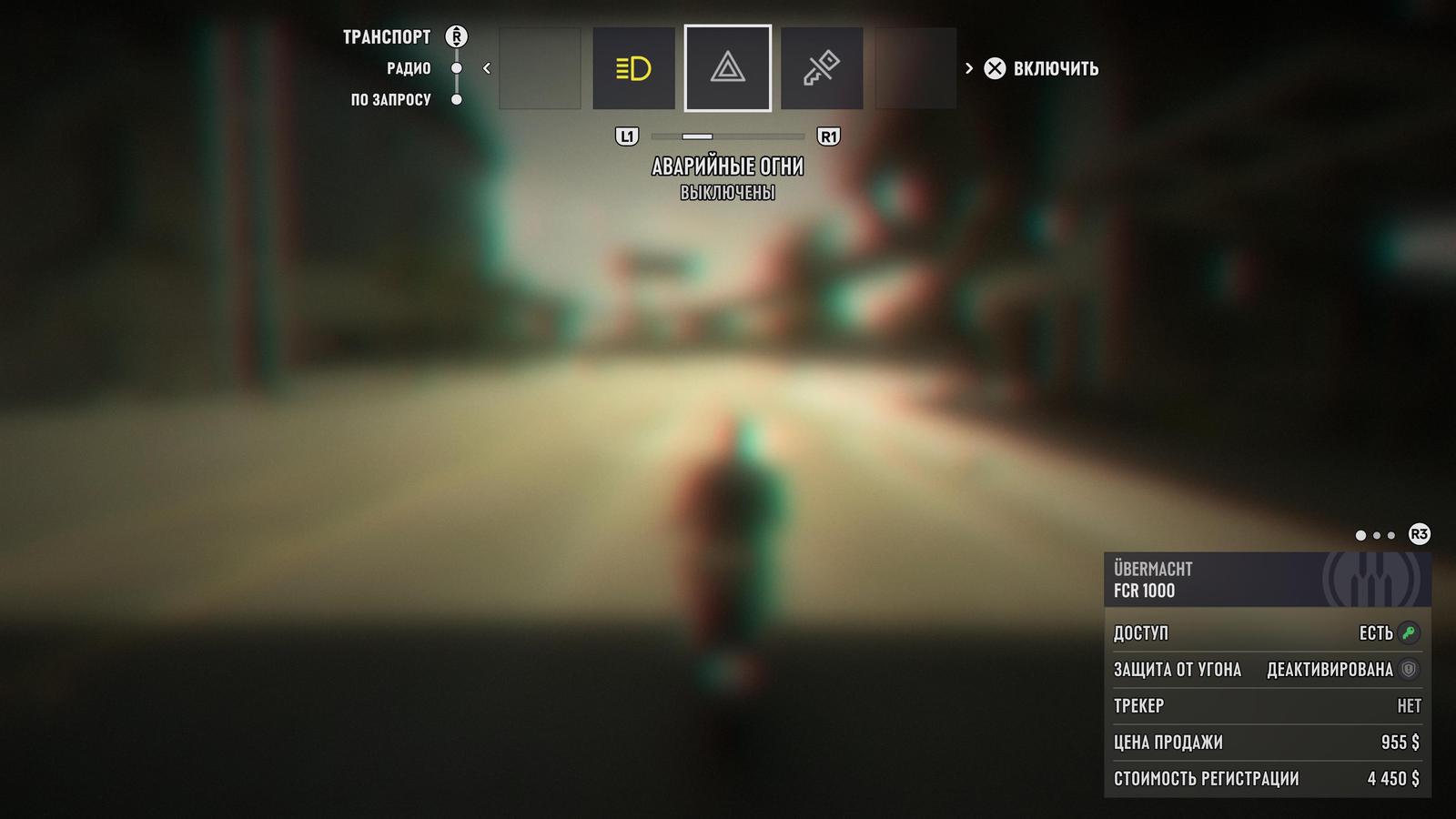
Hold Left on the D-pad to open the radio menu, then push the right stick up. Here, you can roll down the windows yourself, turn on hazard lights, adjust the headlights, turn off the engine, open the trunk, and even operate a convertible’s folding roof. The number and availability of functions depend on the vehicle type—for instance, when piloting a boat, you can drop anchor right here to prevent drifting.
Control low and high beam headlights
The Circle button allows you to switch between vehicle lighting modes, including high beams, low beams, and neon underglow. Moreover, oncoming drivers may flash their headlights at you if you forget to turn your lights on after dark.
Use turn signals
To turn on the blinkers, simply press Left or Right on the controller’s D-pad.
Exit a vehicle without turning off the engine
Double-tapping Triangle lets you exit the vehicle while keeping the engine, headlights, and radio running. This is especially useful during heists when you need to quickly hop back behind the wheel and get away. And if you double-tap this button while piloting a boat, you can leave the helm and move freely around the deck while the vessel continues on its course.
Duck behind the wheel while driving
Holding Circle while driving allows you to duck behind the wheel, hiding behind the dashboard. This helps reduce the chances of catching a bullet through the windshield during a firefight, as well as lowers the risk of being identified by police if you are wanted, have already swapped cars, but are still wearing the same clothes.
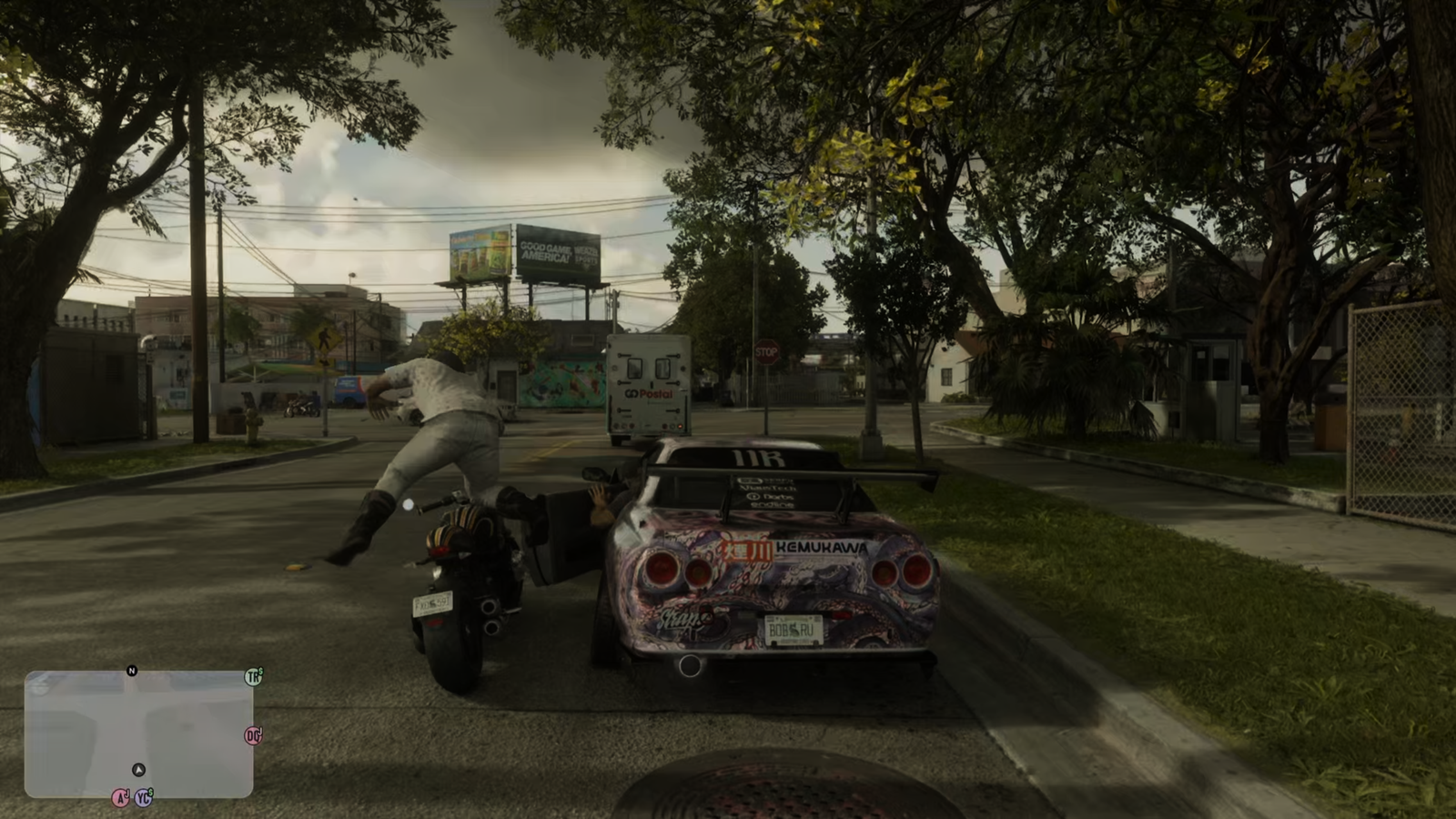
Hit enemies with a car door and kick them from a motorcycle
If an enemy gets too close during a chase, or you simply take issue with a scooter rider nearby, press Square to slam them with a car door. On a motorcycle or bicycle, the same button lets you kick anyone nearby.
Provoke drivers and start road rage incidents
Pressing R3 allows you to shout insults at other drivers, while holding Up on the D-pad opens additional interaction options. Just like when dealing with regular pedestrians, you can provoke or de-escalate the situation.
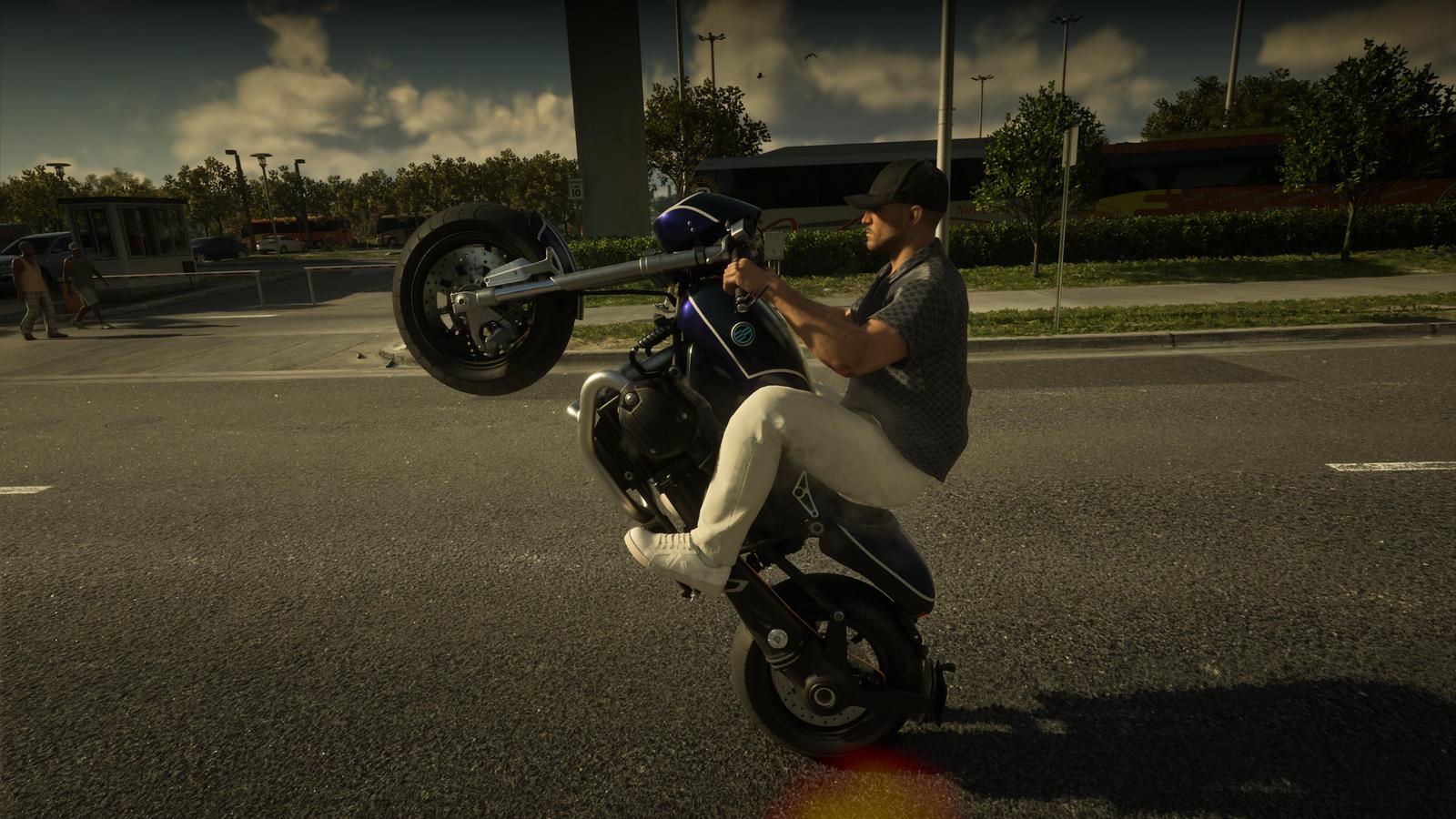
Pop a wheelie and perform a stoppie on a motorcycle
If you pull the left stick back and hold R2, you can ride on the rear wheel—popping a wheelie. And if you push the stick forward and brake with L2, you’ll perform a stoppie—lifting the rear wheel and riding on the front one.
Quickly turn the radio on and off
Double-tapping Left on the D-pad instantly turns the car radio on or off without opening the radio station wheel.
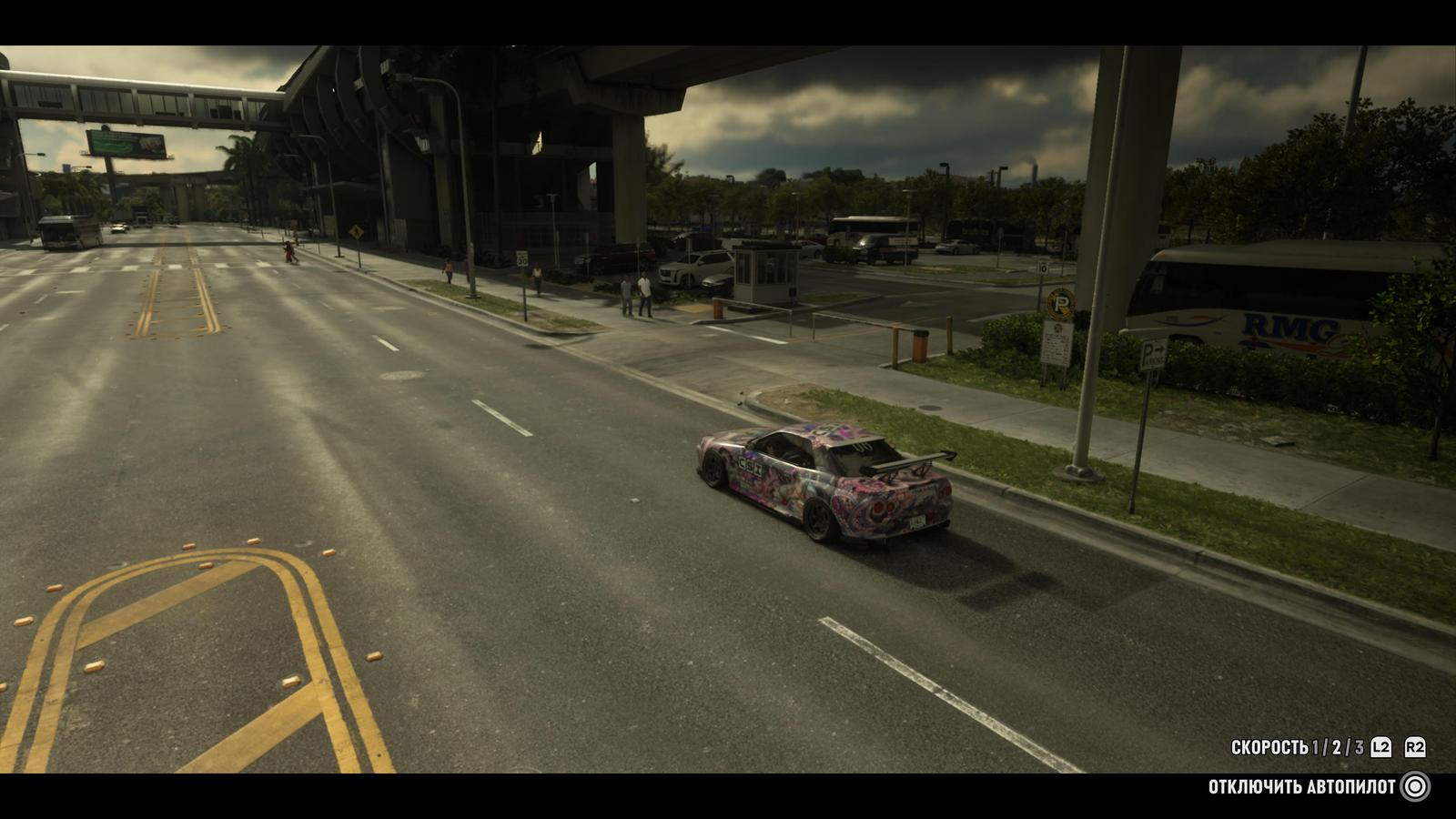
Enable autopilot
Set a waypoint on the map, hit the road, and activate the cinematic camera by holding Down on the D-pad and pressing Options. Then hold Circle to hand over control to the AI and enjoy the Leonida scenery. By default, autopilot is only available in safe conditions, but you can remove this restriction in the game settings to allow its use even during dangerous situations.
Store melee weapons in the trunk
The game explains that long guns should preferably be stored in the trunk when not needed so as not to attract unwanted attention. However, you can also store extra gear in your personal vehicle’s trunk, including baseball bats, shovels, and other melee weapons.
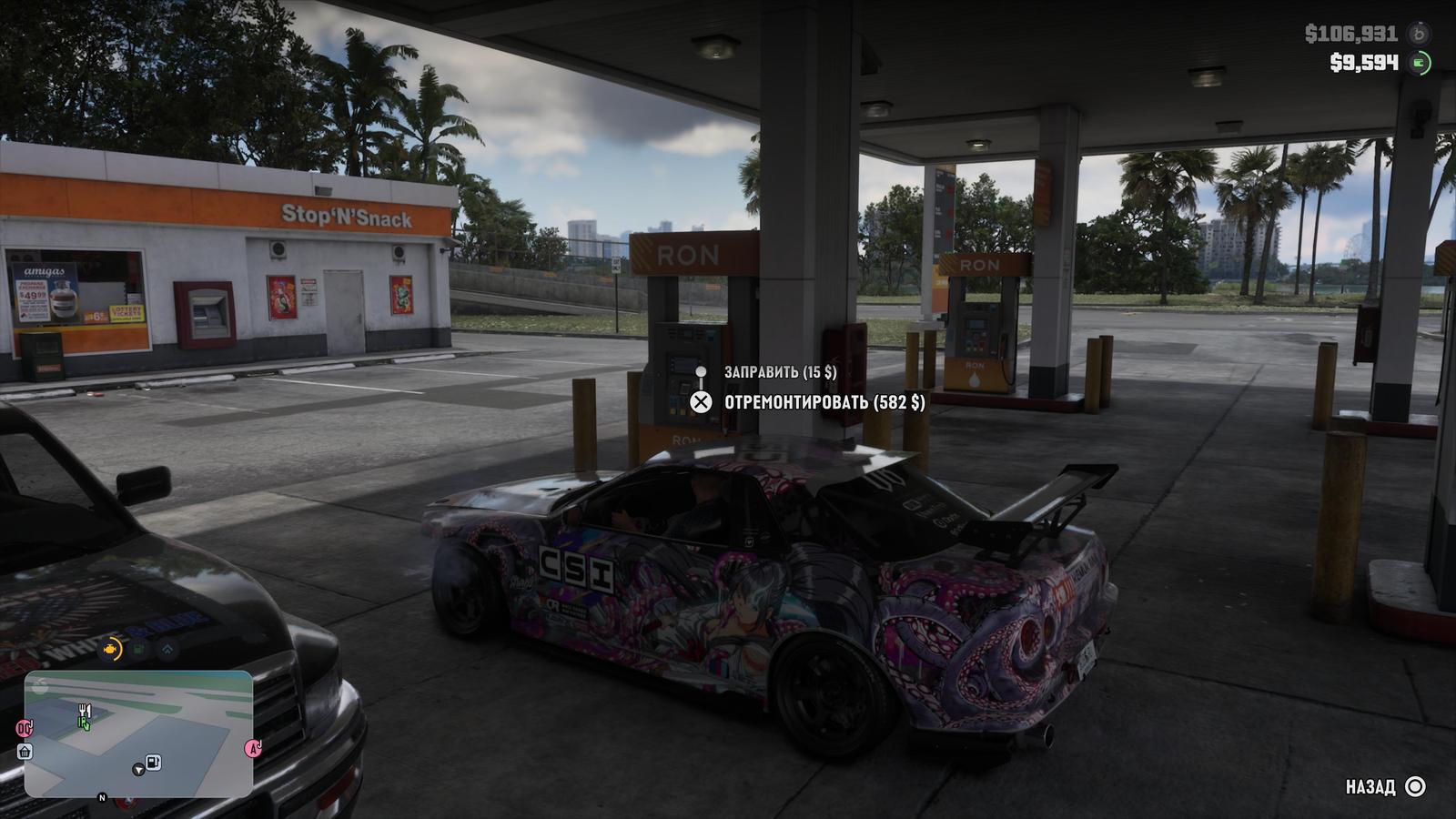
Repair vehicles right at gas stations
The game introduces the need to refuel vehicles, though you have to do it relatively rarely since many repair shops top off your tank as well. However, if you pull up to a gas pump in a damaged car, vehicle repair will appear among the available options, saving you a trip to a garage.
Manually control emergency vehicle sirens
In police cars and other emergency vehicles, you can manually trigger horns and switch siren modes by pressing, holding, and tilting the left stick.
Push and flip stuck vehicles
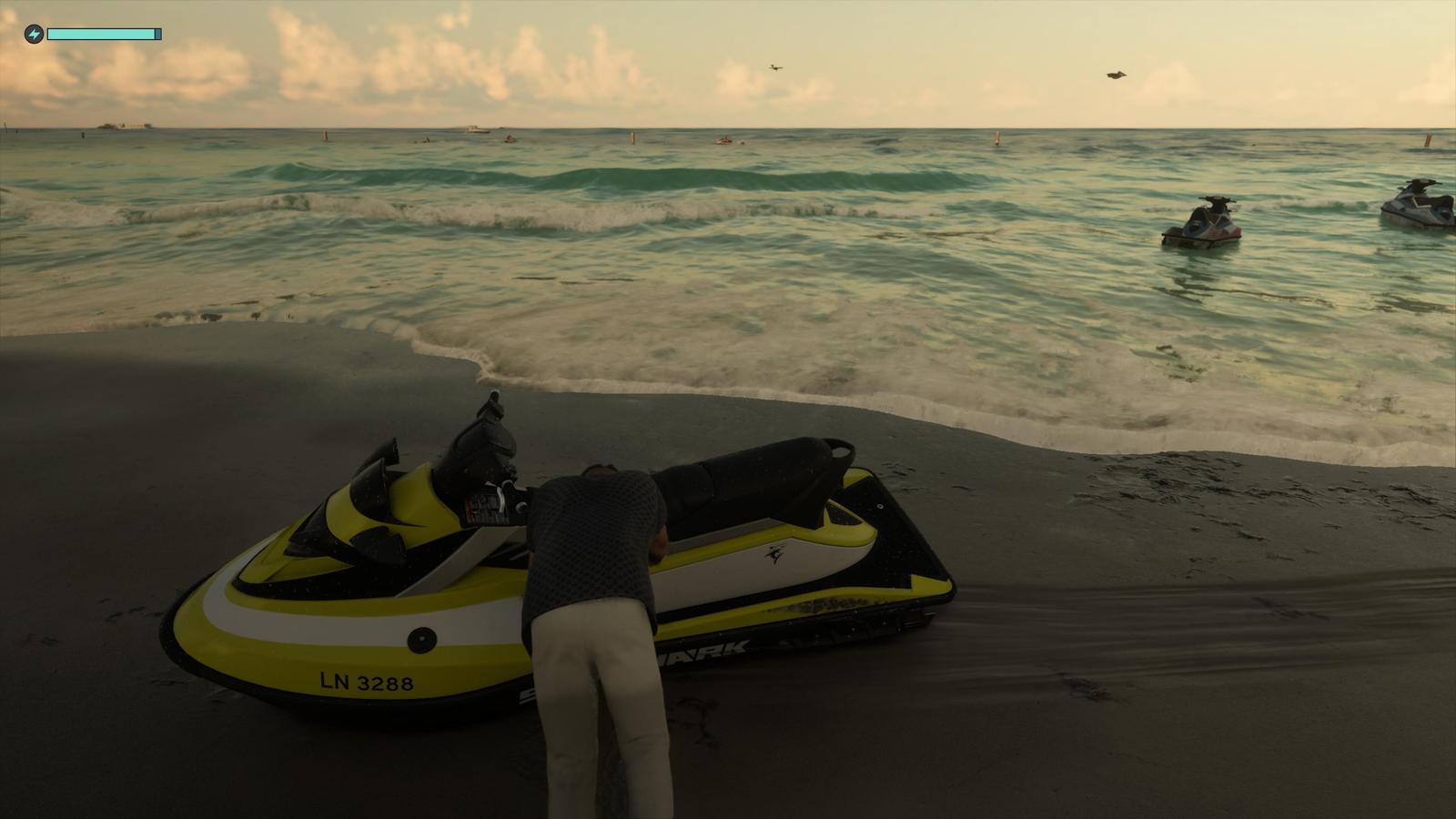
If a car flips over or gets stuck at an awkward angle, walk up close to it and press L3 to start pushing it. Holding Square lets you exert more force and even flip an overturned car back onto its wheels. Similarly, you can push beached boats and jet skis back into the water.
Quickly switch between two weapons
Pressing Triangle while aiming lets you quickly switch between two selected weapons. Thanks to this, you won’t have to bring up the weapon wheel every time in the middle of a shootout.
Switch aiming shoulders
While holding L2, press Left on the D-pad to switch the camera to the character’s opposite shoulder. This is especially useful during firefights around building corners and other cover when enemies are on the awkward side of the screen.
Aim in first person
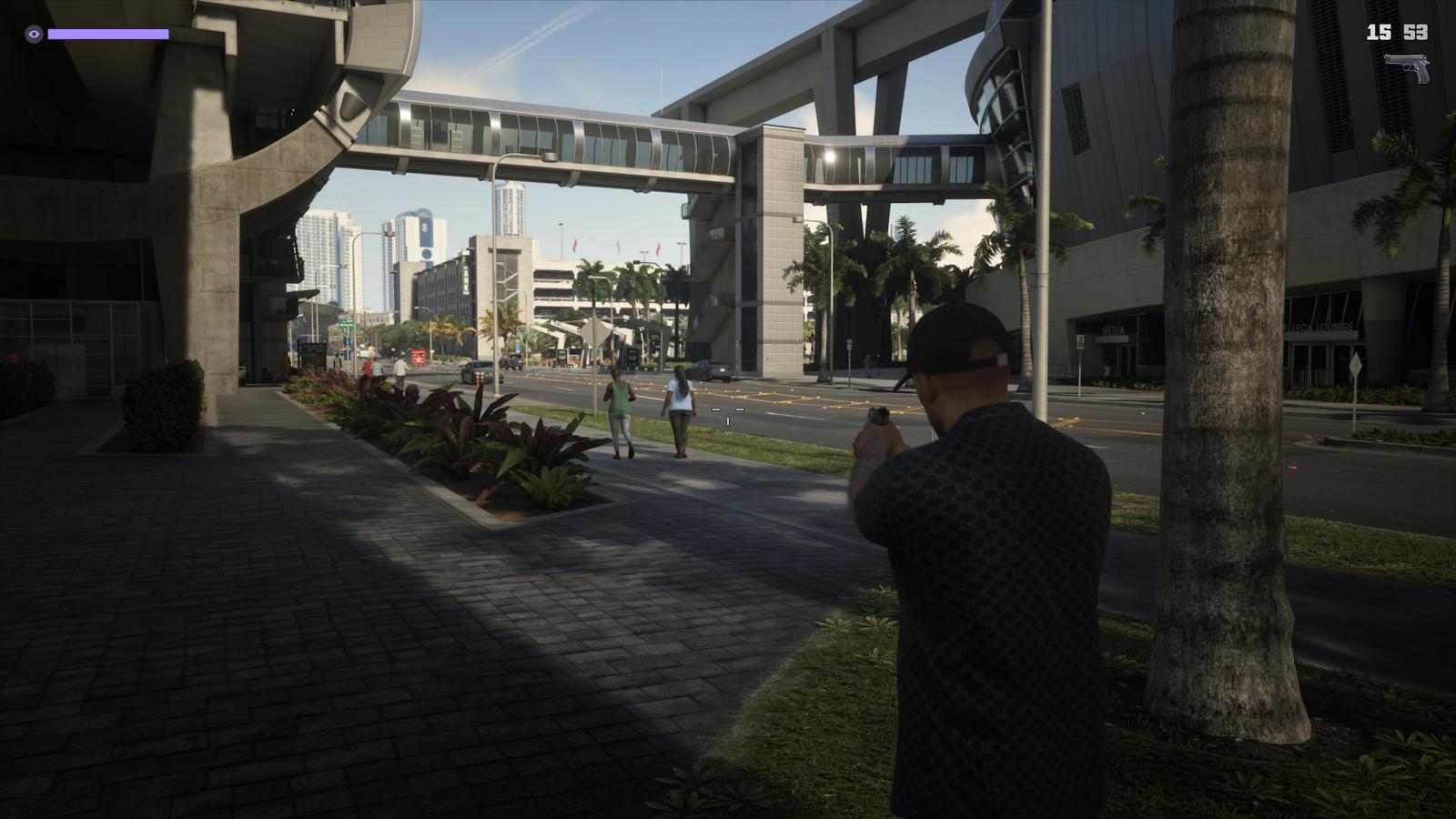
If you equip a compatible optic to your weapon, holding L2 and pressing R3 will switch to first-person shooting mode. Unlike the standard environmental inspection mode, your character retains the ability to move.
Dodge attacks and counter
Just before an enemy strikes, press Cross to dodge, then Square to counterattack. If timed correctly, your character will land a counterblow, catching the enemy off guard.
Perform grapples, chokes, and other melee moves
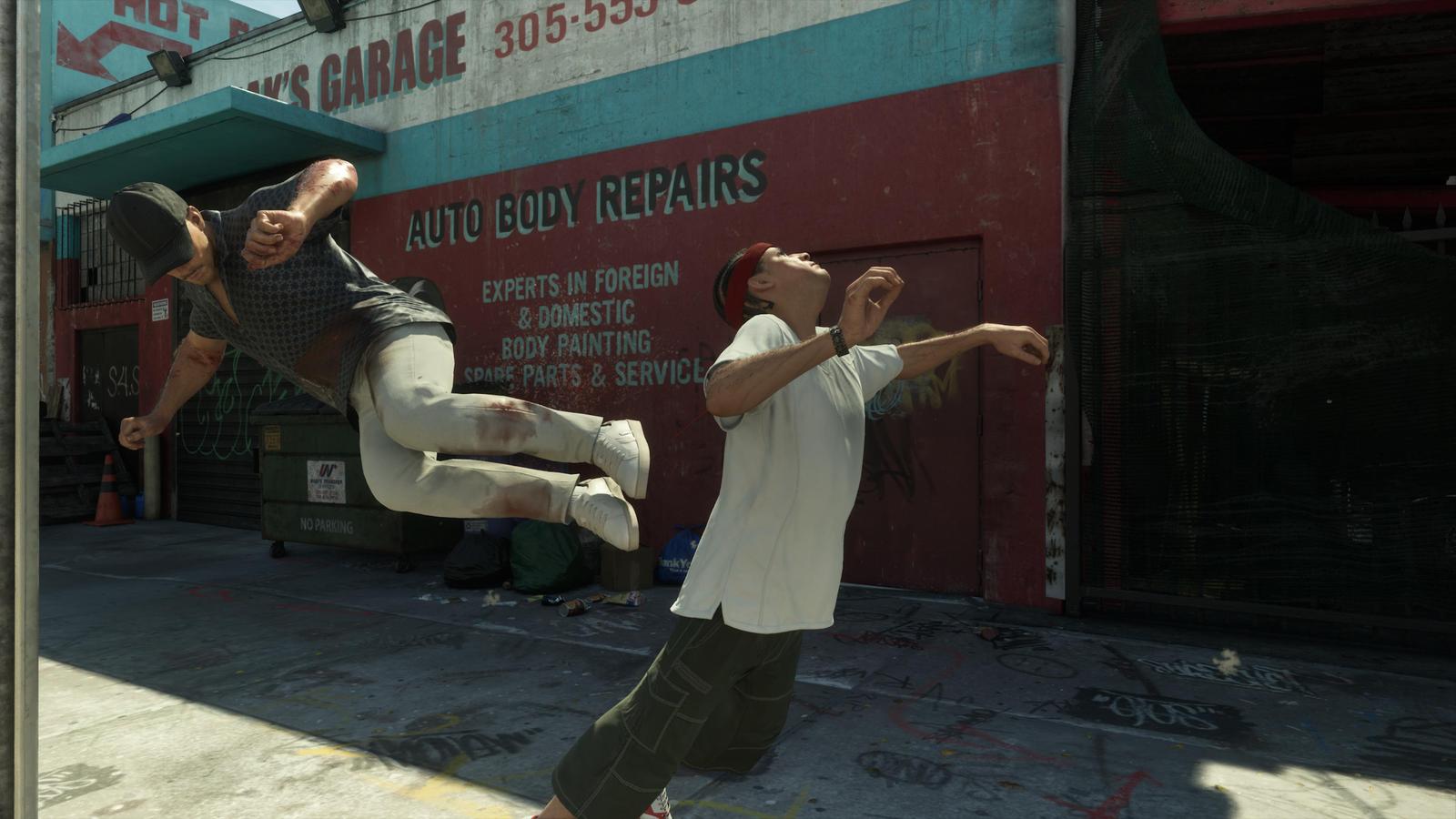
While grappling an enemy using R2, you can execute various moves by tilting the left stick in different directions and pressing Square. Moreover, Jason and Lucia have their own unique animations: for example, Jason can suplex an opponent, while Lucia can choke them with her legs if you pull the left stick back and press Square during a grapple. Additionally, you can perform a running dropkick to knock an enemy to the ground.
Throw melee weapons
You can hurl knives, hammers, baseball bats, and other suitable melee weapons at enemies. For a quick throw, aim at the target with L2 and press R2. You can also manually adjust the trajectory: hold R2, press R3 to display the arc, aim, and release R2.
Cook grenades and quickly throw explosives
Holding R2 while prepping a grenade throw lets you cook it beforehand so enemies don’t have time to scatter. And holding R1 while aiming a firearm lets you quickly toss your equipped explosive without opening the weapon wheel.
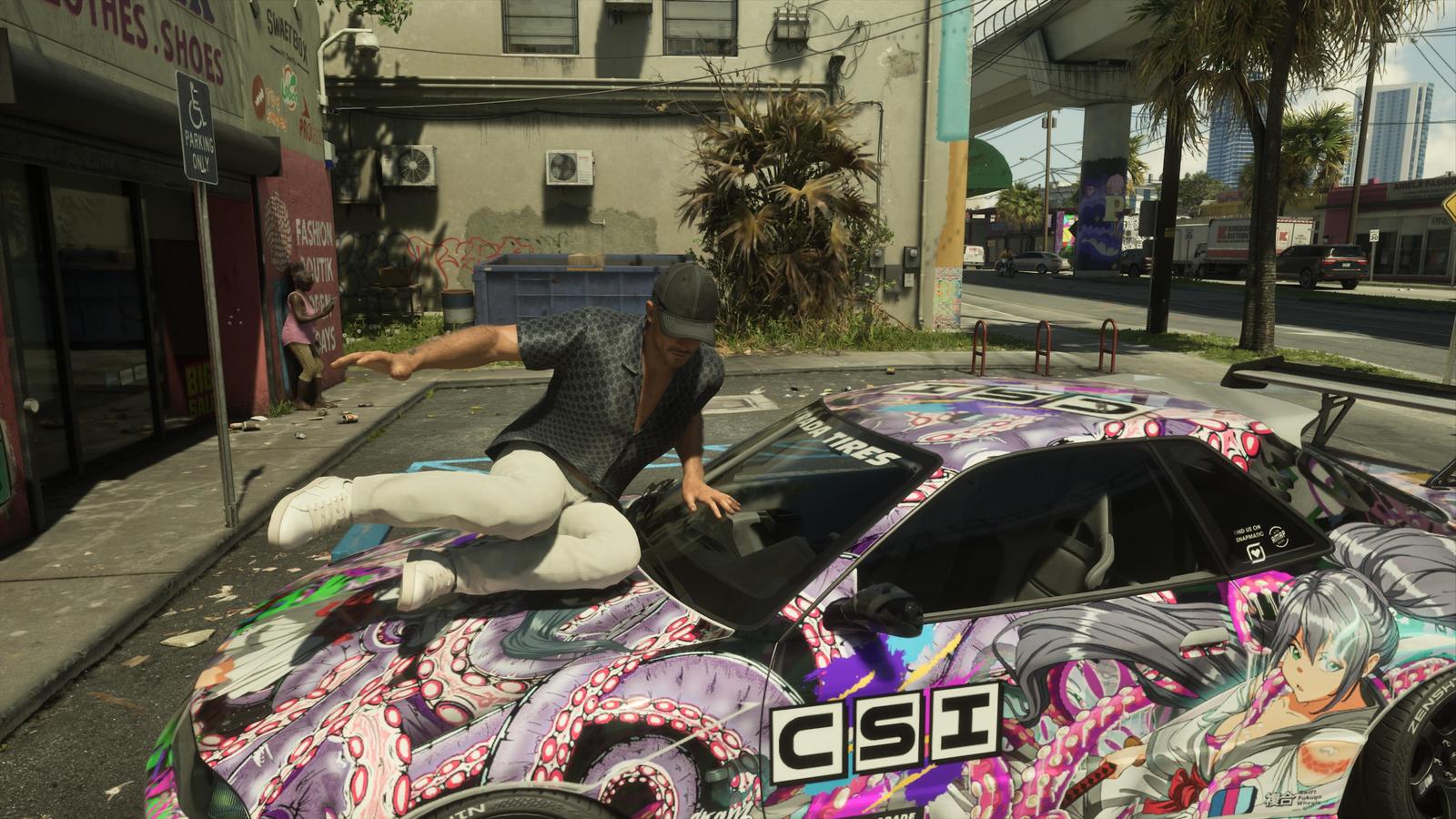
Slide across car hoods and dive into water with style
Running up to a car, you can press Cross at the right moment to stylishly slide across the hood. And holding Cross near the edge of a pier lets you do things like a flip into the water.
Simplify combat and reduce vehicle damage
Although the game doesn’t offer difficulty settings, the gameplay menu includes “Simplified Combat” and “Reduced Vehicle Damage” options. The former reduces incoming damage and increases damage dealt, while the latter makes vehicles more resistant to damage—and neither disables trophies.
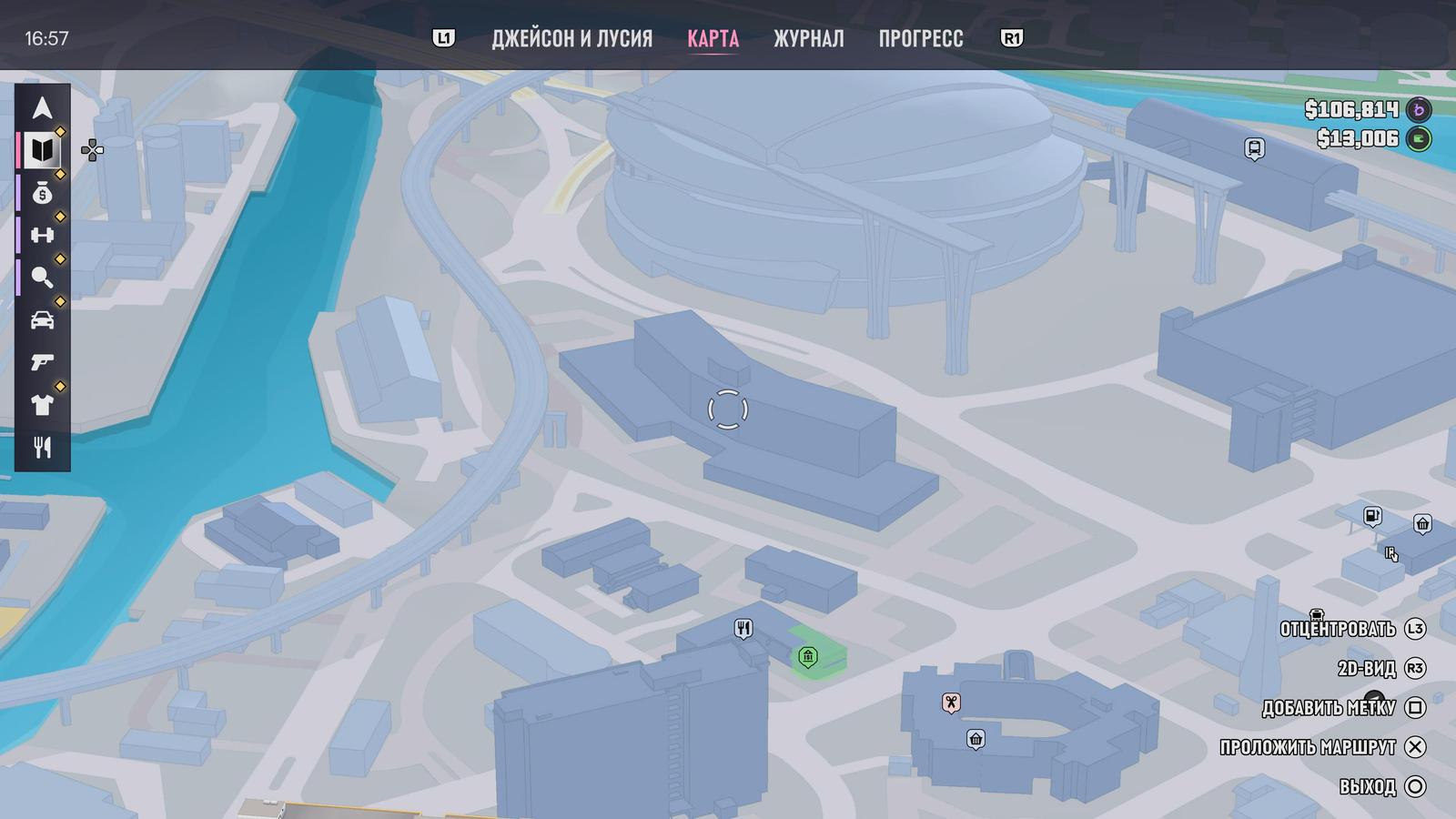
Spot accessible buildings by color on the map
Take a closer look at the building colors on the map: dark blue marks structures with accessible interiors, while light blue indicates standard locked buildings. This allows you to locate interesting spots in advance without checking every single door.
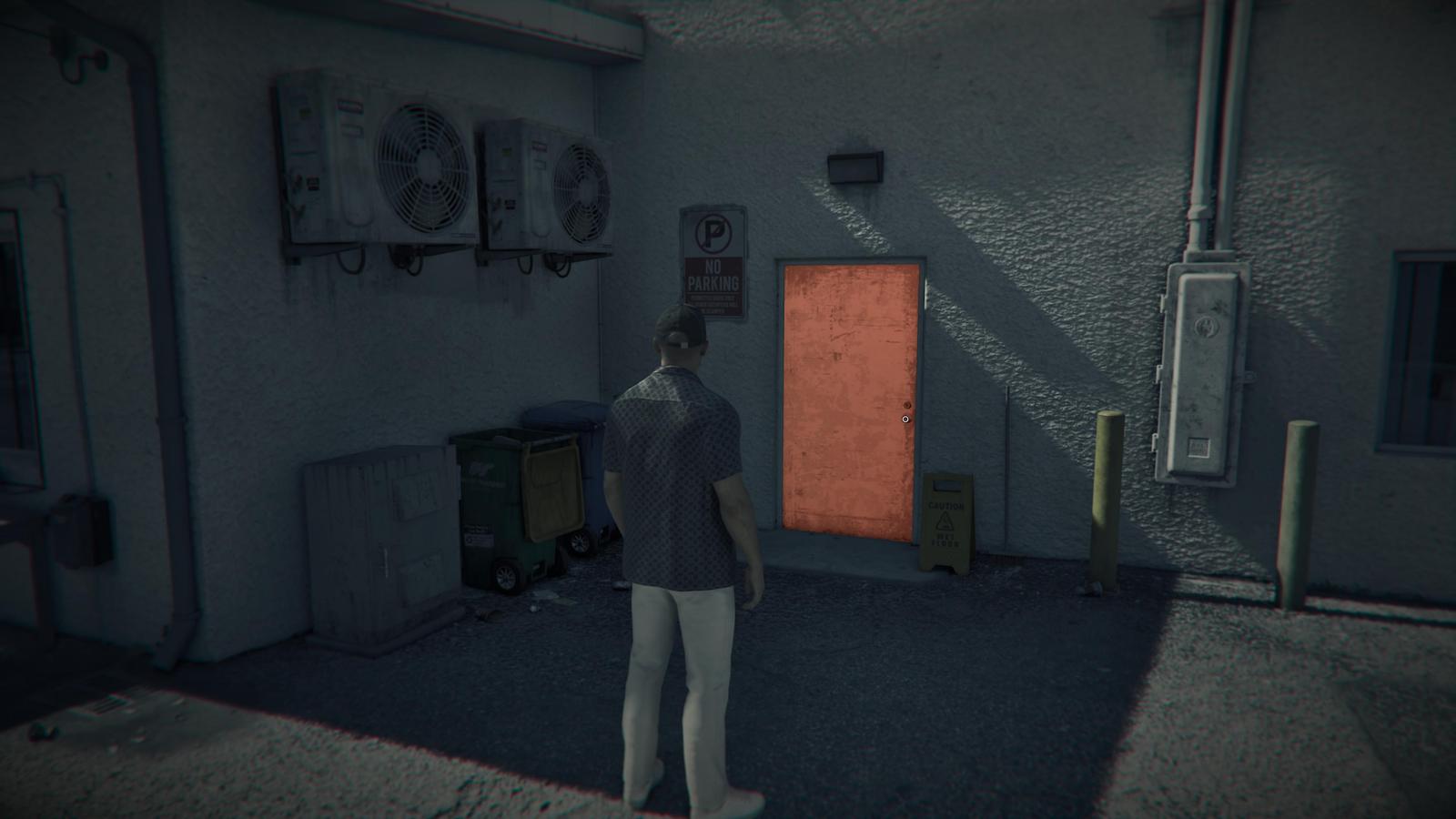
Detect alarms using focus
Activate focus mode by pressing L3 and R3 simultaneously to inspect building entrances beforehand. Alarmed doors glow red, while standard safe entrances glow white, helping you pick an ideal entry point.
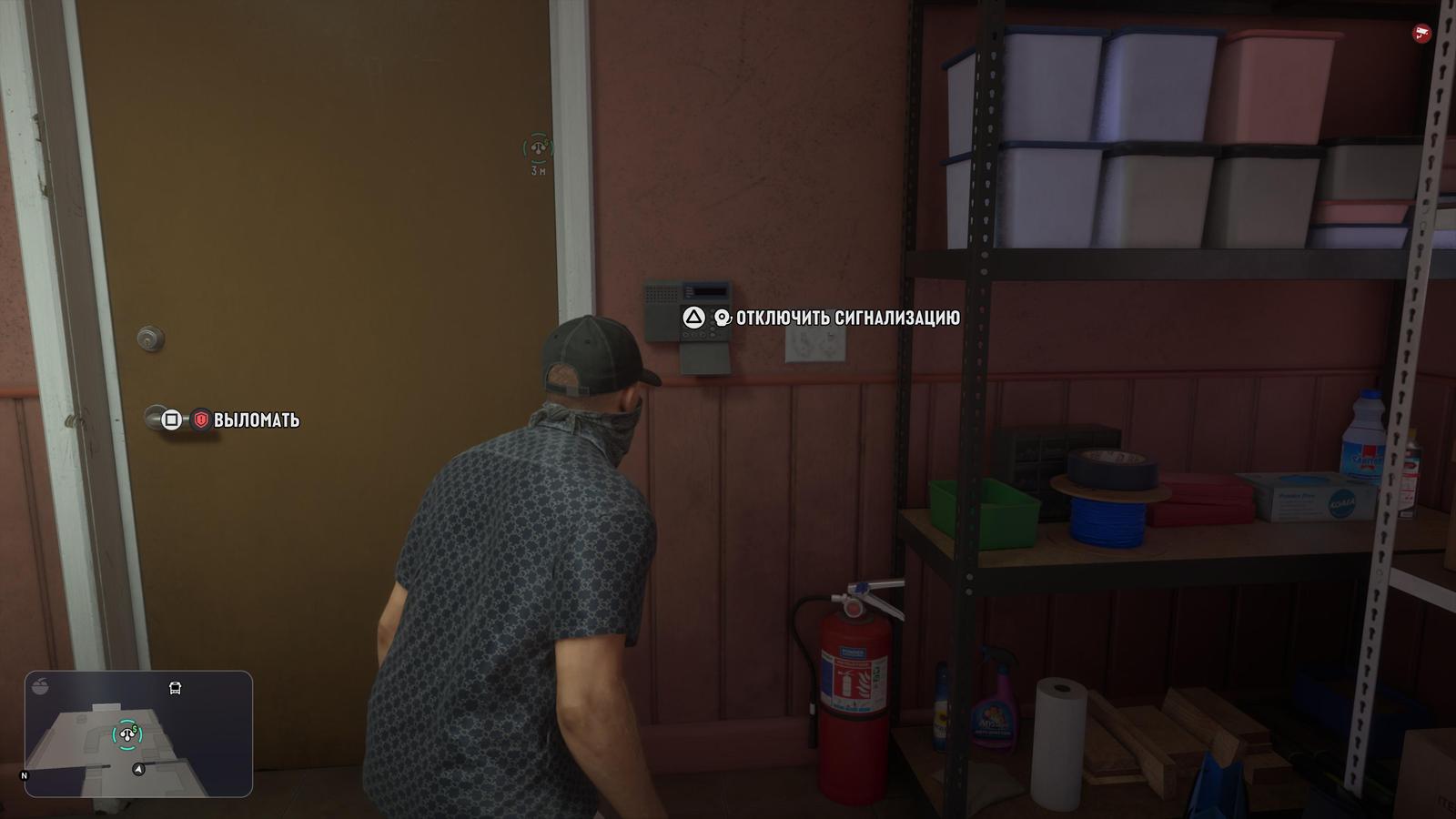
Use the lockpick gun for flawless heists
Acquired in Chapter 3, the lockpick gun lets you silently breach locked doors. For instance, before robbing a jewelry store, you can slip in through the employee entrance, locate the security hub, and disable both the alarm and CCTV cameras to buy extra time for looting. When executed properly, this allows you to grab the loot before anyone calls the cops and leave the scene without exposing your outfit or vehicle.
Lure guards with a whistle
Hold L2, lock onto an enemy, and select “Whistle.” Hearing the sound, the enemy will investigate its source, allowing you to lure them out and eliminate them quietly.
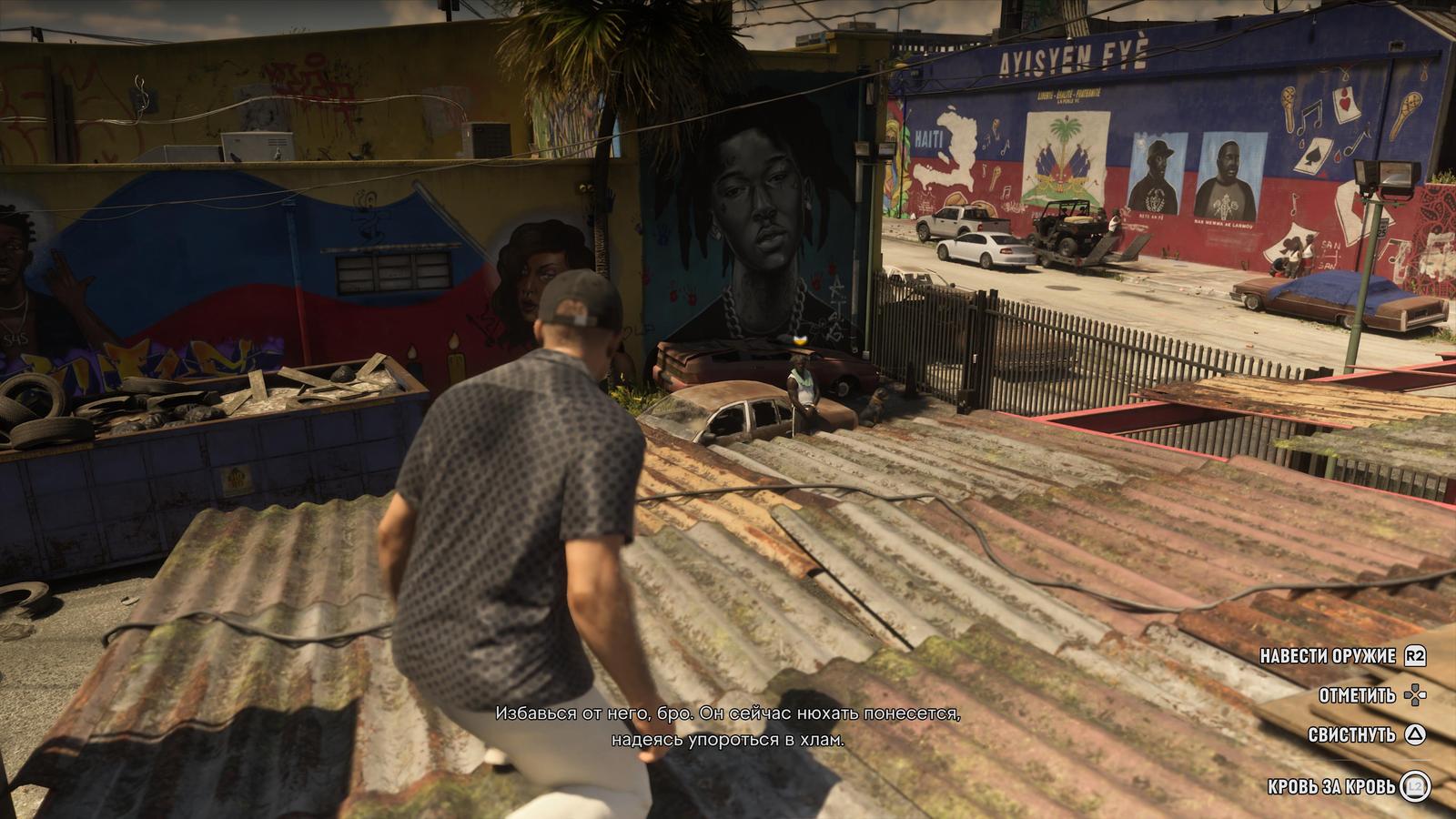
Distract enemies with thrown objects
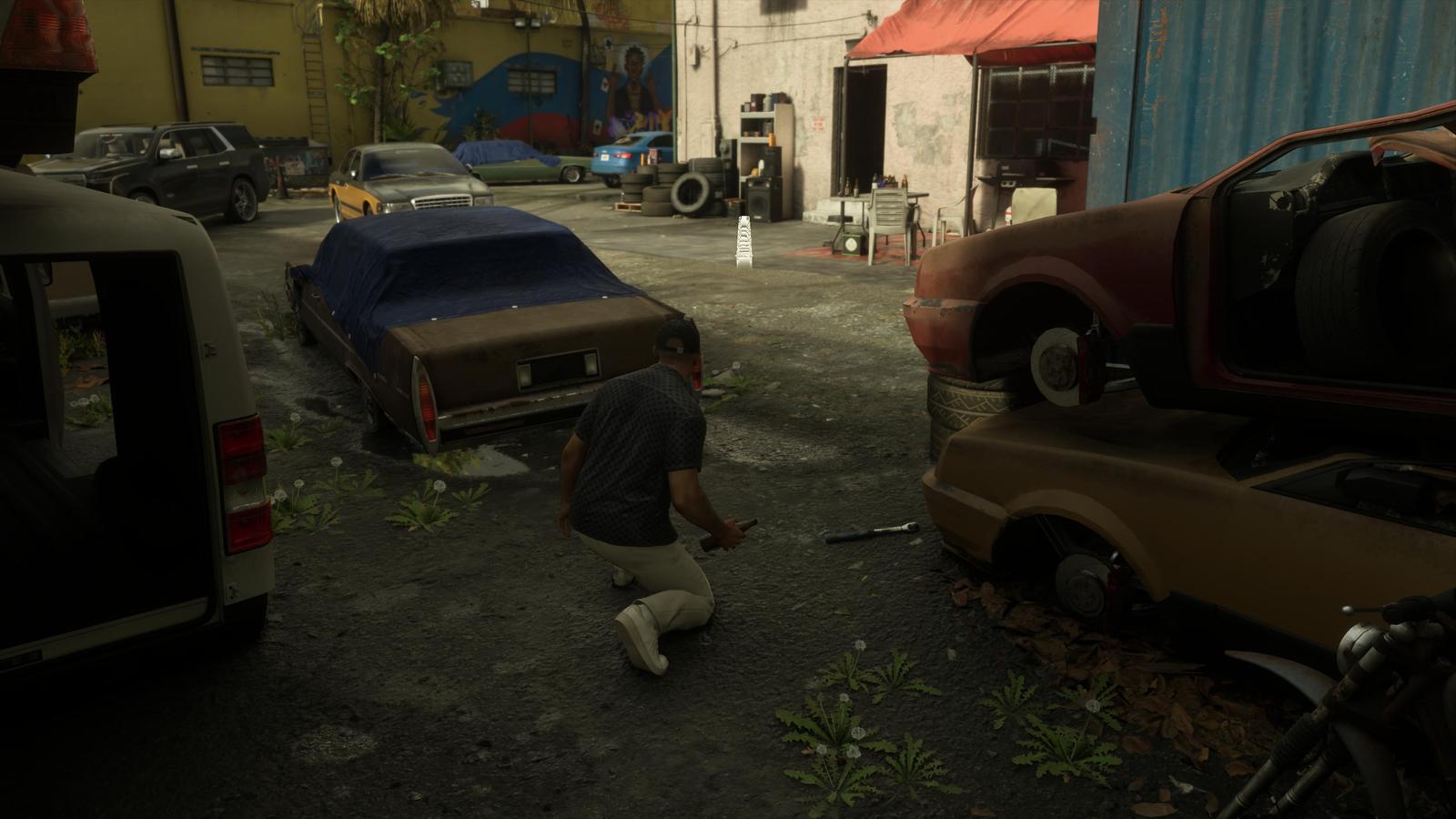
Pick up a bottle or other suitable item, hold R2, aim in your desired direction, and release. The noise will attract the guards’ attention, giving you a chance to slip past unnoticed or flank them from behind.
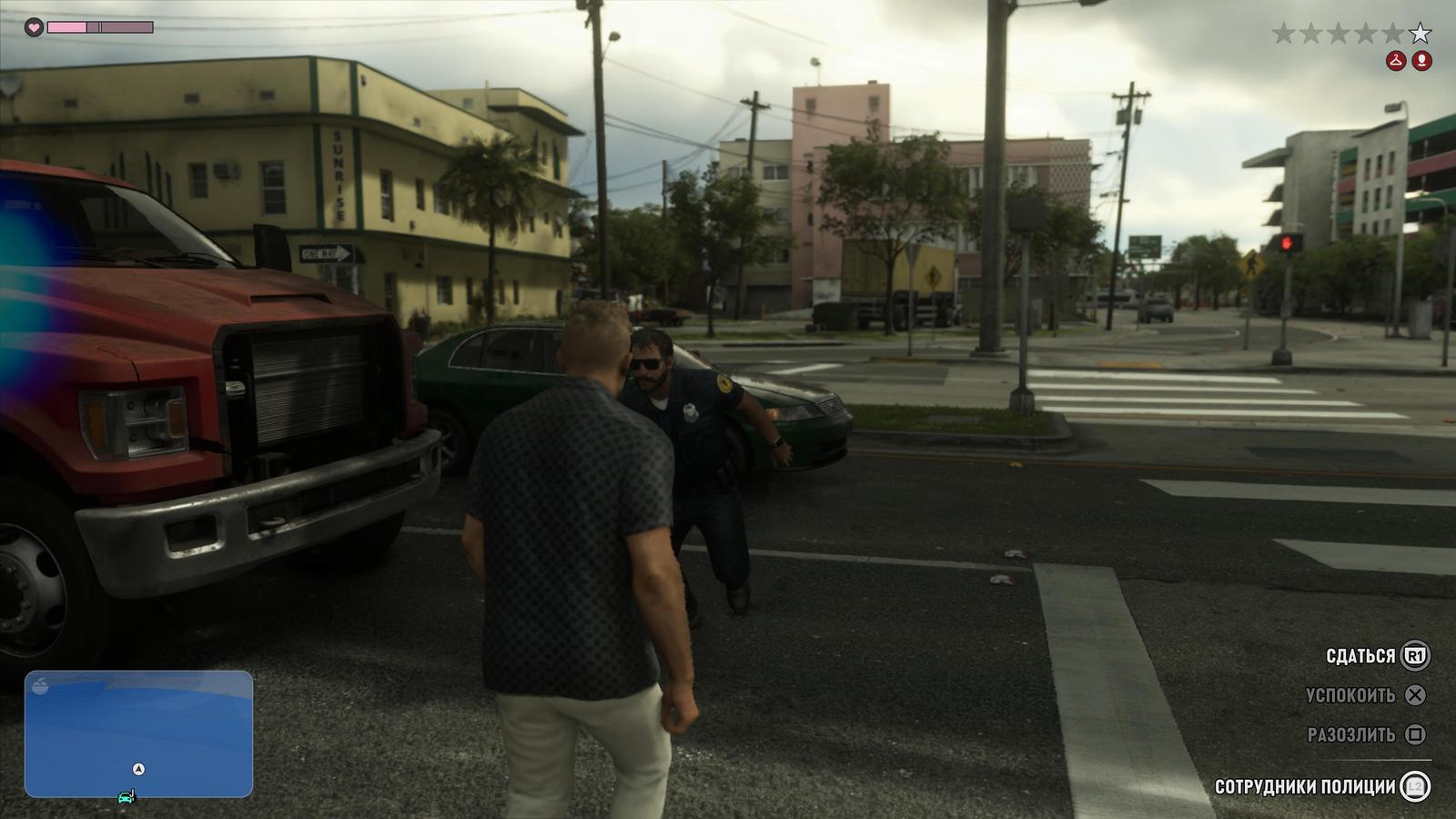
Lose police pursuit at a one-star wanted level
At a one-star wanted level, you can sometimes shake off pursuit through dialogue. To do this, holster your weapon, focus on the police officer with L2, and select “Defuse,” just like during conflicts with regular pedestrians.
Improve your criminal profile through everyday actions
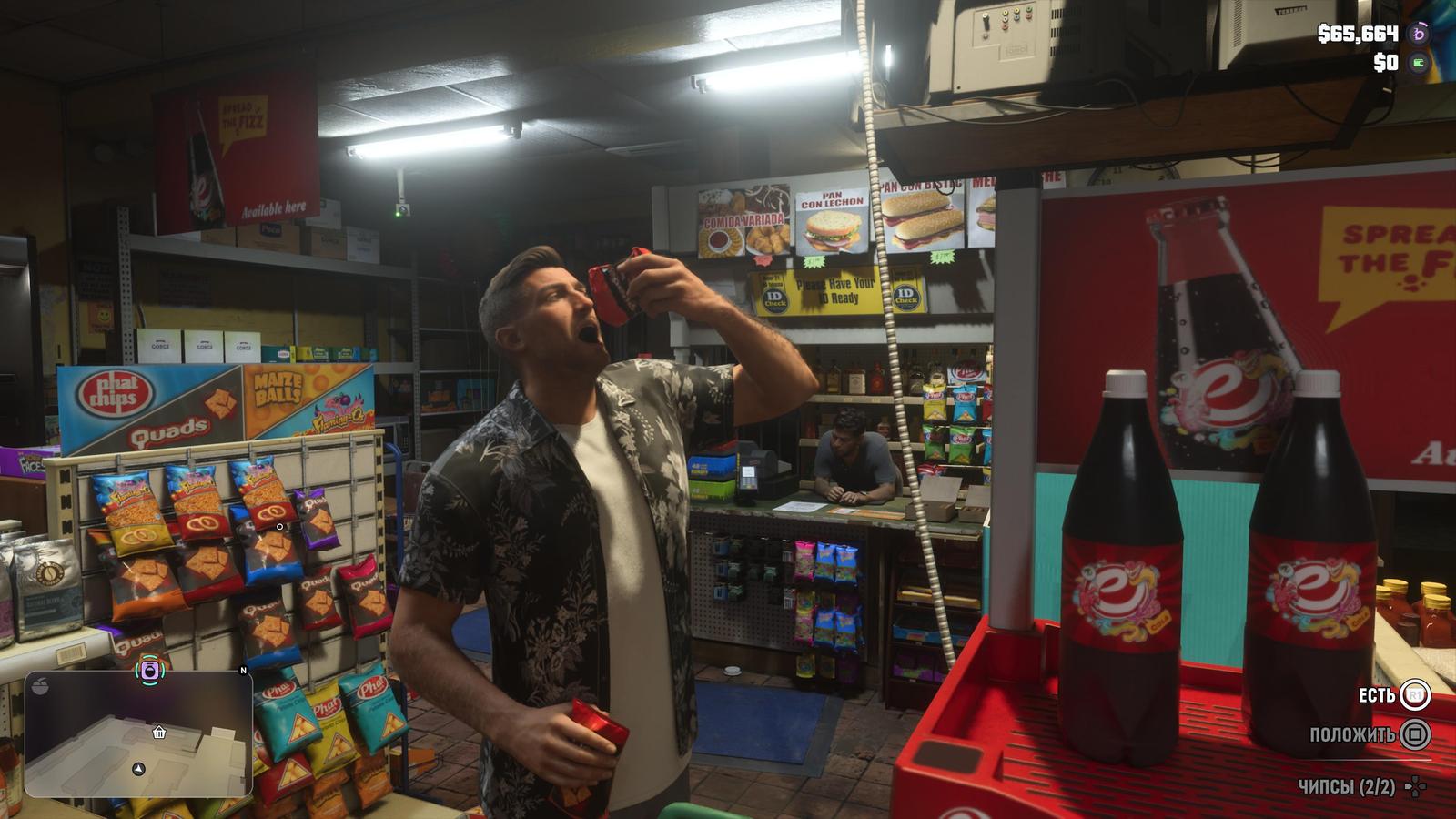
To maintain a “professional” criminal profile, you don’t have to swear off killing entirely. Even a degraded rating can be repaired through simple deeds: tossing trash into bins after eating, petting dogs and cats, or feeding them pet food bought at a grocery store.
Unlock secret hairstyles and tattoos using magazines
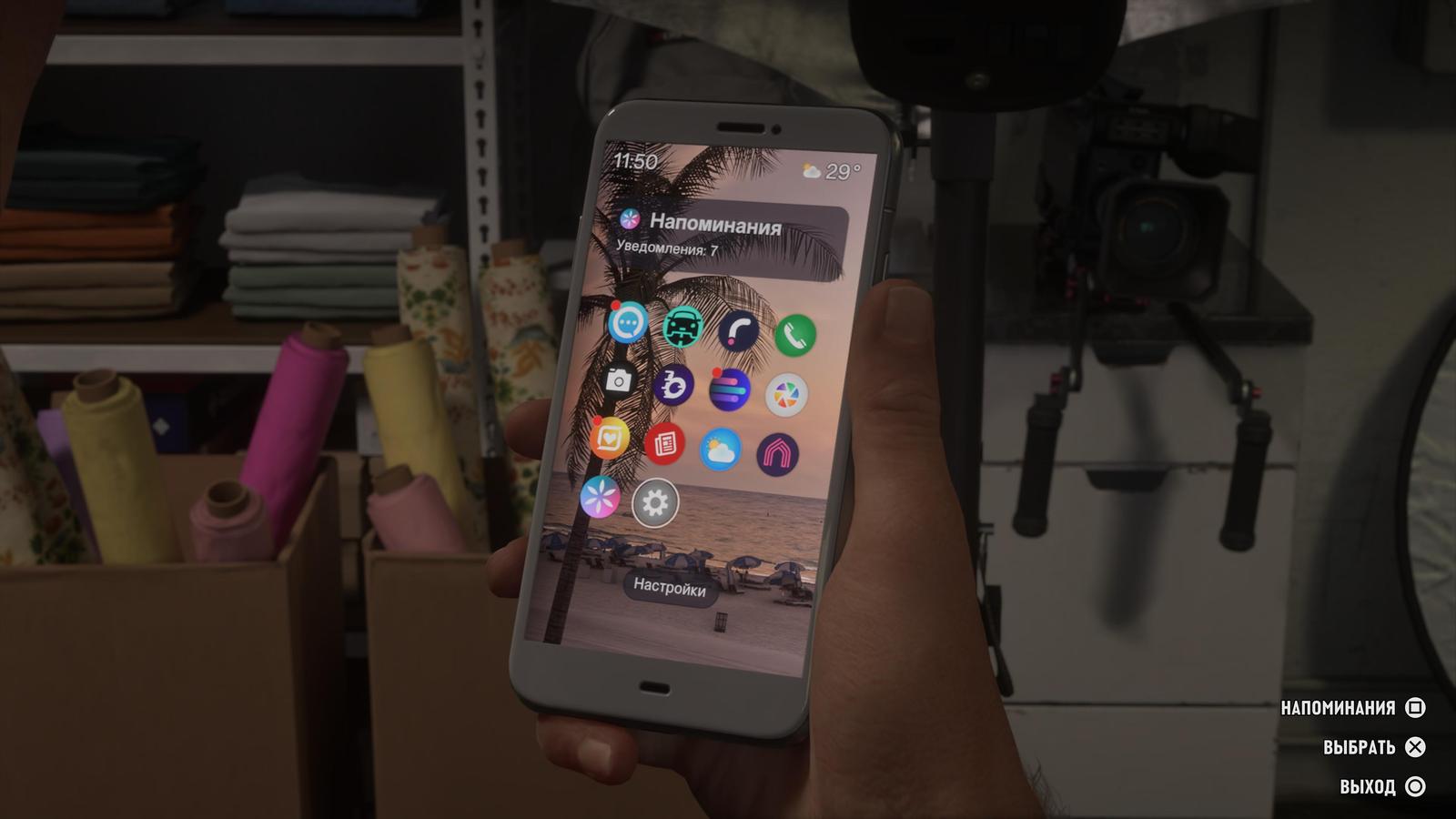
Certain magazines discovered while exploring the world must be scanned via the WAiNK app. This lets you unlock new hairstyles, makeup looks, and tattoos that then become available at parlors. If a scannable item is nearby, your smartphone will vibrate and display a notification, so just keep an eye out.
Customize your smartphone
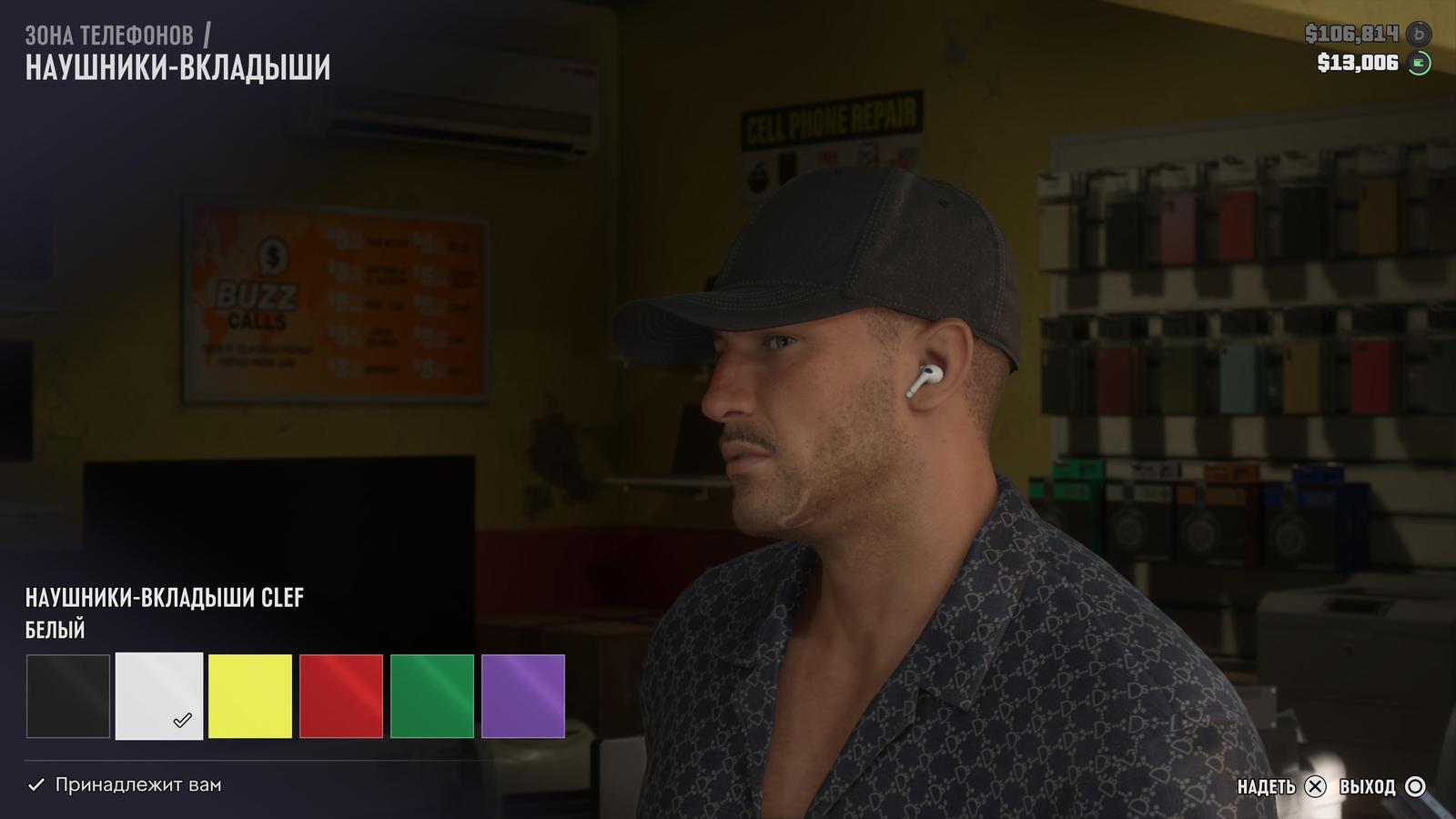
You can purchase decorative phone cases at electronics stores, and change wallpapers and ringtones directly in the device’s settings.
Find hidden activities and missions through Snapmatic
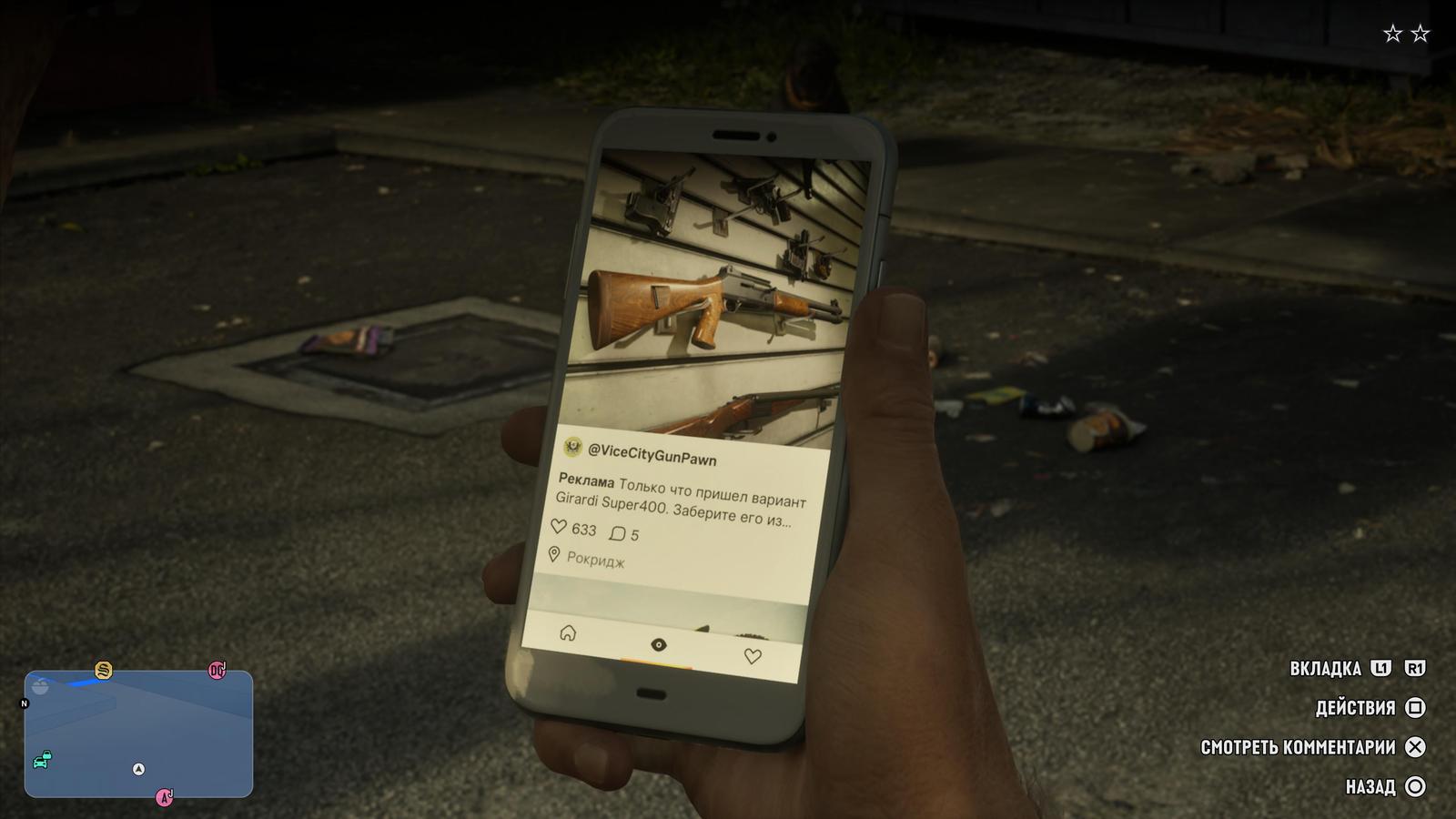
Doomscrolling the Snapmatic social network isn’t just good for passing time in the passenger seat. In locals’ posts, you can uncover information about gyms, meditation spots, and other interesting places, and sometimes even pick up mission leads.
Listen to the radio while walking on foot
By default, Jason and Lucia can only listen to the radio inside vehicles or via stationary receivers. However, if you purchase wireless earbuds or over-ear headphones at an electronics store and equip them via the item wheel, your favorite radio stations will be accessible even while walking around. Keep in mind that headphones must be purchased separately for each protagonist.
Listen to on-demand podcasts
Hold Left on the D-pad to open the radio wheel, then push the right stick down. This will take you to the “On Demand” section—a podcast library you can listen to without waiting for a scheduled broadcast.
Examine the world in first person
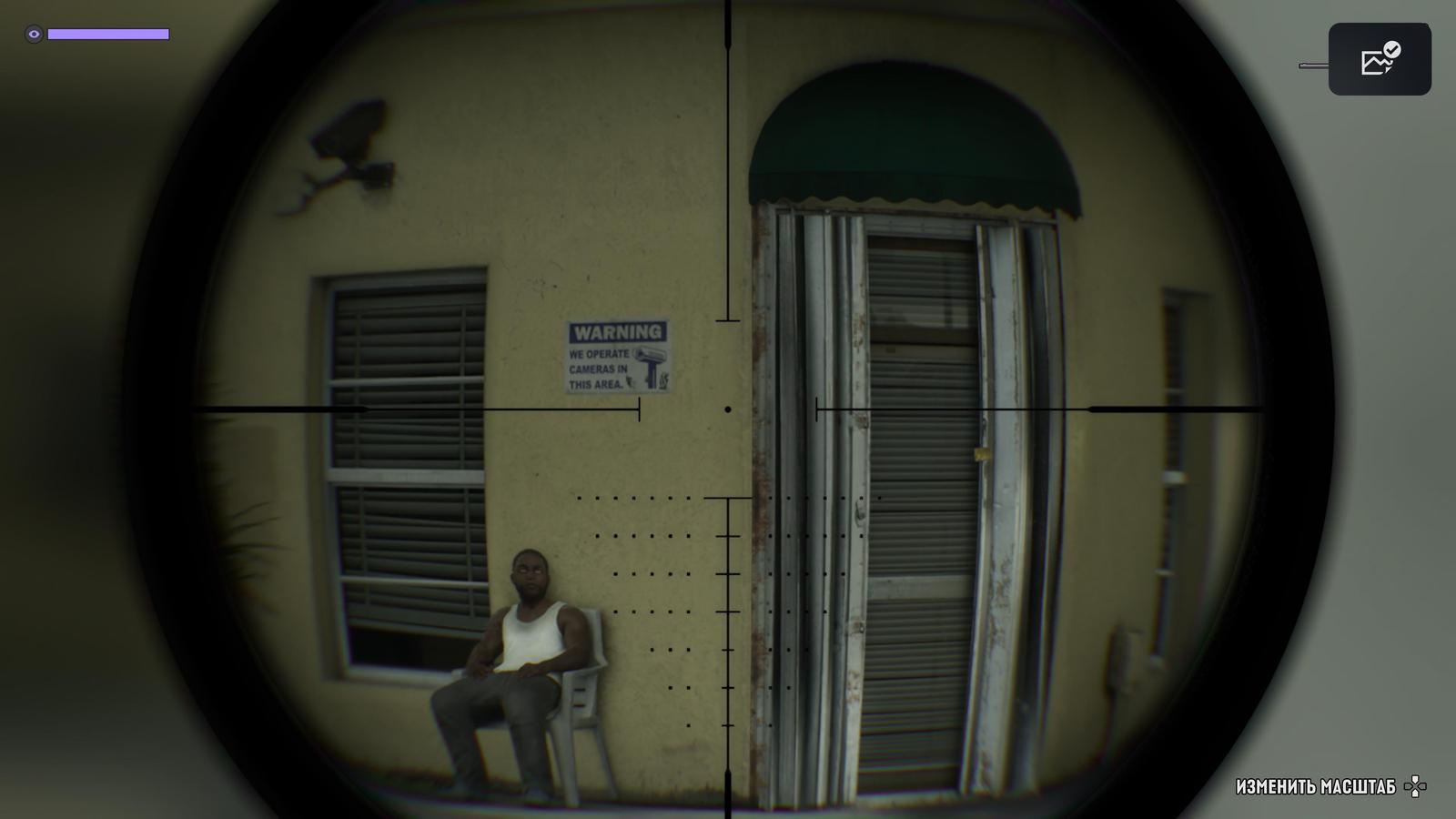
Holster your weapon, hold L2, and press R3 to enter first-person inspection mode. You cannot walk around while in this mode, but you can zoom in on objects, closely examine interiors, and read fine print on signage.
Change headwear orientation
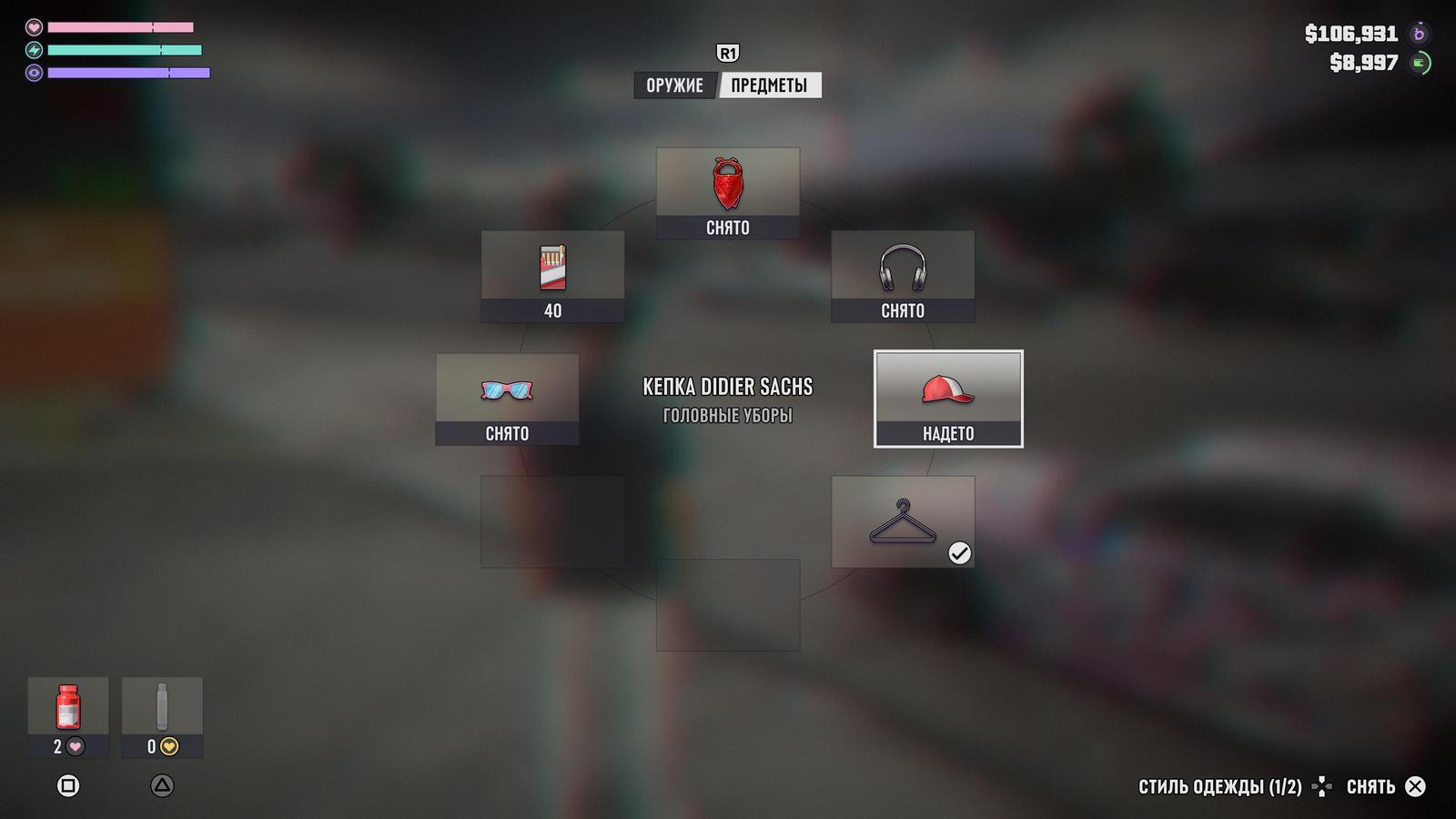
Open the item wheel with L1, navigate to the relevant tab using R1, and select your headwear. Pressing Up or Down on the D-pad allows you to adjust its positioning—for instance, turning a baseball cap backwards.
Flick cigarette butts at pedestrians and ignite gasoline with a cigarette
While smoking, holding R2 lets you flick the cigarette butt forward, including directly toward a targeted passerby. Furthermore, if you pour gasoline from a jerrycan, light up, and toss the burning cigarette into the fuel, you can start a fire.
Switch items between hands
If your character is holding an item in one hand and the other is free, pressing Left on the D-pad allows you to transfer it to the other hand.
Lean on railings and against walls
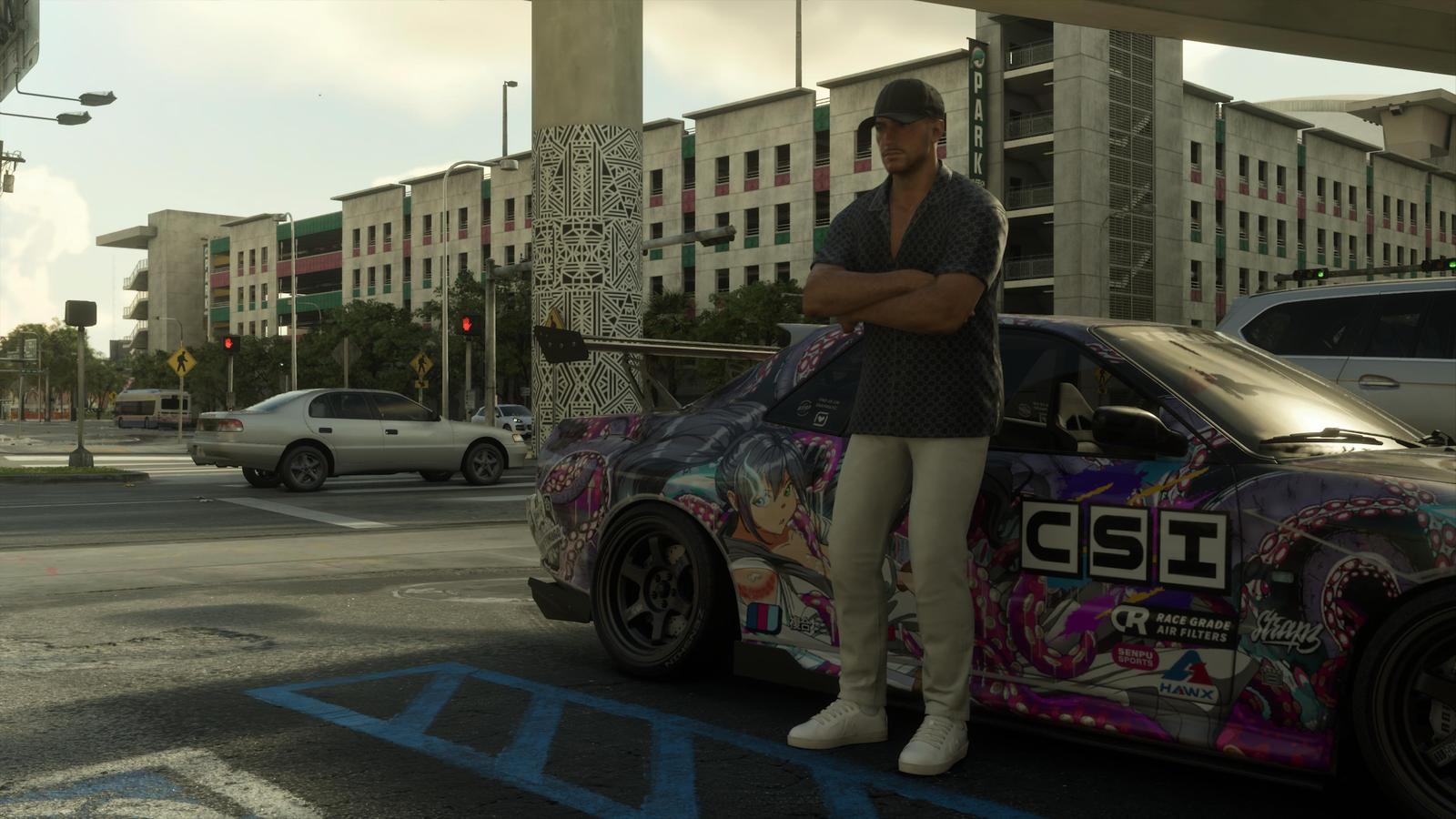
Near suitable railings, you can press L3 to lean on them and enjoy the view, while holding Circle next to walls and other surfaces lets you perform the “Rest” action, taking a relaxed stance.
Never miss our newsAdd this site to your preferred sources to see us more oftenAdd on Google