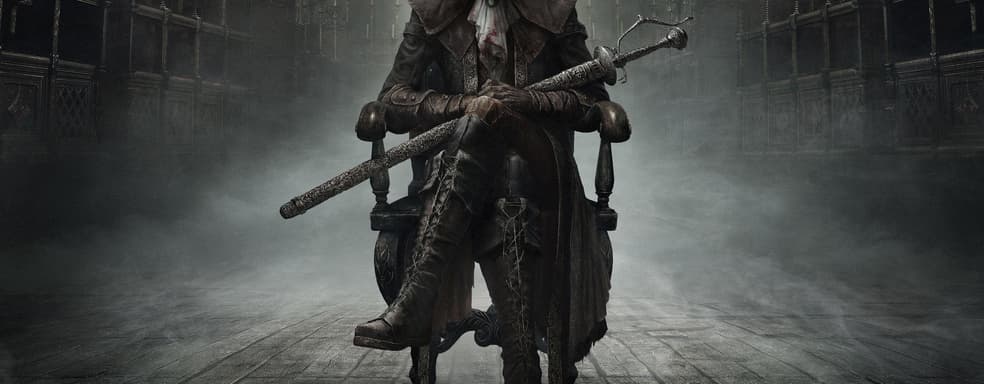
How to play Bloodborne on PC at 60 FPS. Guide to launching and configuring
Translated with AI from the Russian original.
The fan port is still far from ideal: there are bugs, crashes, and FPS drops, but now the game can be completed from start to finish. In this article, we will figure out how to run Bloodborne on PC via ShadPS4, and most importantly, try to answer the question: is it worth it?
Just what is this Bloodborne of yours
Bloodborne — an action RPG released in 2015 exclusively for PlayStation 4 that became one of FromSoftware’s most iconic games. Many consider it the studio’s finest creation under the direction of Hidetaka Miyazaki. Even in the era of Elden Ring and the abundance of other “soulslikes”, the game remains iconic and coveted.
But what makes Bloodborne so special? Why have PC players been waiting ten years for its port, while console owners hope for at least an official 60 FPS patch?
Like FromSoftware’s previous games, Bloodborne tells its story indirectly, delivering it through scattered environmental details, item descriptions, and hints in NPC dialogue. Behind an outwardly simple narrative about hunting beasts, where the protagonist essentially plays the role of a hitman, lies an expansive cosmogonic tale of ancient deities, forbidden rituals and research, as well as connections to otherworldly forces.
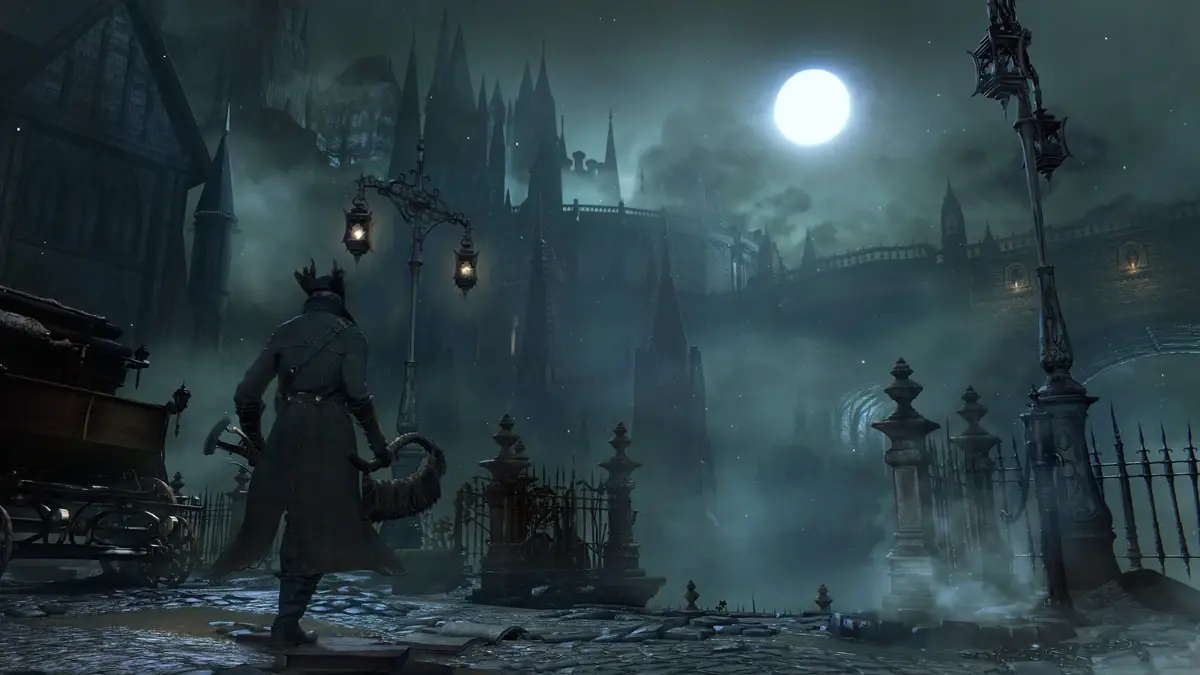
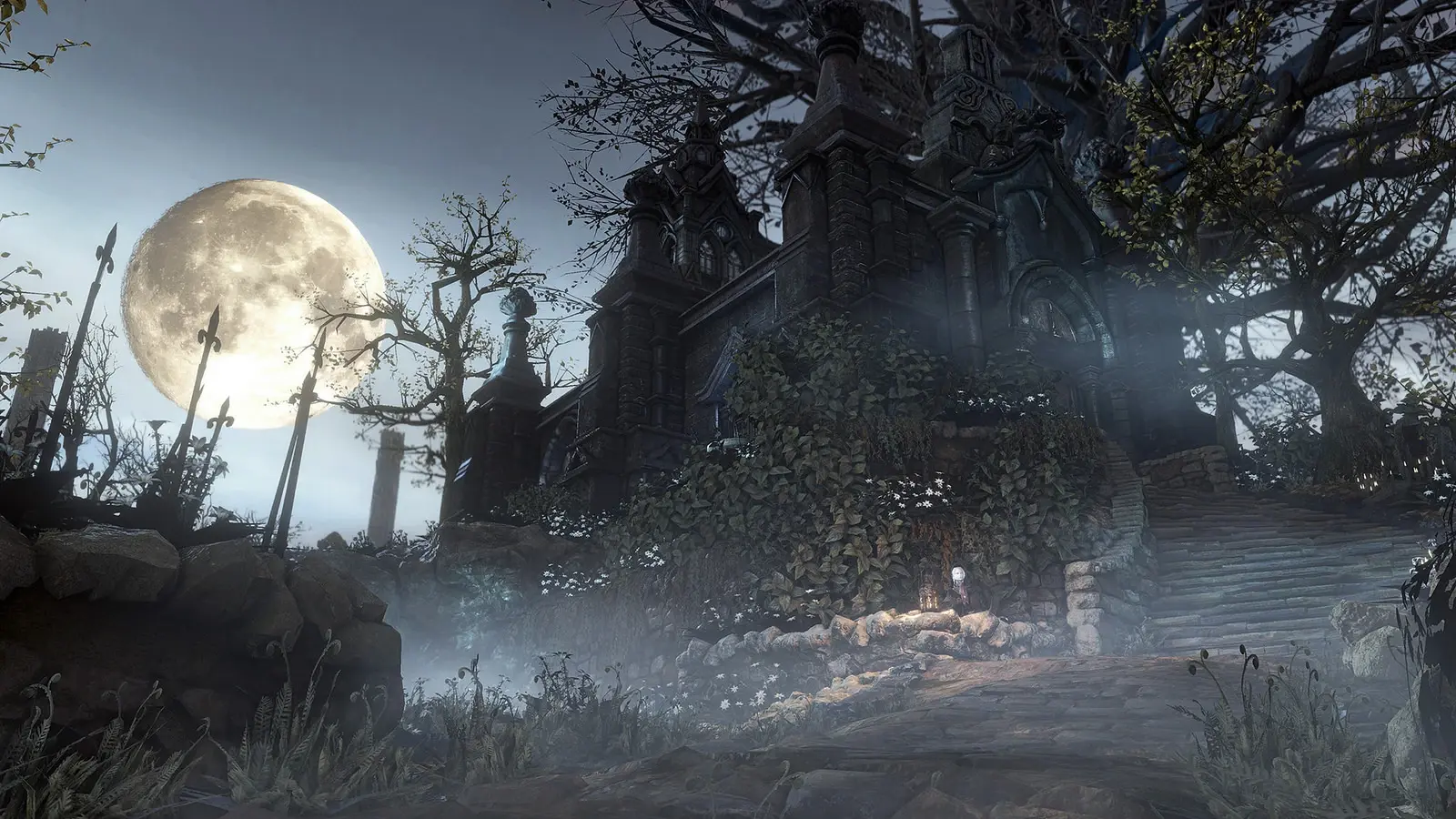
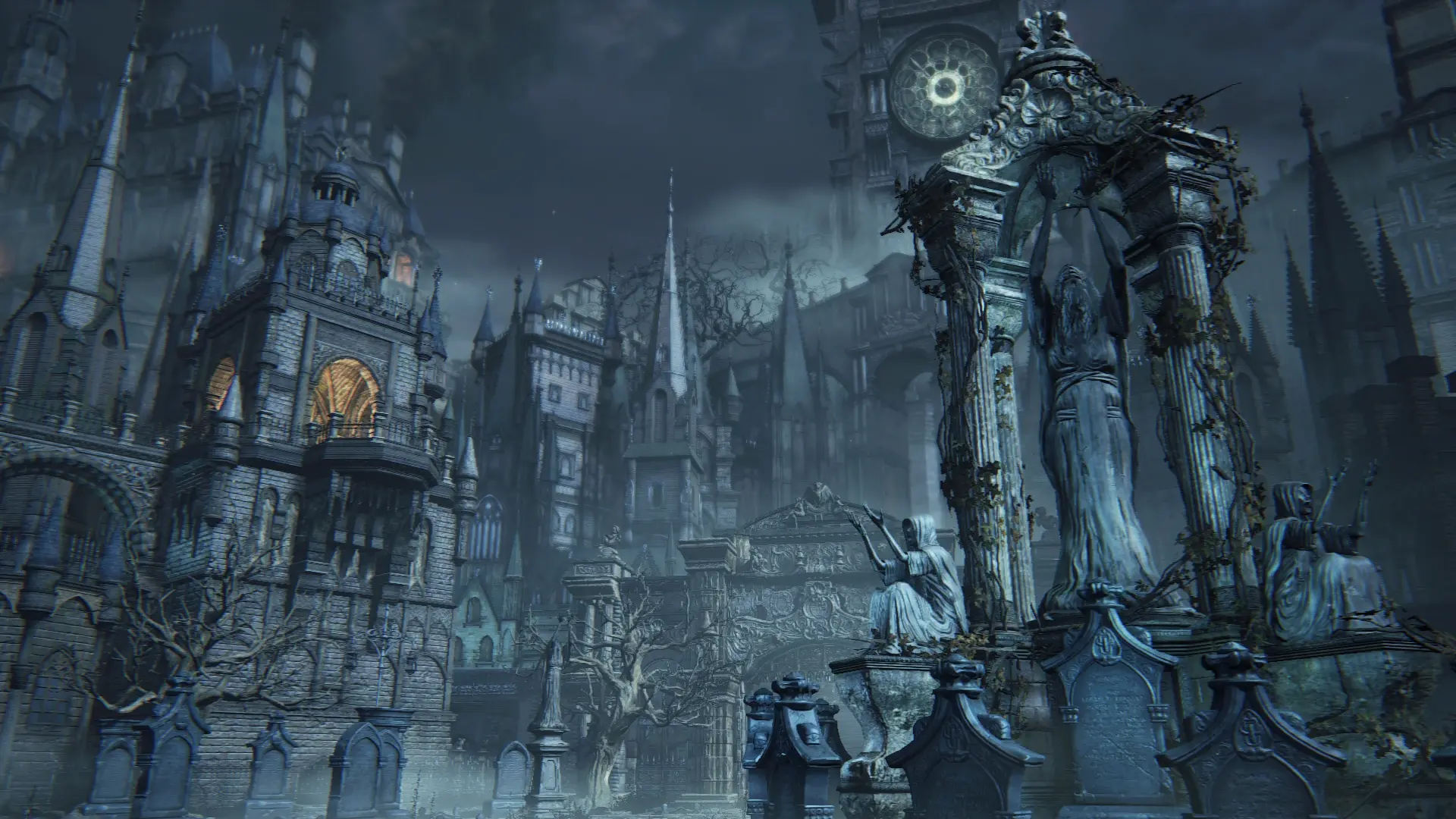
One of Bloodborne’s main defining traits has been its unique visual style. The game combines Victorian Gothic and Lovecraftian motifs, with the balance between them shifting gradually. At first, grim gothic horror prevails, but as you delve deeper into the nightmare of Yharnam, the influence of cosmic horror becomes increasingly palpable.
From the chaotic, at times mad and primal monster design, gradually shifting into cosmogonic imagery, to sky-piercing gothic spires and thick fog rolling over the cobblestones — the environment doesn’t just build atmosphere, it reveals the very essence of what is happening. Abandoned mansions, cemeteries, streets strewn with corpses, and moonlight flooding the pavements underscore the mounting madness that inevitably consumes everyone who dares look beyond the veil.
However, unlike classic Lovecraftian horror, where fear is born from realizing human insignificance before the unknown, Bloodborne gives it a more physiological, tangible form. Here, horror penetrates not only the mind, but also the flesh — into the body itself, into the blood, turning human nature into something unstable, prone to mutation, madness, and decay.
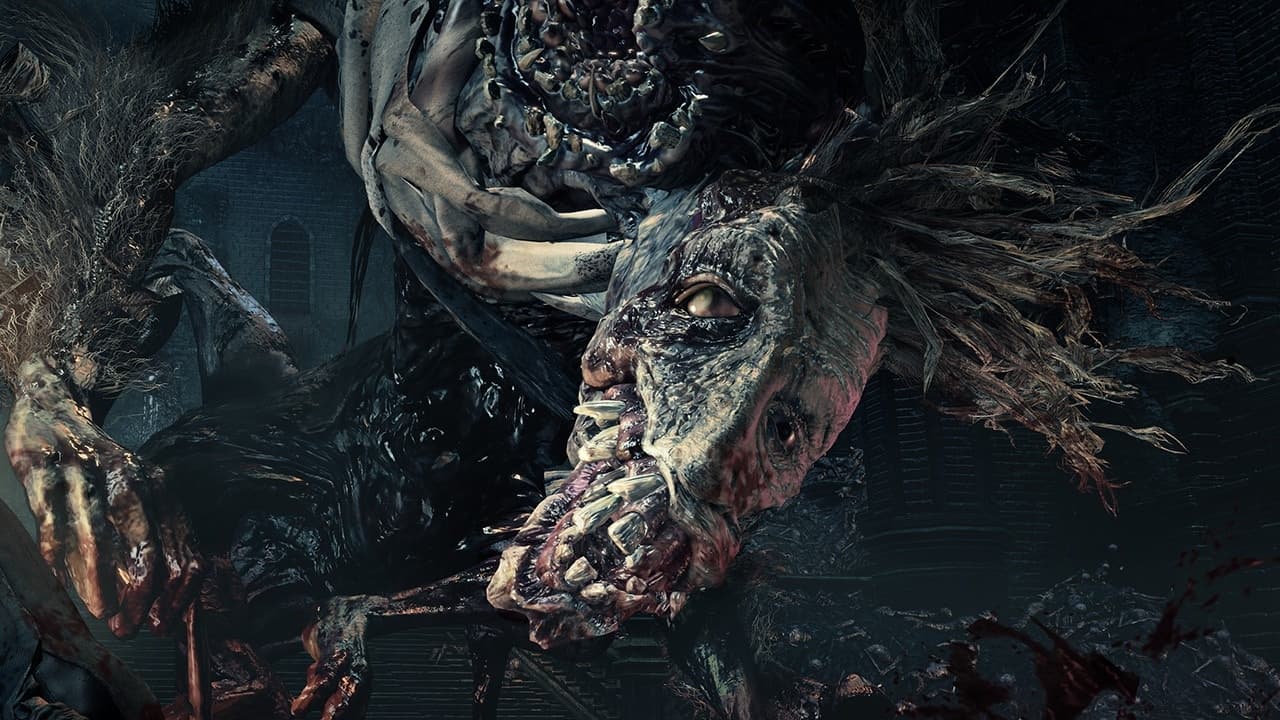
The cult of blood in Bloodborne permeates every aspect of the game — from healing mechanics and blood gems to the very nature of the curse tormenting the inhabitants of Yharnam. Several themes intertwine here: allusions to inbreeding among aristocratic dynasties, the Victorian cult of death, fear of disease, as well as prejudices and misconceptions associated with human flesh — from notions of female “impurity” during menstruation to horror of plague and contagion.
Blood in this world is not merely a resource or a plot device, but its fundamental essence. It heals, bestows power, yet at the same time destroys, drives people mad, and alters human nature itself. In this regard, Bloodborne takes classic concepts of Lovecraftian horror and reimagines them, turning the alien and unknown into something deeply personal and physical.
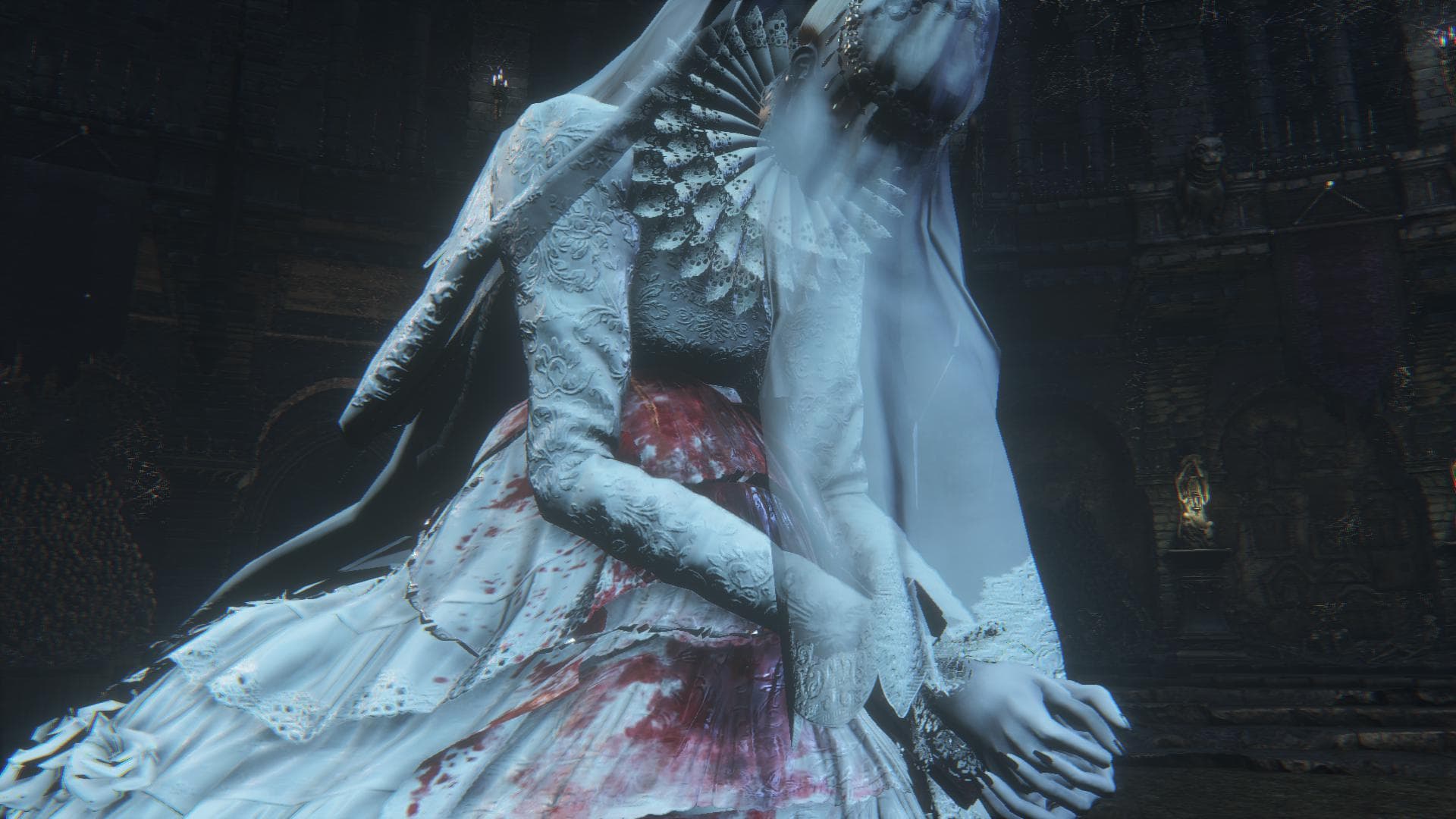
While analogies with Lovecraft lie on the surface and do not even require familiarity with his work, Bloodborne also draws inspiration from other literary classics. The game features clear parallels with Edgar Allan Poe’s “The Fall of the House of Usher”, as well as allusions to Mary Shelley and E. T. A. Hoffmann — through themes of madness, scientific ambitions, and attempts to transcend human nature.
In terms of depth, symbolic richness, and hidden meaning, Bloodborne remains one of FromSoftware’s most thoroughly crafted games, one that fans (or fanatics) continue to decipher to this day, uncovering ever-new layers.
The approach to narrative, known as “environmental storytelling”, turns world exploration into an independent form of storytelling. There are no customary cutscenes or lengthy monologues here — instead, each player experiences the story in their own way, piecing it together bit by bit through the environment, details, and personal immersion. All of this makes Bloodborne truly unique.
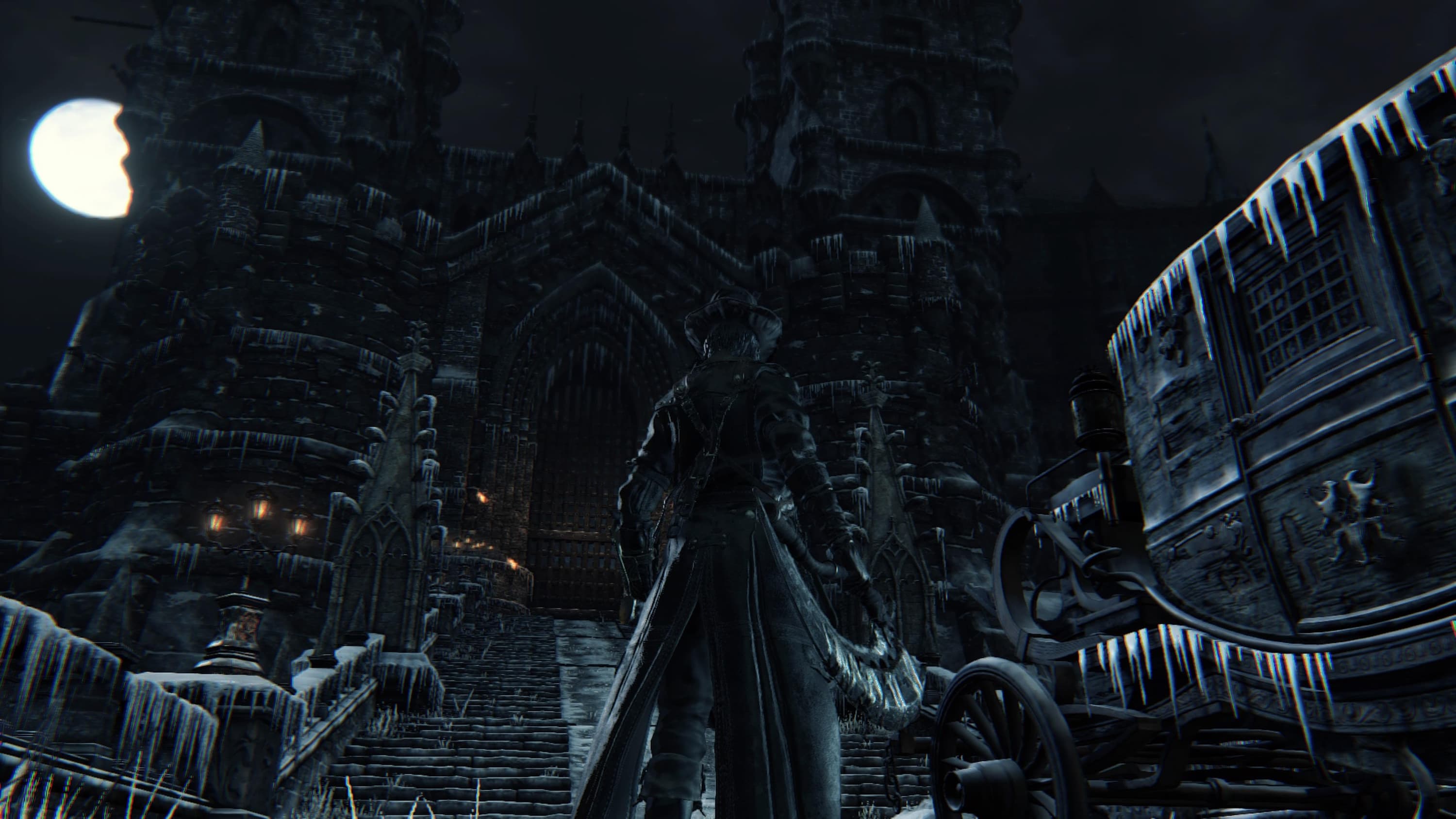
No longer Dark Souls, but not yet Sekiro
By the time Bloodborne was released, players were already accustomed to the cautious, methodical combat pace of the Souls series. However, FromSoftware decided to rethink the familiar formula, making aggression and speed the core of a new combat style.
Instead of the classic shield, the player receives a firearm, which serves not so much to deal damage as to parry — tactical counterattacks that allow stunning the enemy and executing a devastating blow. In addition to standard rolls, the character can now perform quick dashes, and heavy armor gave way to lightweight attire — this is how the developers sought to emphasize mobility.
To encourage an aggressive playstyle, the developers implemented a rally health-recovery mechanic: after taking damage, the player gets a window to strike back and regain a portion of lost HP. This element radically altered combat dynamics, shifting the focus from caution to calculated risk. This approach resonated with many players who found the classic gameplay of the Souls series — based on blocks, caution, and waiting for the “perfect moment” to attack — tedious.
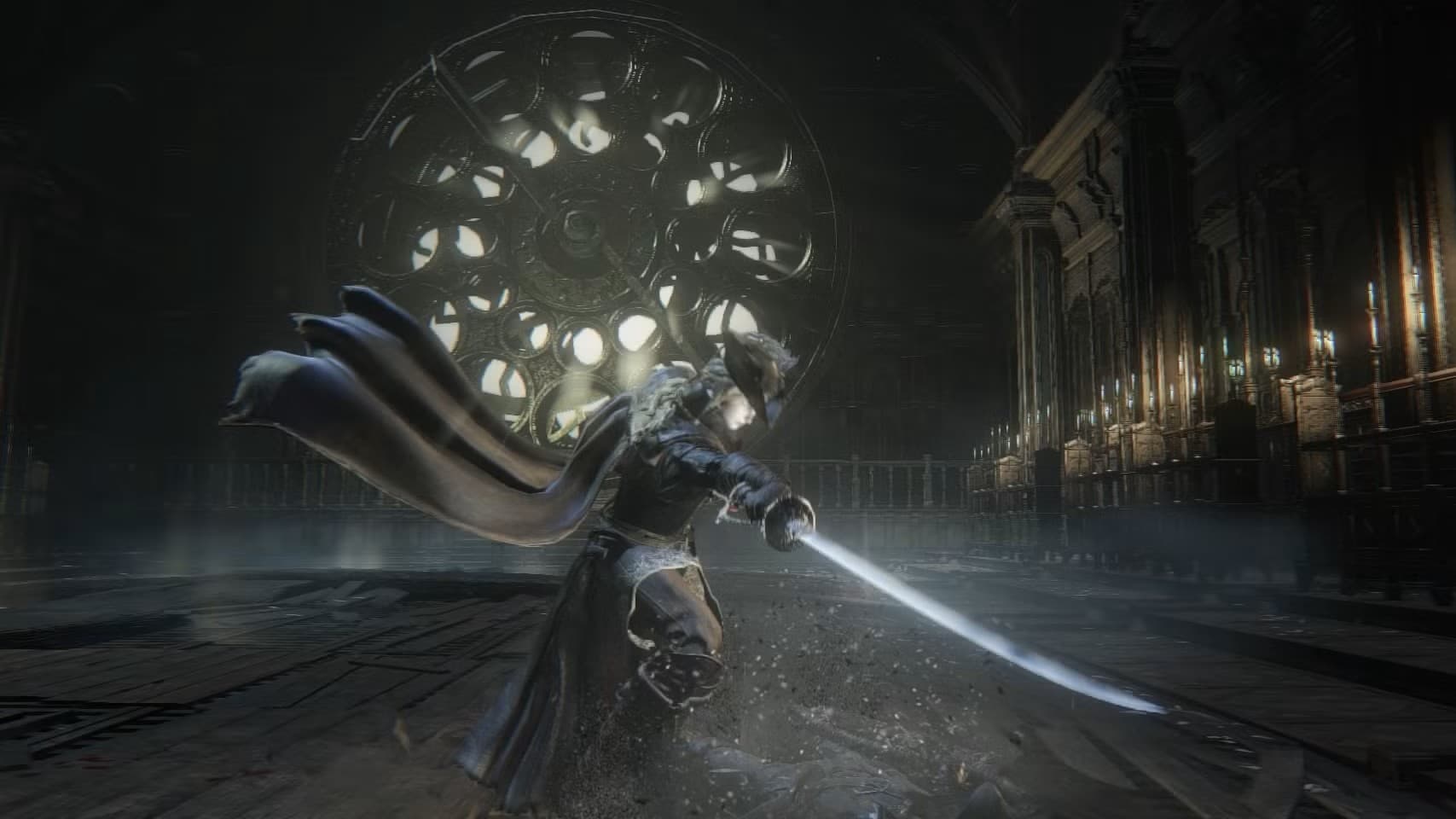
I am convinced that it was the unique setting, the profoundly rich lore, and the fresh, aggressive combat system that made Bloodborne one of Hidetaka Miyazaki’s greatest creations. It is important to understand that at the time of release, all these elements were realized on an entirely different level — so much so that FromSoftware never even attempted to replicate that experience in subsequent projects.
Dark Souls 3 evolved the classic formula; Sekiro: Shadows Die Twice, despite a similar emphasis on aggression, feels more like a rhythm action game; and Elden Ring, even with its magnum opus status and George R. R. Martin’s name on the cover, cannot boast such a richly crafted world.
Believe me, I say this as an ardent fan who has studied tons of supplementary materials, most books on Soulsborne, and who only first played Bloodborne after completing Elden Ring.
The elephant in the room
Ten years have passed since Bloodborne was released on PlayStation 4 and nearly five years since PlayStation 5 arrived, yet the game still remains at 1080p and 30 FPS — even on the PS5 Pro. One would think that if a remaster or remake is out of the question for some reason, they could at least release a patch. But Sony seems to be in no hurry.
Over this time, enthusiasts have developed unofficial patches capable of achieving 60 FPS even on the base PS4 (on a jailbroken console, of course), albeit with resolution lowered to 720p. Yet Sony seems oblivious to this community demand — and when it does take notice, it does so in an exceedingly strange manner.
The recent news that Sony demanded the removal of Lance McDonald’s 60 FPS patch seems especially absurd. The patch itself has existed for four years, and throughout all this time the company took no action, even though McDonald had actually met in person with Shuhei Yoshida — one of the key PlayStation executives who was involved in launching the original PlayStation and only left the company in late 2024. Could it be time to prepare for a remaster?
This situation has once again sparked a wave of rumors about a possible patch, remaster, or remake of Bloodborne. And you know, this time I’m ready to believe it. I have long held a theory that Sony is saving Bloodborne for the PlayStation 6 launch — a full-fledged remake that will serve as a key exclusive for the new console. Its release is three years away, or perhaps even less. Whether my hunch is correct or not, only time will tell.
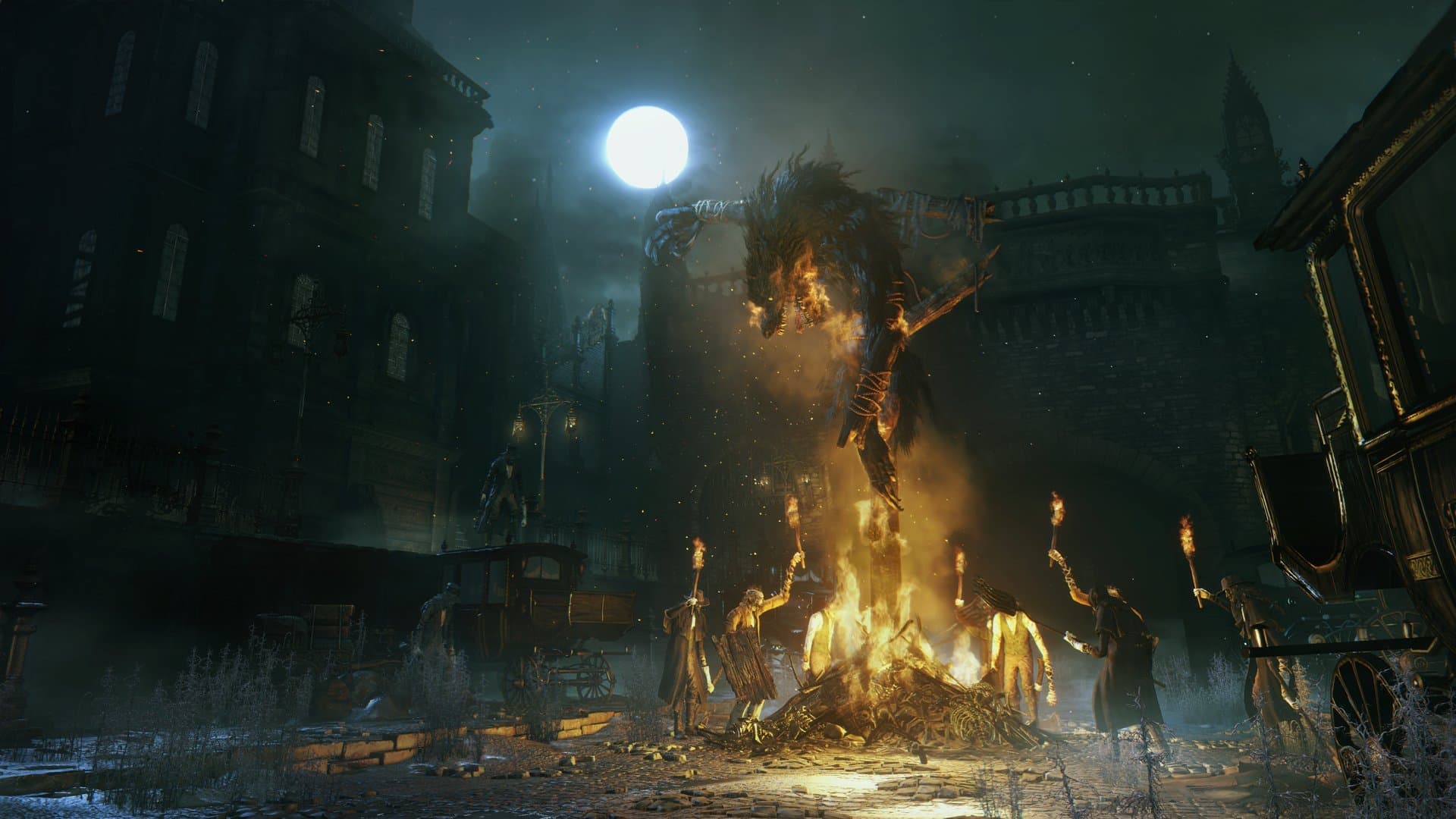
Adding to the irony of the situation is the fact that Sony demanded the removal of the patch right after cancelling the development of a live-service game set in the God of War universe, which was being handled by Bluepoint Games — the very studio that released the stunning Demon’s Souls remake in 2020. An interesting coincidence, isn’t it?
Demon’s Souls remained held hostage by PlayStation 3 and Sony for many years. Now the same fate has befallen Bloodborne — despite backward compatibility, the game remains tethered to the PS4, at least from a technical standpoint.
This elephant in the room grows bigger every year — especially after the phenomenal success of Elden Ring, which pushed the soulslike genre straight into the mainstream. Now Bloodborne simply cannot be ignored, so I am certain — sooner or later, we will get what is ours.
However, if you can no longer bear the wait and want to play Bloodborne at 60 FPS on PC right now, and with enhanced visuals to boot — it is possible thanks to ShadPS4. And now I will explain how to do it.
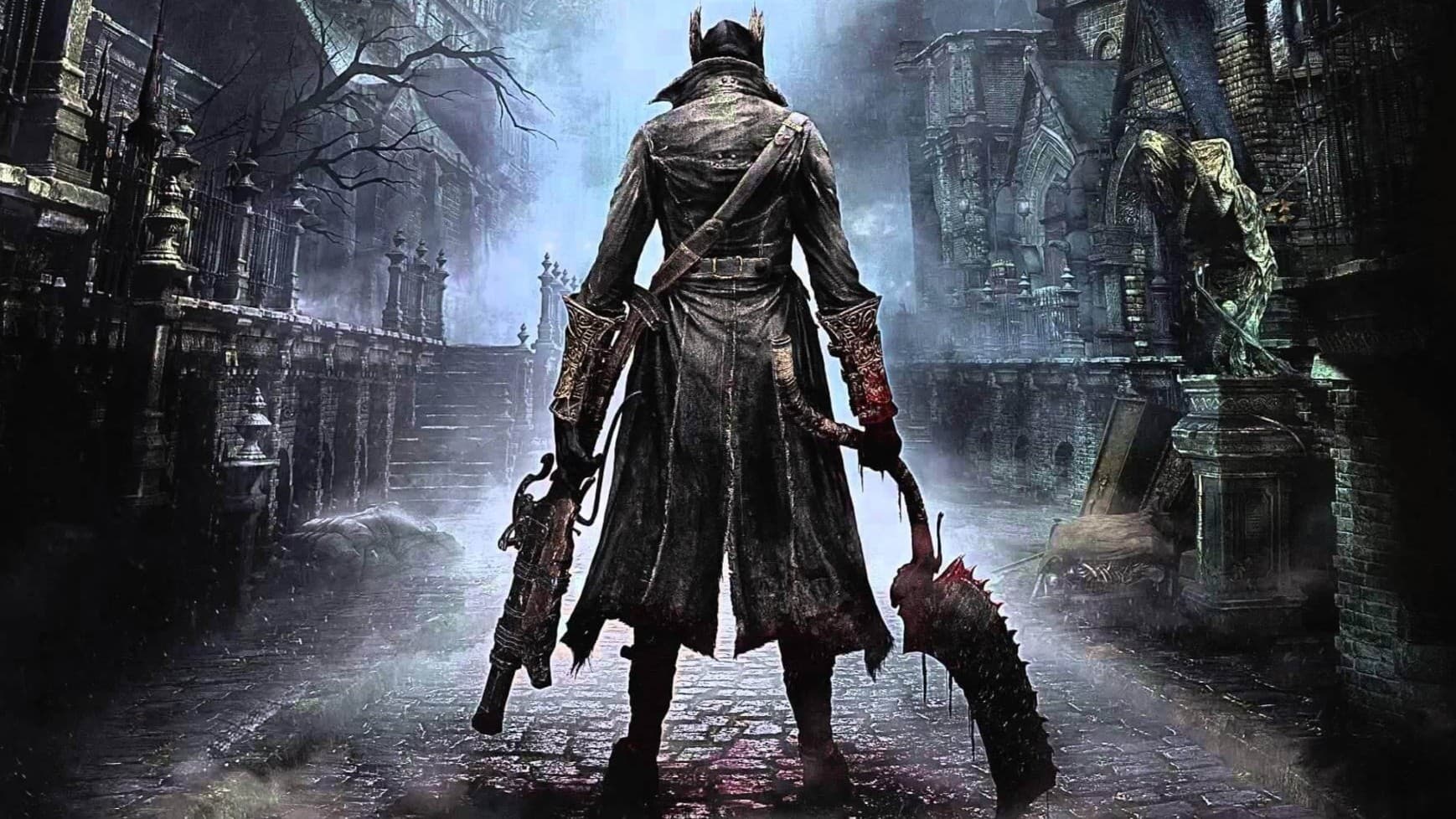
Guide to installing and running Bloodborne on PC via ShadPS4
Disclaimer: The author of the article and the editorial staff of IXBT Games bear no responsibility for files hosted on Nexus Mods and ShadPS4 linked below. All consequences of installing modifications, as well as their operation, rest solely on the user who downloaded them.
Before getting started, take a look at the PC specs used to test the emulator. This will help gauge what to expect from your own hardware:
- CPU: Ryzen 5 7500F (6 cores, 12 threads, 5 GHz)
- GPU: Nvidia GeForce RTX 4070 Super 12 GB
- RAM: 32 GB RAM (6000 MHz EXPO)
- Storage: NVMe M.2 SSD (7000 MB/s read, 6000 MB/s write)
Installing and configuring the emulator
Downloading and installing ShadPS4
- Download ShadPS4 from the official website. It is best to choose the Windows Qt 0.6.0 (x64) build — it includes a convenient GUI and multilingual interface. Other builds are intended for enthusiasts and require additional tweaking
- Extract the archive into a convenient folder on your drive
Configuring the ShadPS4 emulator
- On first launch, the emulator will prompt you to choose a directory for storing games. It is better to create a dedicated folder, for instance, PlayStation // PS4, and select it. Storing games directly in the emulator folder is not recommended, as this can lead to confusion when installing patches and mods
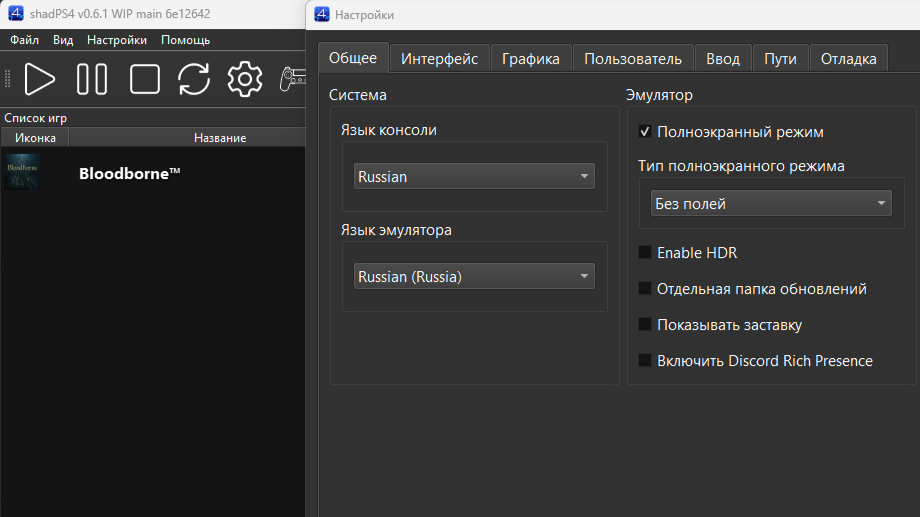
- Next, open settings (gear icon / settings) and in the “General” tab, switch the console and emulator language if necessary
- In the same “General” tab, you can select the update channel: Release or Nightly
The Nightly option delivers the latest fixes as soon as they are pushed, but I do not advise enabling it without a clear need. Over several days of testing, I found that updates can easily break emulator functionality or introduce unexpected errors. It is better to stick with Release builds, turning to Nightly only in case of critical issues.
- In the “Graphics” tab, set the display resolution to 1920×1080
At first glance, it might seem logical to select your monitor’s native resolution (such as 2560×1440), but the number of artifacts and crashes increases as resolution goes up. In 4K on my hardware, the game runs at 30 FPS, but no amount of tweaking or mods allowed for clean performance free of visual artifacts. At 1080p and lower, the game runs stably — more details on that after the guide.
Installing Bloodborne
Now you need to obtain the base game and patch 1.09 in .pkg format. To do this, use a rip of a licensed disc or find the game via the “Khatab zhiv” launcher.
Once the game is downloaded, simply drag and drop the files one by one into the emulator window:
- First install the game itself (29.19 GB)
- Then install patch 1.09 (172.9 MB)
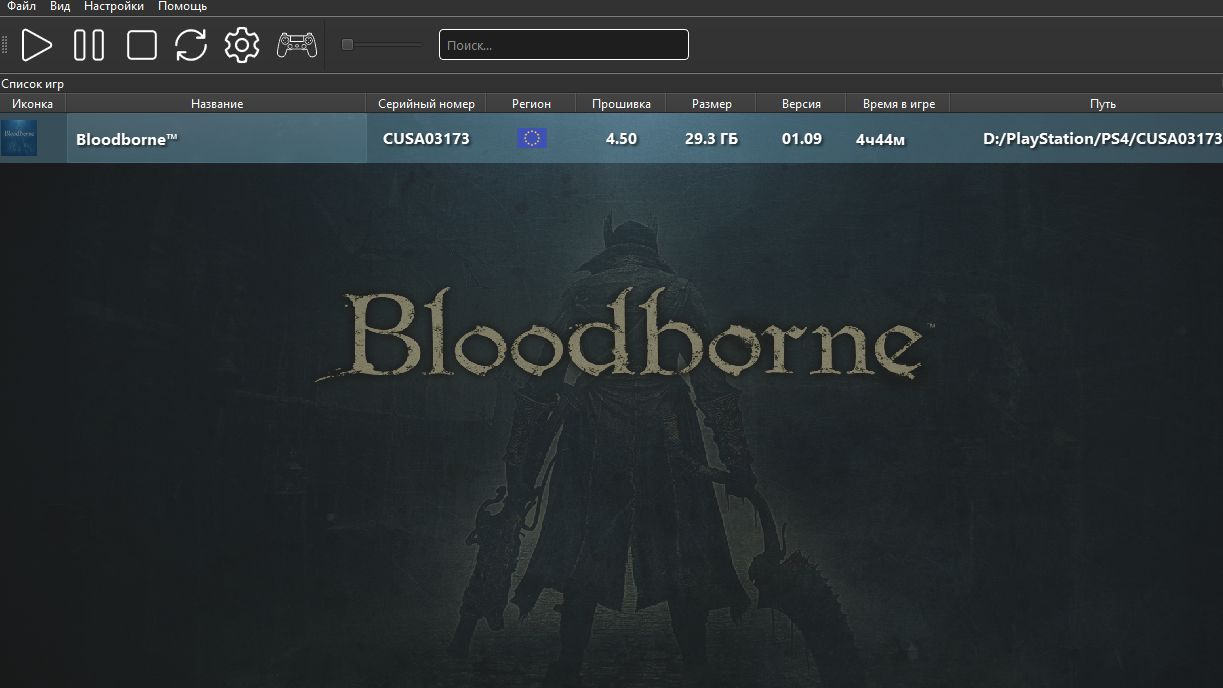
If everything went smoothly, Bloodborne version 1.09 will appear in the emulator’s main menu.
Congratulations! Now the fun part begins.
Enabling enhancements
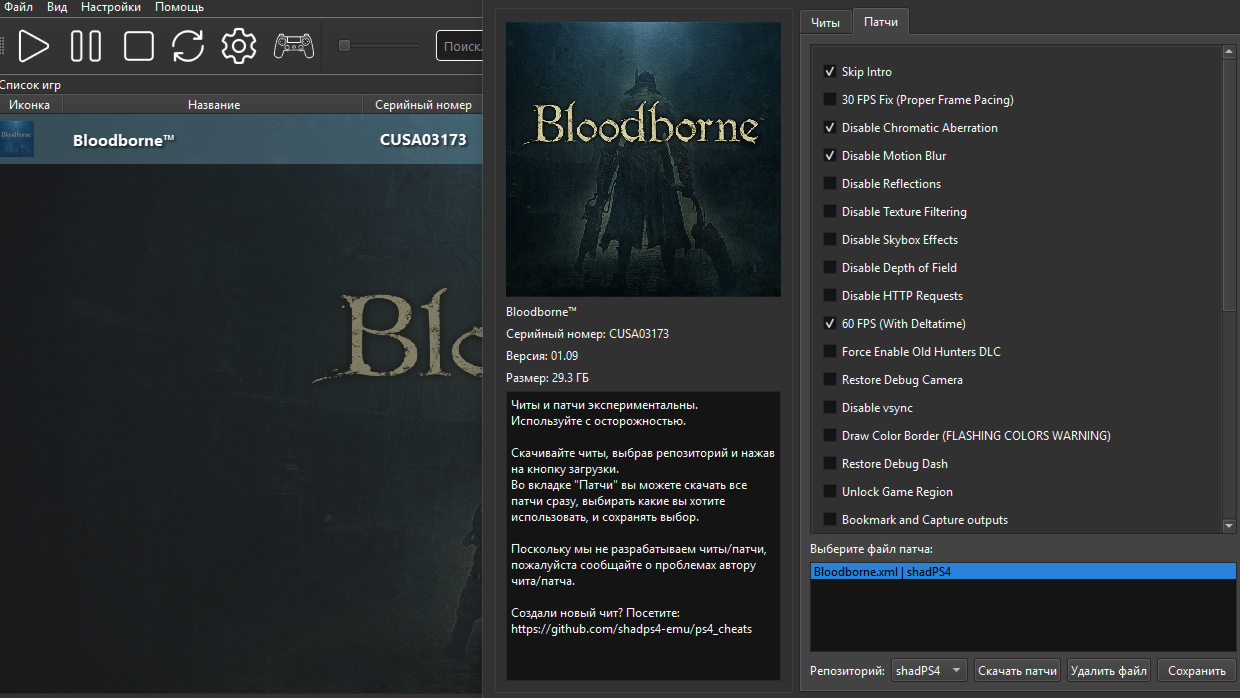
To unlock additional graphics settings and boost FPS, open the list of installed games, right-click Bloodborne, and select “Cheats / Patches”.In the patches tab, specify the shadPS4 repository and click “Download” — the required files will download automatically.
Select the desired options, for example:
- Skip Intro (if you don’t want to watch the splash screen every time you launch the game)
- Disable Chromatic Aberration (removes chromatic aberration)
- Disable Motion Blur (turns off motion blur)
- 60 FPS (With Deltatime) (unlocks the framerate up to 60).
- Optional resolution patches (down to 360p) if you are trying to run the game on a lower-end PC
Save changes.
Additional improvements
Some common issues cannot be resolved with standard ShadPS4 tools, but community mods from NexusMods can help here. Here are a few:
- 60 fps cutscene fix and HIghest possible resolution (on patch) — prevents cutscene crashes at 60 FPS by resolving frame timing issues.
- Vertex Explosion Fix (disables face customization) — fixes character and NPC model vertex explosion glitch, but disables in-depth face customization in the character editor. Some vertex explosion glitches may still occur, as not all of them stem from character and NPC faces
- Better 60FPS Cloth Physics (modifies parts) — tweaks Havok armor physics for smoother cloth animations above 30 FPS and reduces crash frequency
- Add Chalice Dungeons to your save — lets you edit save files to unlock Chalices via glyphs
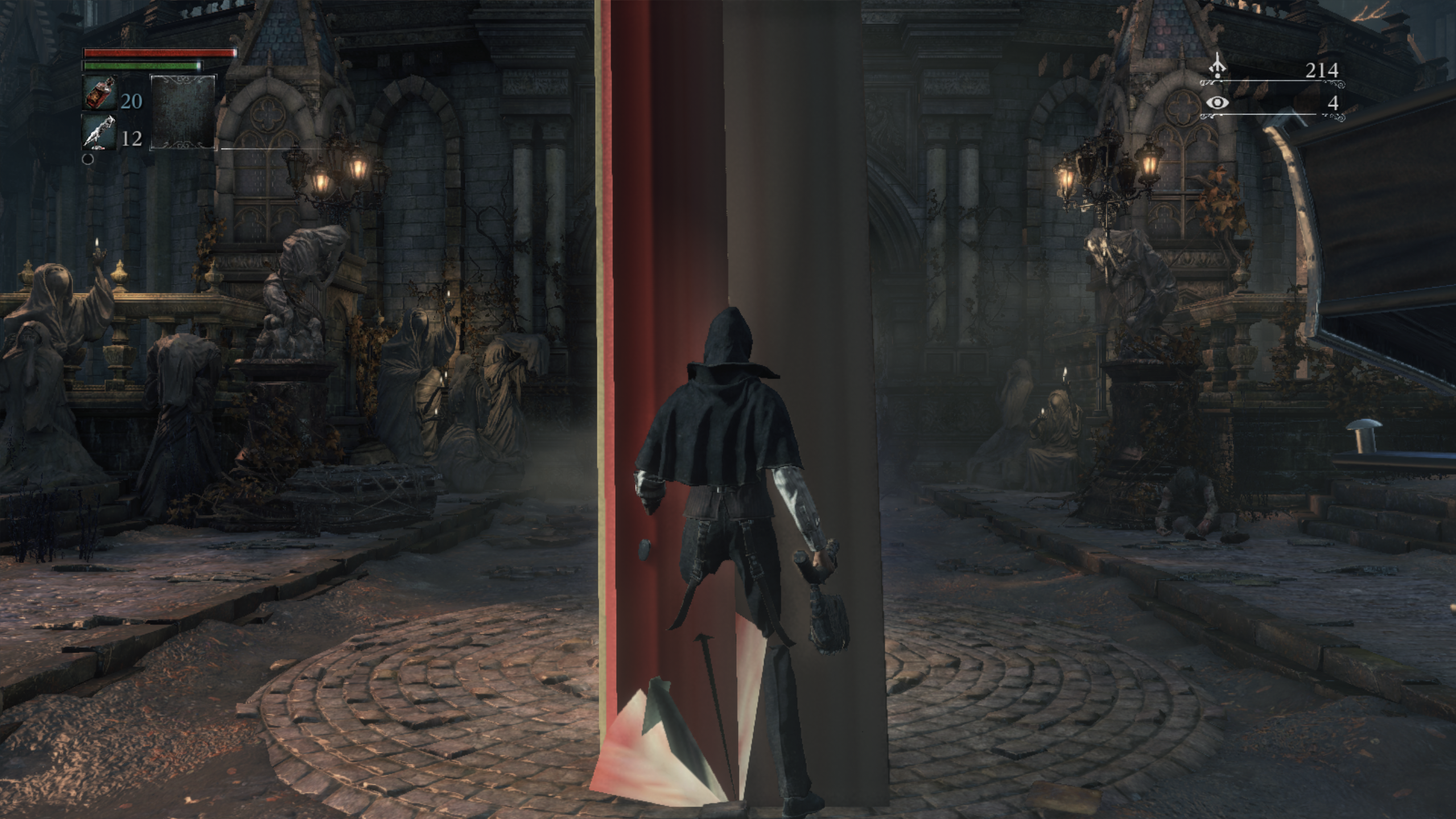
To install the fixes, download the respective archives and extract them into the CUSA03173//dvdroot_ps4 folder in the directory you specified when installing Bloodborne in the emulator.
Remember to keep track of mod updates and carefully read their descriptions before downloading. Install modifications one at a time and always make backups to avoid conflicts — often, one fix resolves one issue while breaking something else. Typically, mod archives contain restoration files to help roll changes back if problems arise.
Now you can venture into the hunt, but if you want to know how to open unique chalices using glyphs — read on.
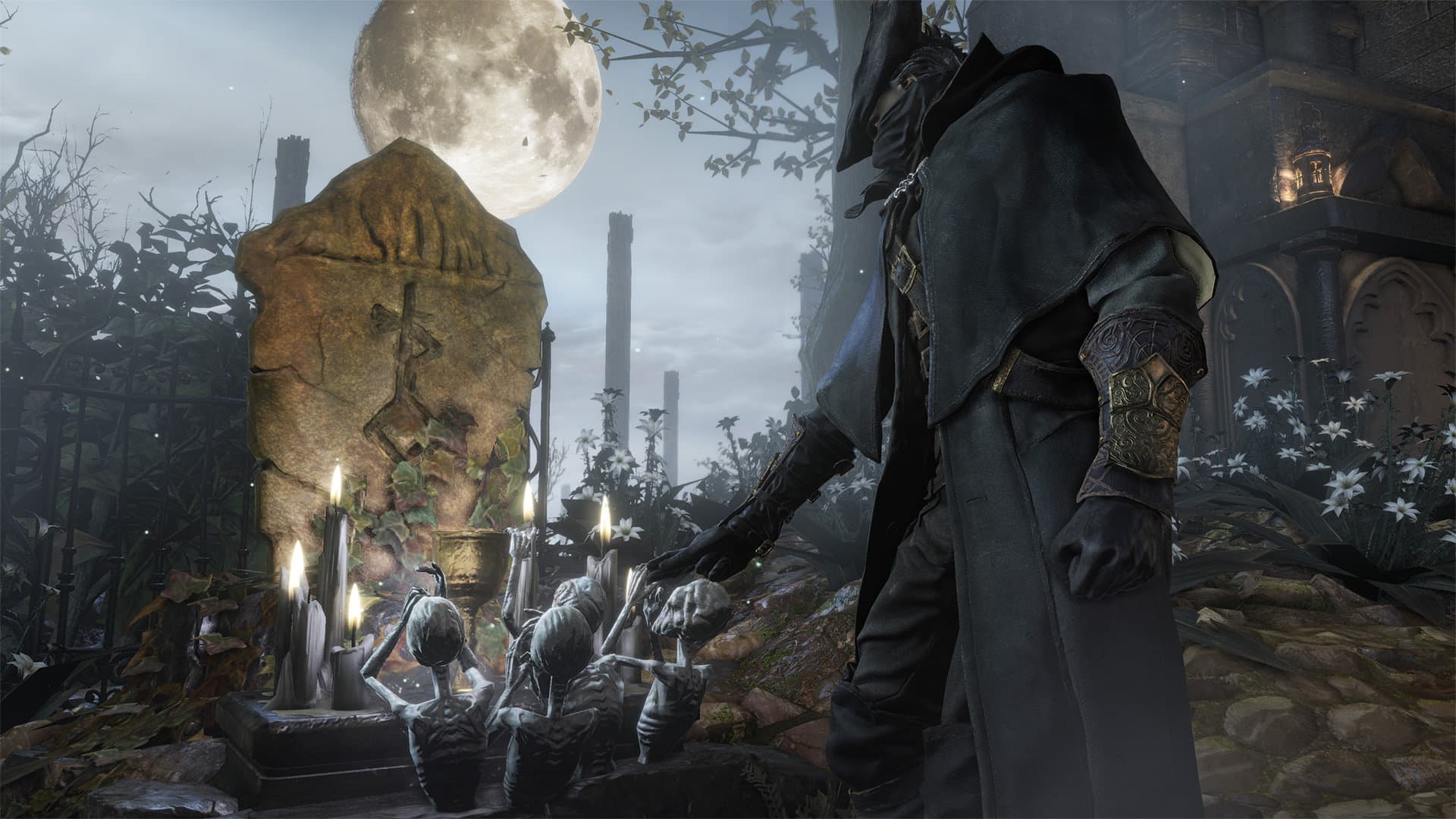
How to unlock chalices in Bloodborne on PC and play offline
Now let us restore online glyph functionality without PlayStation Plus.
Chalices in Bloodborne are dungeons featuring multi-level labyrinths with unique items, enemies, traps, and bosses. They come in two varieties:
- Fixed — with a predetermined layout
- Procedurally generated — created randomly
The player community long ago cataloged a selection of procedural chalices that allow for rapid leveling or finding valuable equipment, including rare blood gems. However, accessing such dungeons requires a special glyph (access code). On PlayStation, this is only possible online and with an active PlayStation Plus subscription.
Yet enthusiasts have found a way to bypass this limitation and add chalices to Bloodborne on PC by editing save files.
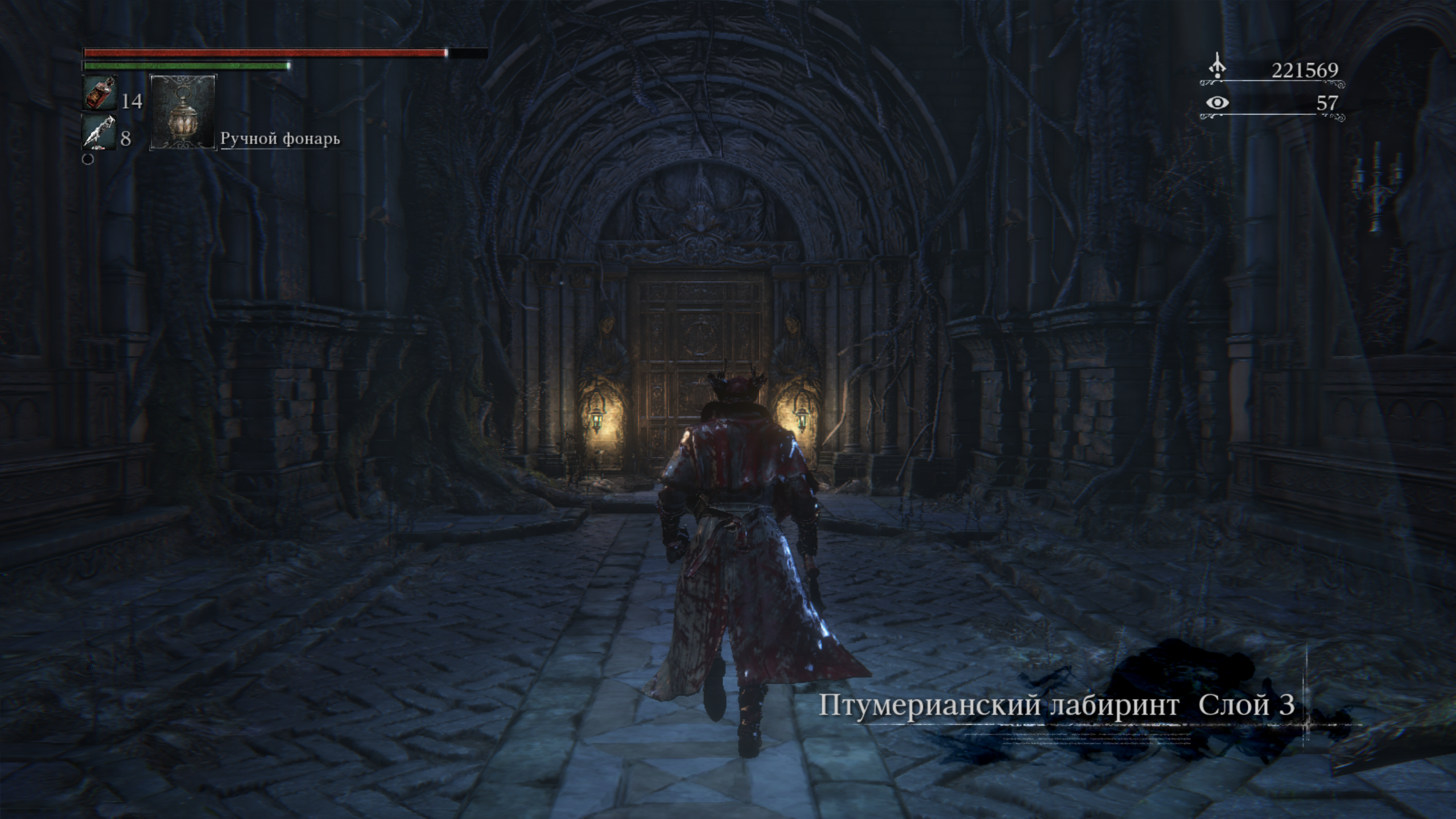
How to add chalices to a Bloodborne save on PC
Download the Add Chalice Dungeons to your save mod from NexusMods. This mod allows you to add dungeons using specified glyphs without losing progress or having to start a new game. You can choose which altar the dungeon appears on.
Setup and launch
If the target altar already has a dungeon, remove it — otherwise some doors might be open from the start. Copy the dungeon.exe file into your save folder: shadPS4//user//savedata//1//GAMEID
Bloodborne’s GAMEID will be one of the following:
- CUSA00900
- CUSA03173 — most likely your version
- CUSA00207
- CUSA01363
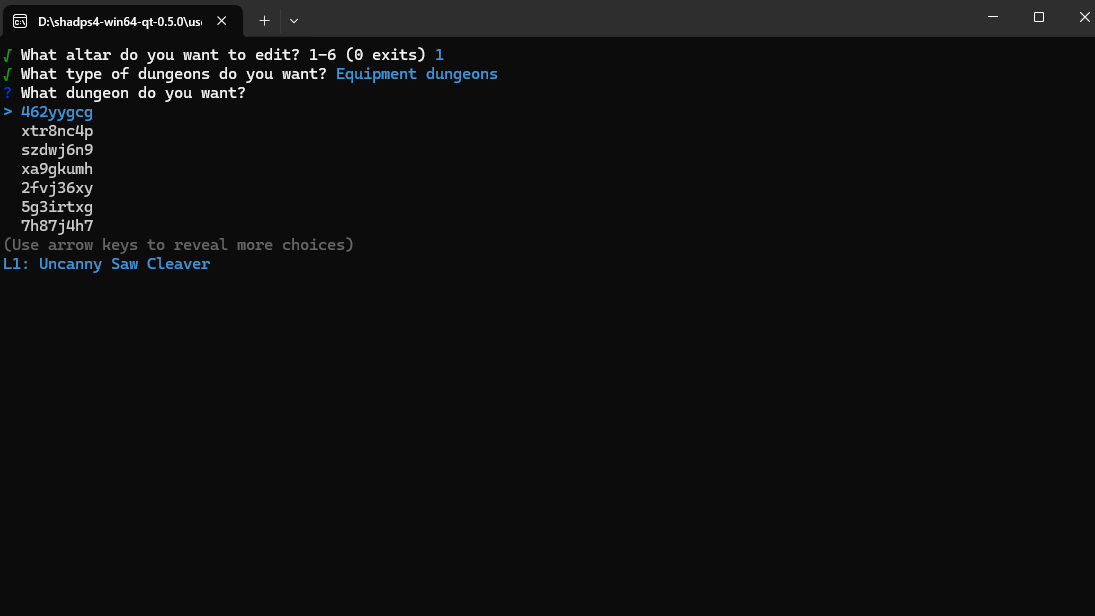
Editing your save
Double-click dungeon.exe and pick the desired save, or simply drag and drop the save file onto dungeon.exe — the tool will launch automatically. Inside the menu, you can search for dungeons by glyph or description.
Important: in save files, userdata0000 corresponds to the first character, userdata0001 to the second, and so on. If characters were deleted, the ordering might change. If you choose to explore test dungeons and find yourself stuck, use the Unstucker tool to get out.
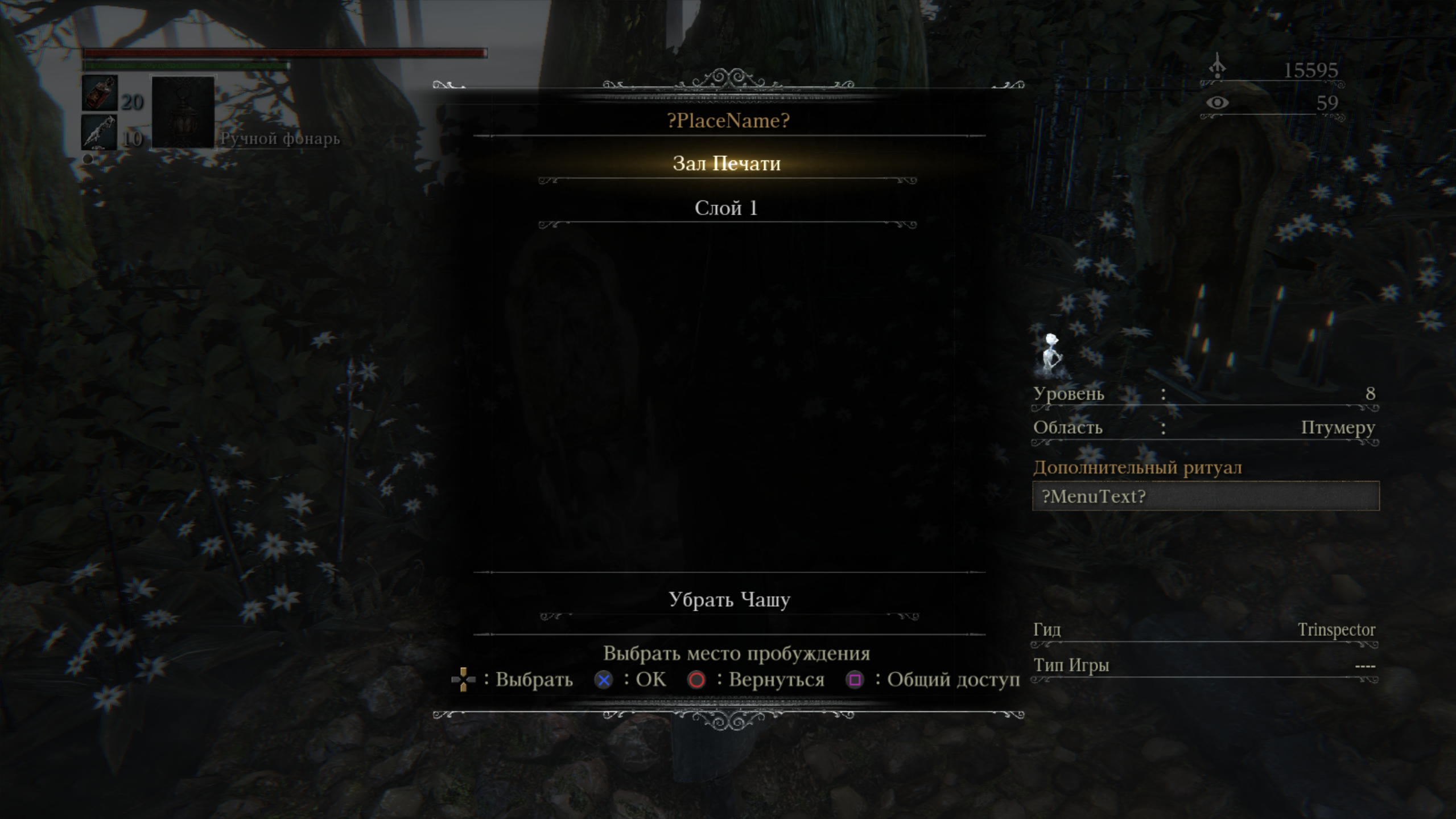
Is it worth the trouble?
If you have never played Bloodborne and want to experience this dark classic, it is important to keep the technical caveats in mind. Most likely, you will have to play at 1080p — image quality will be close to the console release, but at 60 FPS, which significantly improves the experience. Resolutions above 1080p (1440p and 4K) are strictly for those already familiar with the game and willing to tolerate potential quirks.
In my case, the game ran stably at 1080p, but crashes became noticeably more frequent at 1440p — I had to drop the resolution, run through the problematic area, and then exit the game to revert settings. For a first playthrough, such an experience would be far too awkward and frustrating.
With the mods listed in this guide, crashes become less frequent — where the game used to crash entirely, short freezes might now occur instead. However, “Iosefka’s Clinic” and certain sections in “Cathedral Ward” remain unplayable at resolutions above 1080p.
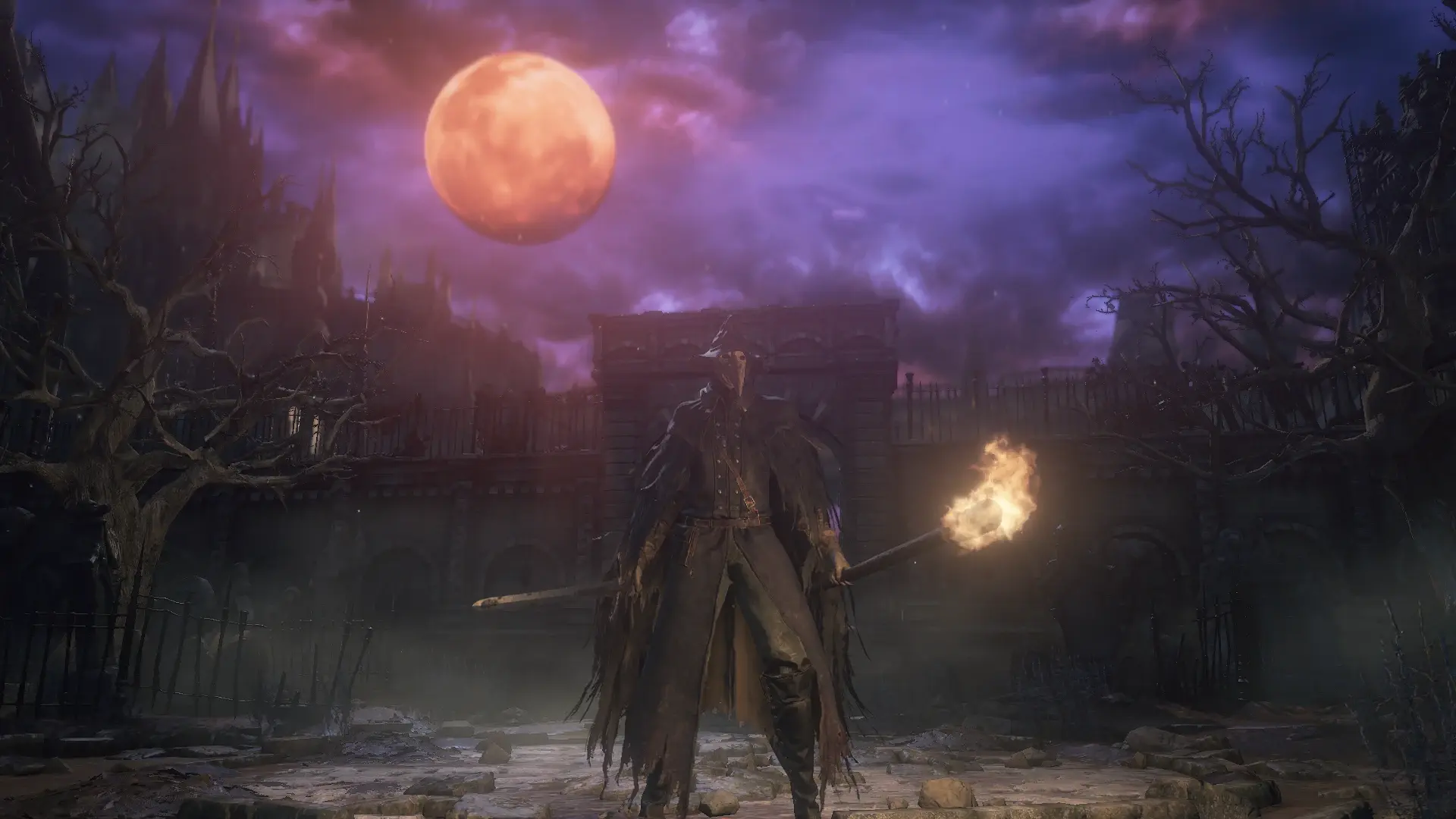
Currently, the PC Remaster Project is in development, bringing improved textures and lighting. In practice, however, using this mod — like others that enhance visuals — is primarily relevant for virtual photography enthusiasts. Even the project creator explicitly notes in the description that enhancements should be toggled off during normal gameplay to prevent extra glitches and crashes.
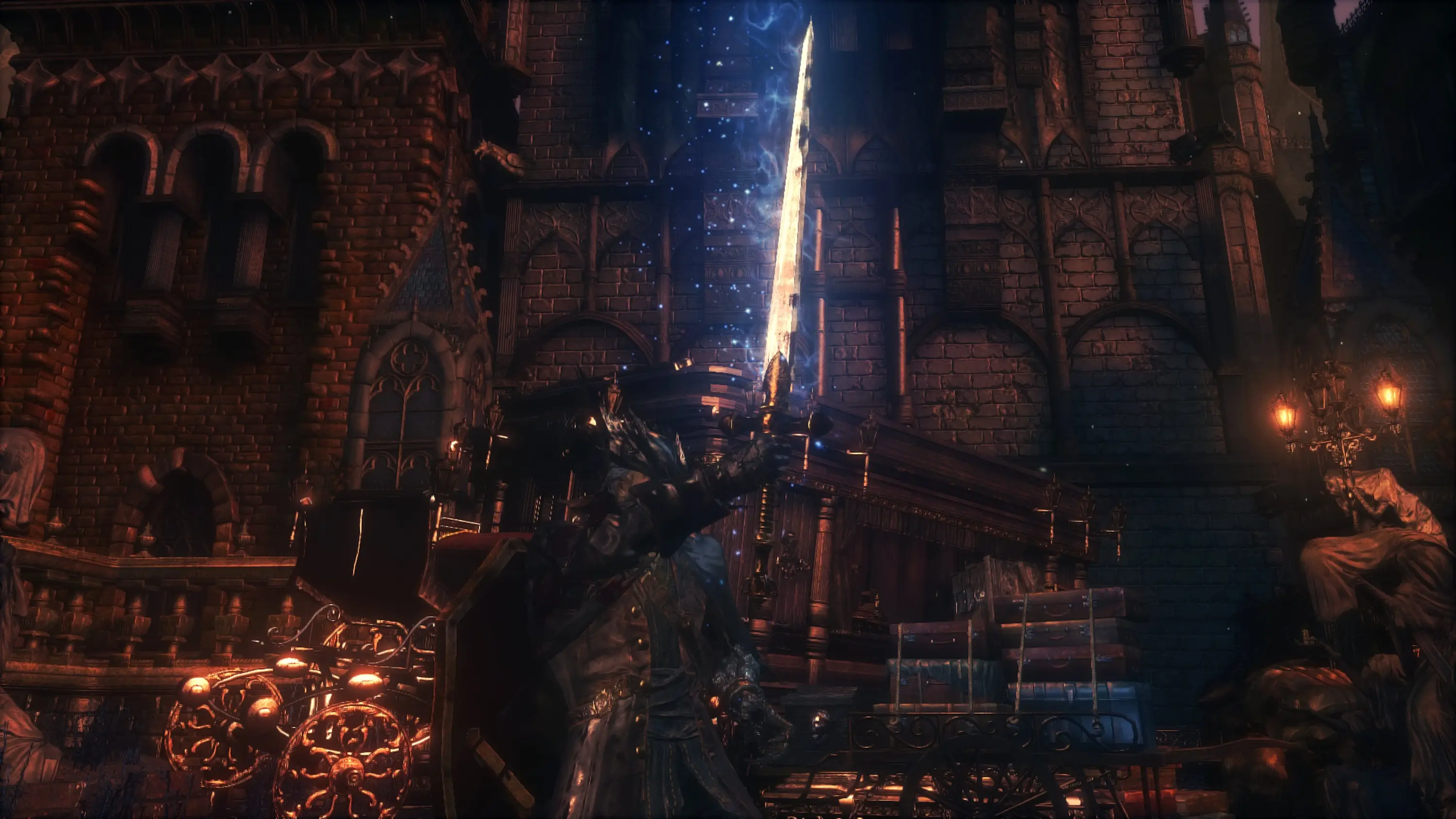
There is also Magnum Opus - Project Beast Update — a massive fan project that restores cut content, revamped models, textures, weapons, and other elements based on datamining. This mod is suited exclusively for veteran players who want a peek behind the development curtain and a look at unused assets, at the cost of additional in-game bugs and lower performance.
These projects remain quite unpolished, and it will likely take another year before anyone can enjoy Bloodborne on PC in high fidelity without headaches. In my own testing, crashes still occurred with them enabled (despite patches designed to prevent them), and audio would cut out.
Ultimately, if you stick to a vanilla install of Bloodborne 1.09 at 1080p with the 60 FPS patch, no extra tinkering is needed. Following the recommendations in this guide, you will be able to launch Bloodborne on PC through ShadPS4 and achieve stable gameplay. You might need to tweak settings and patches slightly for your specific setup, but overall the game runs, and you can truly complete it from start to finish without undue frustration — which is exactly what I did.
Happy hunting!
***
Rights to all images in this article belong to their respective authors and owners. IXBT Games uses them for informational and analytical purposes and makes no claim of ownership over them.
Never miss our newsAdd this site to your preferred sources to see us more oftenAdd on Google