Players Are Fixing the Game Themselves Again. High on Life 2 Developers Forgot About HDR
Translated with AI from the Russian original.
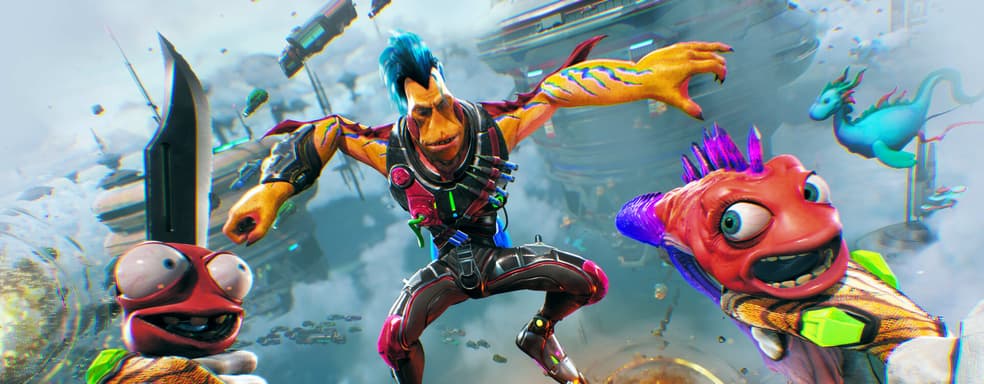
High on Life 2 shows the problems of the modern industry under a magnifying glass.
The game was released in a weak technical state. Not only console owners complain about the quality of the graphics, but also users with powerful RTX 5090-level video cards, previously reported about the problematic implementation of Unreal Engine 5.
A telling fact: High on Life 2 lacks HDR. There is not even a corresponding option in the menu, and the Unreal Engine 5 configuration does not add lines responsible for this mode.
A way to enable HDR manually has already appeared on the Steam forum. You need to create an "Engine.ini" file in the AppData\Local\HighOnLife2\Saved\Config\Windows path and paste the following lines:
[SystemSettings] r.AllowHDR=1 r.HDR.EnableHDROutput=1 r.HDR.Display.ColorGamut=2 r.HDR.Display.OutputDevice=5 r.HDR.UI.CompositeMode=1 r.HDR.UI.Level=1.5
[SystemSettings]
r.AllowHDR=1
r.HDR.EnableHDROutput=1
r.HDR.Display.ColorGamut=2
r.HDR.Display.OutputDevice=5
r.HDR.UI.CompositeMode=1
r.HDR.UI.Level=1.5
In recent years, a tendency has become increasingly noticeable: developers either completely ignore HDR, or implement it incorrectly.

Never miss our newsAdd this site to your preferred sources to see us more oftenAdd on Google