inZOI broke after update - developers fixed graphics, building, and other mechanics
Translated with AI from the Russian original.
Developers have begun to fix some errors that caused crashes, as well as other bugs.
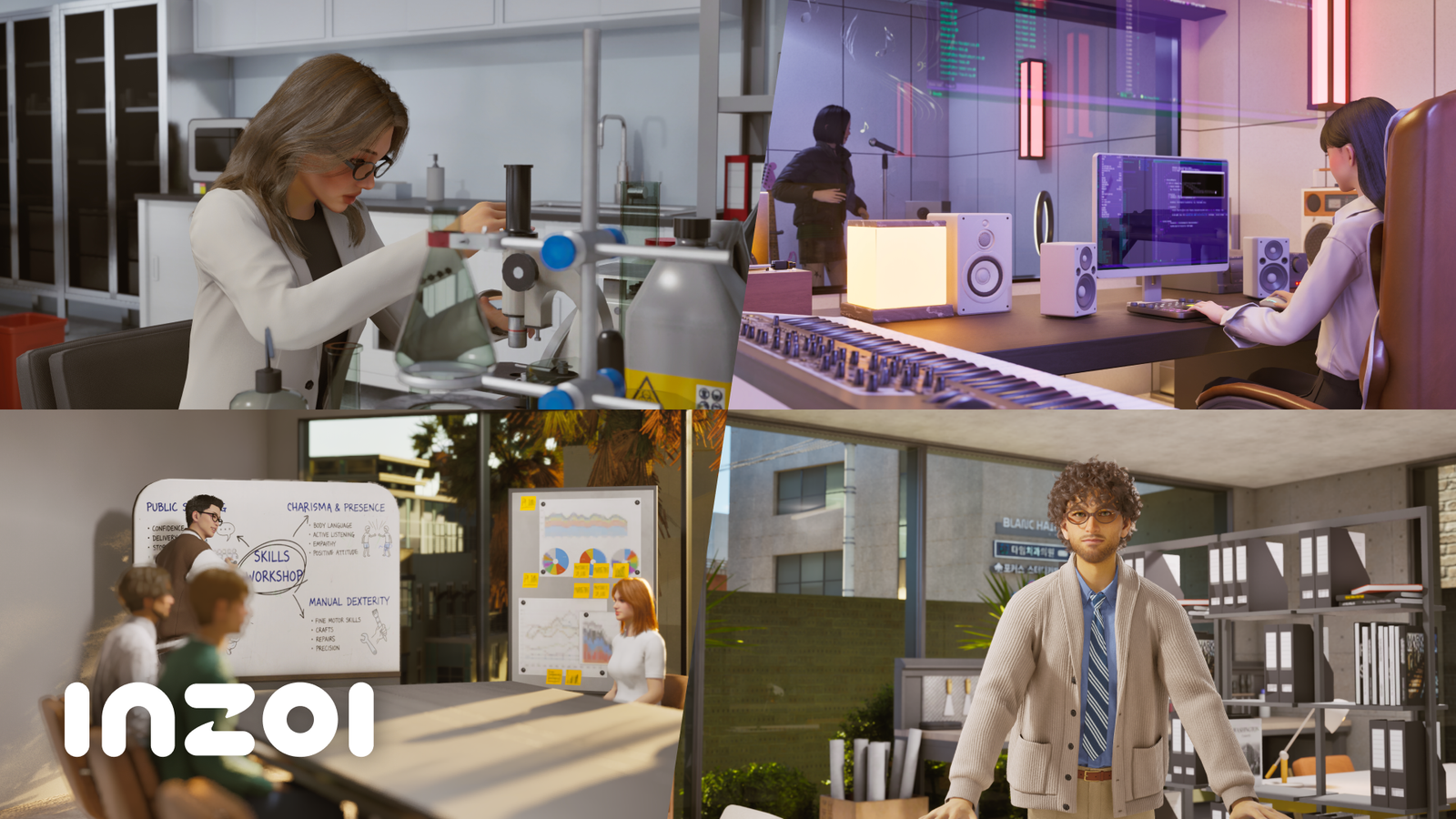
A major update was recently released for inZOI, adding new content and gameplay mechanics to the life simulator. The developers also updated the engine to Unreal Engine 5.6.
Soon after, inZOI Studio introduced technical patch v0.8.1, which aims to fix some of the issues that arose.
For example, a number of bugs in the building system have been fixed:
- Fixed an issue where the placement of objects inside a building would shift slightly when moving a property
- Fixed an issue where the wall/ceiling creation UI would not appear when selecting a floor with the room selection tool in the absence of walls or a ceiling
- Fixed an issue where object connections would periodically break when exiting build mode when the Zoi was far from the property
- Fixed an issue where undoing actions in build mode would periodically not revert to the previous state
- Fixed an issue where room management became unavailable after moving a room
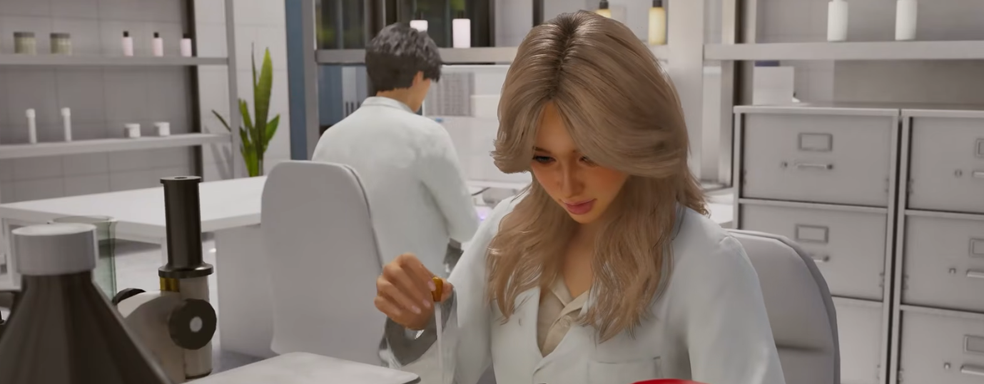
In addition, some critical errors that caused crashes have been fixed. Now the workplace will be correctly assigned when getting a job at Neo Chemi in Blissbay, employees will change into uniform again after coming to work:
- Fixed an issue where the character's outline was displayed when using a bed
- Fixed an issue where field employees in Blissbay would perform the autonomous action "Wash dishes" too often
- Fixed an issue where settings were not applied after restarting the game due to a change in the Lumen ray tracing method
- Fixed an issue where employees of some professions did not change into uniform after coming to work
- Fixed an issue where playback and speed control in the hair salon would periodically become unavailable after canceling a hair styling session
- Fixed an issue where the screen appeared dark when setting graphics settings to High or higher on Mac
- Fixed an issue where the maximum frame rate was locked at 30 when applying a preset on Mac devices
- Fixed an issue where Zoi did not transition to the "Casual" state after selecting the default appearance in the Face tab in CAZ and switching to another tab
Read more on the topic:
Never miss our newsAdd this site to your preferred sources to see us more oftenAdd on Google