Steam now has a playtime counter for non-Steam games - a beta client update has been released
Previously, gamers had to use modifications to track time in such games.
Steam users can add any games installed on their PC to their list. This can be done via the "Add a Game" -> "Add a Non-Steam Game" function. For example, you can connect not only regular games but also the Riot Games client (creators of Valorant and League of Legends) to launch it through the library.
In early May, players using the beta version of the Steam client noticed a counter that tracks playtime in such "non-Steam games."
On the page for a non-Steam game in the Steam library, there is a warning:
Some information about [Project_Name] is missing because it is a third-party modification or game. Steam will launch the game for you, and in most cases, the in-game overlay will be available.
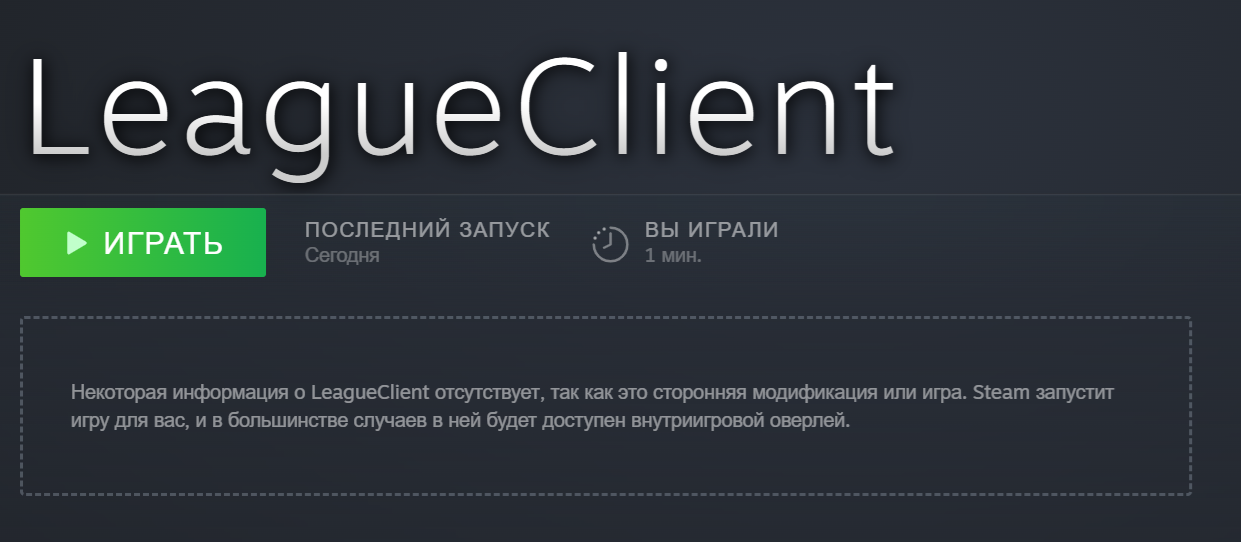
Previously, some players, like sqooody6, used a modified client version to track time in non-Steam games. Such people now have two counters:
Recently, Steam added a built-in playtime tracking feature for non-Steam games. I used to use the Steambrew plugin for this, but after this update, it started displaying data not only from the plugin but also from the new official tool. Of course, since the official tool just appeared, the playtime it showed was significantly less than the actual time. So I decided to figure out where exactly this information is stored locally, and I managed to find out how to fix it.
sqooody6 published instructions on the forum.
Read more on the topic:
Never miss our newsAdd this site to your preferred sources to see us more oftenAdd on Google